User notifications
Use Open Cloud to send experience notifications to users. Help players keep up with their favorite experiences through timely, personalized notifications.
Experience notifications are a way for opted-in users age 13+ to keep up with their favorite games through timely, personalized notifications. As the developer, you can determine what kinds of in-game activities are most important to notify your users about, as well as define the notification content.
Async Activity
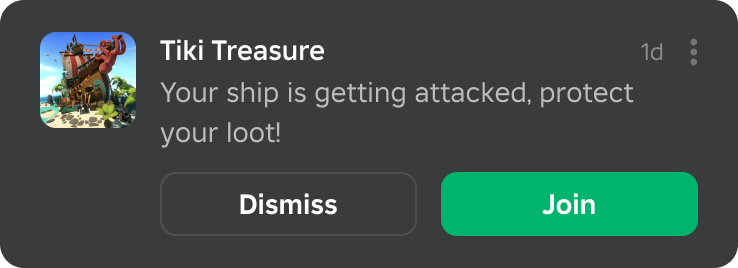
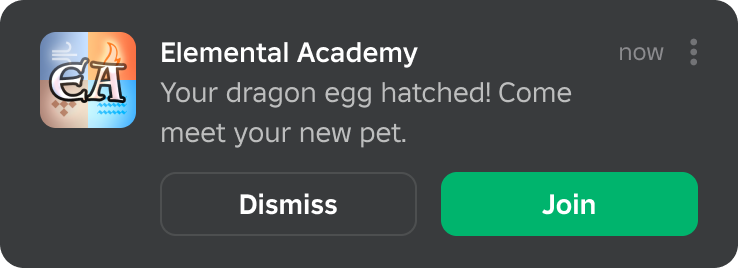
Progress / Achievement
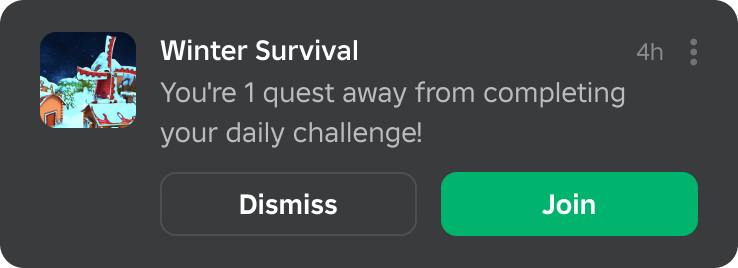
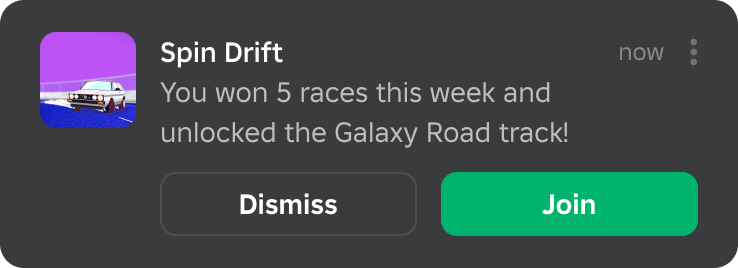
User Mentions
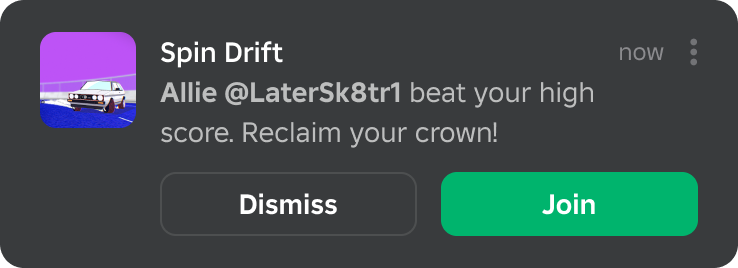
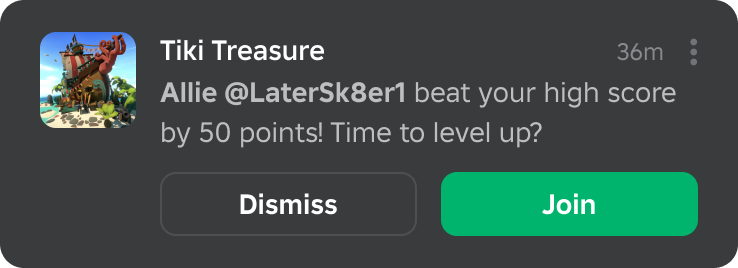
After they receive a notification, users can join the experience directly via the Join button and spawn according to your launch data.
For more information on features, eligibility requirements, usage guidelines, and the corresponding Engine API, see the Experiences guide.
Implementation#
The UserNotification resource lets you send experience notifications to users. Before using it, you must generate an API key or configure OAuth 2.0 for your app. The examples on this page use API keys.
To send an experience notification to a user:
- Create a notification string in the Creator Dashboard (this step must be done in the Creator Dashboard; there's no Open Cloud API for it).
- Form the request:
- Copy the API key to the
x-api-keyrequest header. - Copy the notification string asset ID as the value of the
payload.message_idproperty. - Set
payload.typeto"MOMENT". - Set
source.universeto be the universe resource URL"universes/${UniverseID}".
- Copy the API key to the
curl --location 'https://apis.roblox.com/cloud/v2/users/${UserId}/notifications' \
--header 'x-api-key: ${ApiKey}' \
--header 'Content-Type: application/json' \
--data '{
	"source": {
		"universe": "universes/${UniverseID}"
	},
	"payload": {
		"message_id": "${AssetID}",
		"type": "MOMENT"
	}
}'
Example response which returns the notification ID in the id field:
{
  "path": "users/505306092/notifications/6ca4d981-36fa-4255-82a1-14d95c116889",
  "id": "6ca4d981-36fa-4255-82a1-14d95c116889"
}
Customize notifications using parameters#
To customize the notification for each recipient, include parameters in the notification string. Then customize the parameters when calling the API. For example, you can define the notification string as:
{userId-friend} beat your high score by {points} points! Time to level up?
Add the userId-friend and points parameters in the script:
curl --location 'https://apis.roblox.com/cloud/v2/users/${UserId}/notifications' \
--header 'x-api-key: ${ApiKey}' \
--header 'Content-Type: application/json' \
--data '{
	"source": {
		"universe": "universes/${UniverseID}"
	},
	"payload": {
		"message_id": "${AssetID}",
		"type": "MOMENT",
		"parameters": {
			"userId-friend": {"int64_value": 3702832553},
			"points": {"string_value": "5"}
		}
	}
}'
Include launch and analytics data#
To further improve user experience, you can include launch data in the notification, useful for scenarios such as routing users to a coordinate location or personalizing the joining experience. Additionally, you can include analytics data to segment the performance of different categories of notifications.
curl --location 'https://apis.roblox.com/cloud/v2/users/${UserId}/notifications' \
--header 'x-api-key: ${ApiKey}' \
--header 'Content-Type: application/json' \
--data '{
	"source": {
		"universe": "universes/${UniverseID}"
	},
	"payload": {
		"message_id": "${AssetID}",
		"type": "MOMENT"
	},
	"join_experience": {
		"launch_data": "Test_Launch_Data"
	},
	"analytics_data": {
		"category": "Test_Analytics_Category"
	}
}'
Rate limits and delivery#
Each user can receive one notification per day from a given experience, and you receive transparent feedback when a user's throttle limit is reached.
There are many other reasons that a notification might not be delivered. For more information, see Delivery system in the Engine guide.