Going for a race
Learn how to race your spaceship in the Roblox Build It Play It and customize your published game so that your friends can play with you.
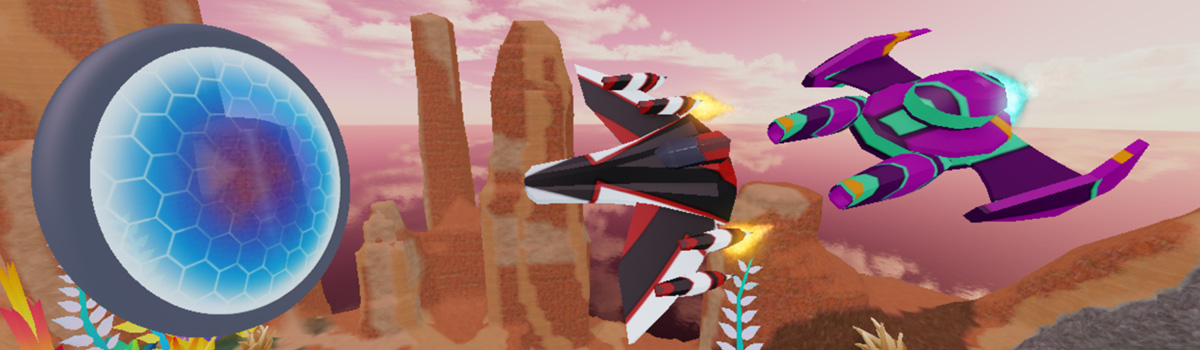
With your driftspeeder fully customized, it's time to test it out in an actual race!
Click Play.
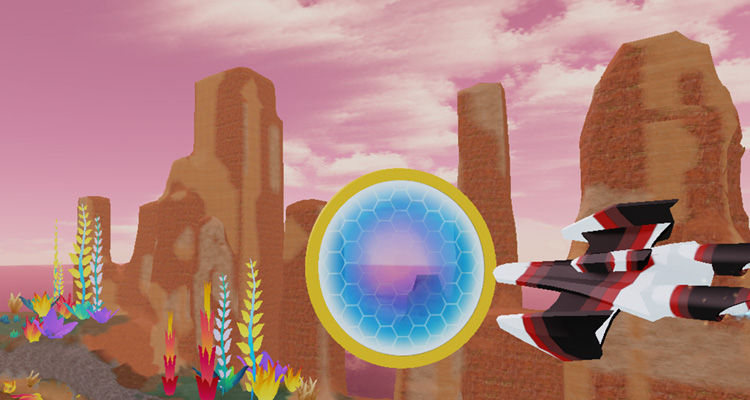
Walk up to the robot, start a new race, and pick your driftspeeder. See if you can go through each ring.
Invite friends to play#
When you first publish a game, it's automatically set to private. Set it to public so others can get a chance to race in your speeder.
Publish your game so your friends will get your latest changes.
Open File ⟩ Experience Settings.
On the left bar, select Permissions, then choose Public.
Click the Save button.