Open the template
Part of the Roblox Build It, Play It Challenge - Island of Move. Open the template for the movement simulator.
In your movement simulator, players will move around a track to earn stars. After players earn three stars, they'll level up and be able to move faster. The more you move, the faster you'll go.
Template overview#
A template has been created that includes all the parts to make a simulator-style game. This includes code and a starter world that you can customize later.
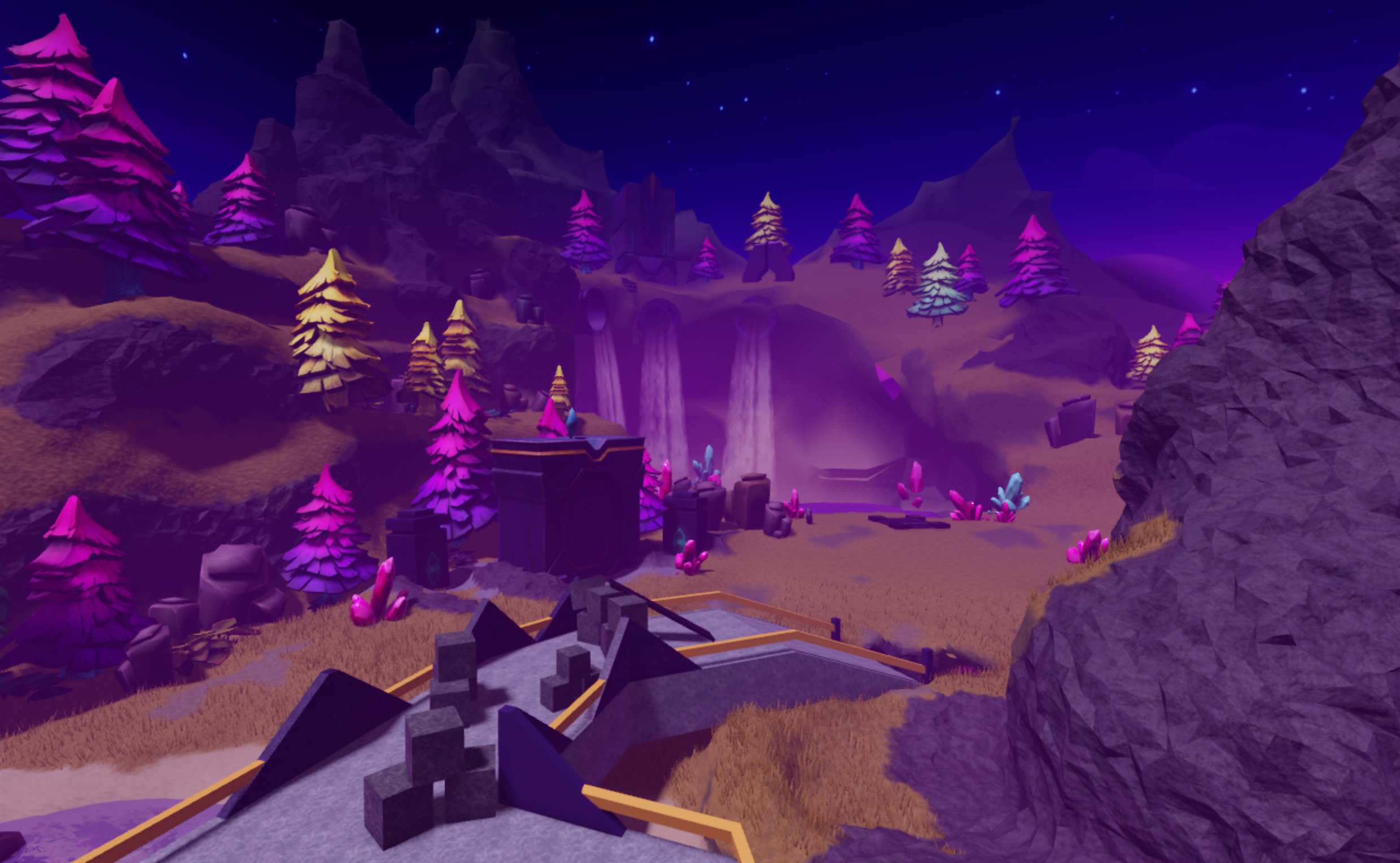
Open the template#
Time to open Roblox Studio! If you need to, download Studio, then click the following button to open the Move It Simulator template.
Close extra windows#
The first time you launch Roblox Studio, extra windows might open up that aren't needed right now. Closing these windows will give you more space to work. You can always open them up again later.
Close each window on the left of the 3D view by clicking the × in the window's upper-right corner. If you don't see anything to close on the left, go to the next step.
Leave the Explorer and Properties windows open on the right side of Studio. If you have done each step correctly, Studio looks like the following image.
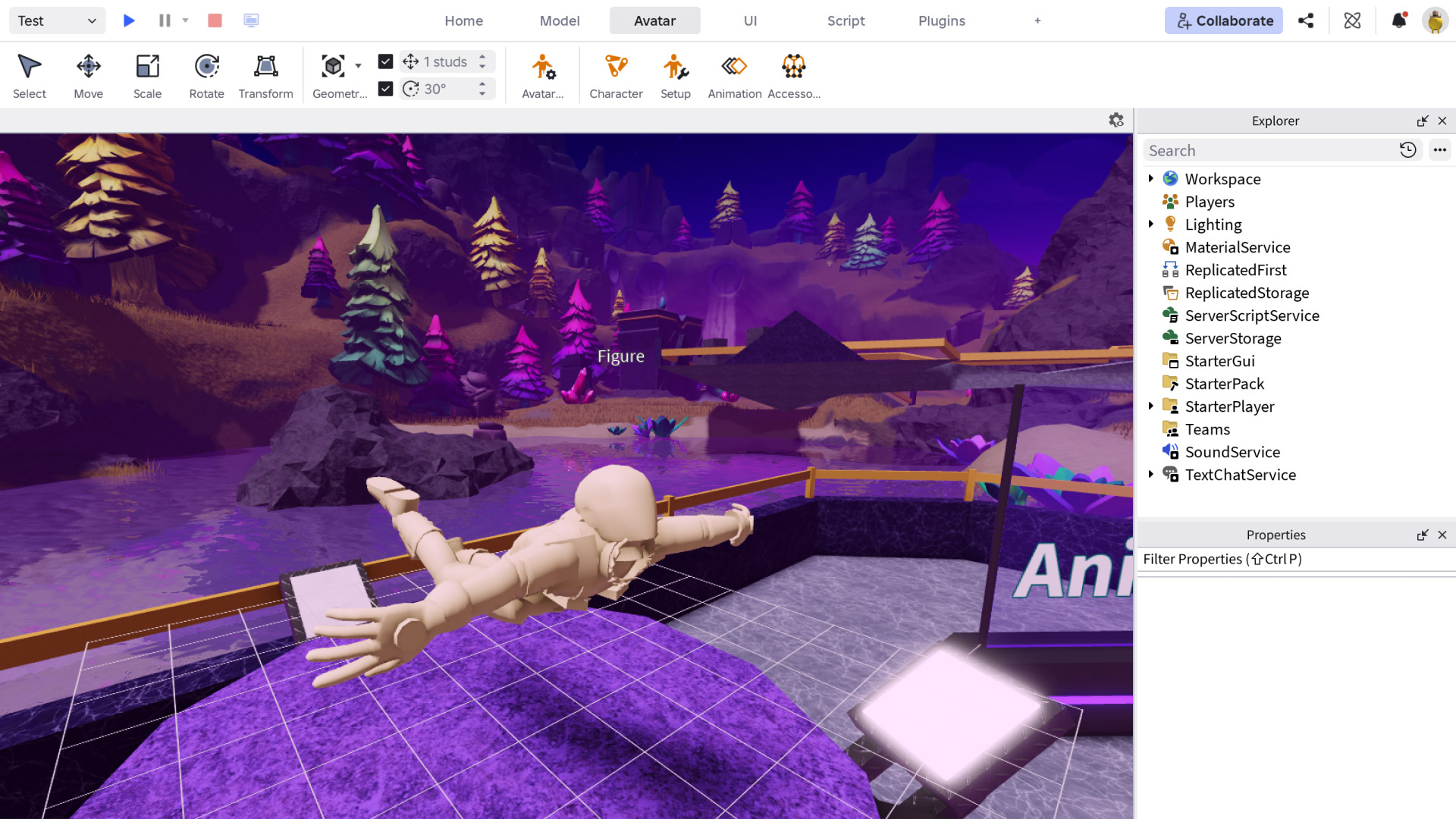
If you don't see the windows on the right, navigate to the Window menu and toggle on Explorer and Properties.