Make an explosion
Learn how to make and explosion effect from scratch with a custom texture using particle emitters in Roblox Studio as part of the Build It Play It Mansion of Wonder.
Now for the explosions! The same skills you learned in making the magic blast also apply to making an explosion, such as changing the color and size.
Change the look#
Start by changing basic properties of the explosion, such as the color and texture.
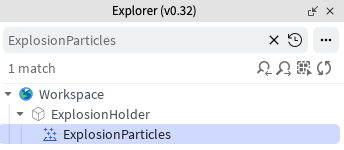
In the Explorer window's search bar, clear the previous search, then type ExplosionParticles and click the found object.
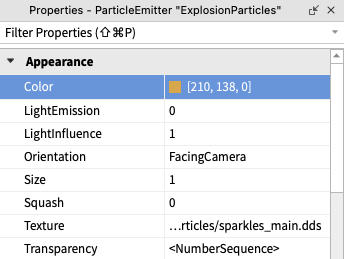
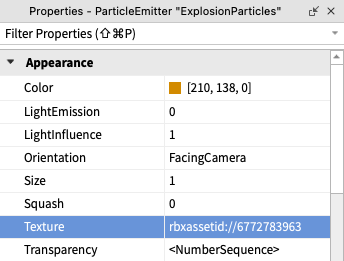
In the Properties window, change the color of the explosion. Think of a color that will go well with the blast, such as a similar or contrasting color.
Keep in mind, you can only see what your explosion looks like by testing your game.
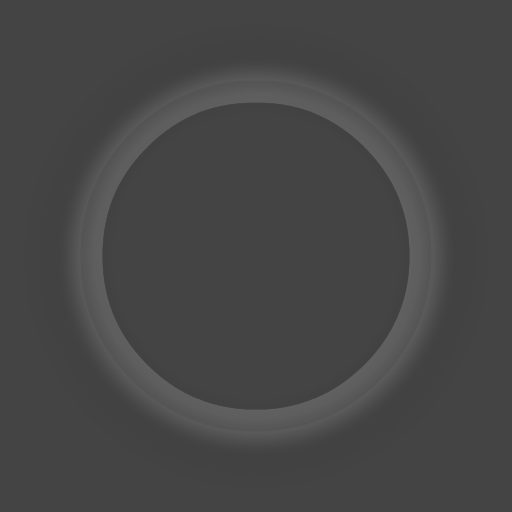
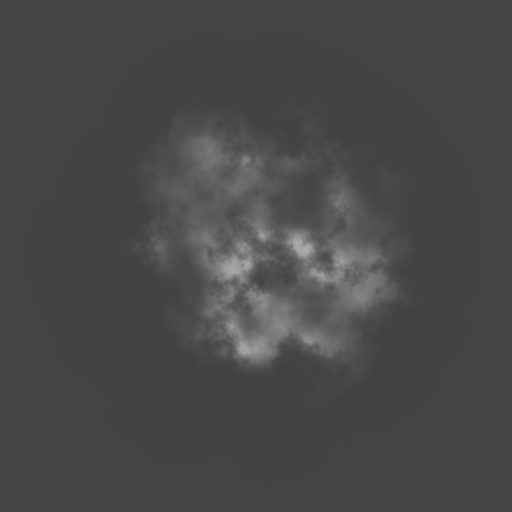
- Find a texture for your explosion from the options below and then copy the number below it. The explosion texture can be the same or different than the magic blast.




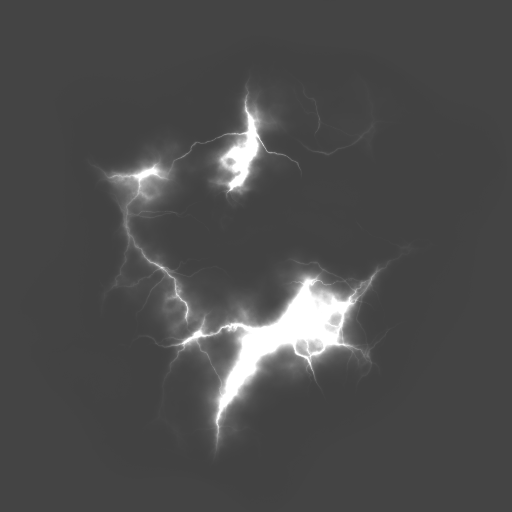

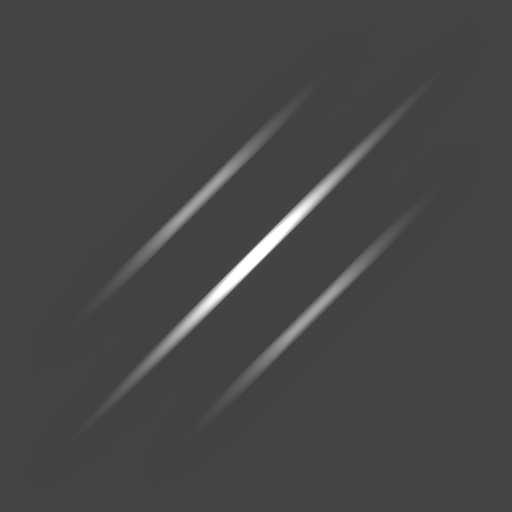
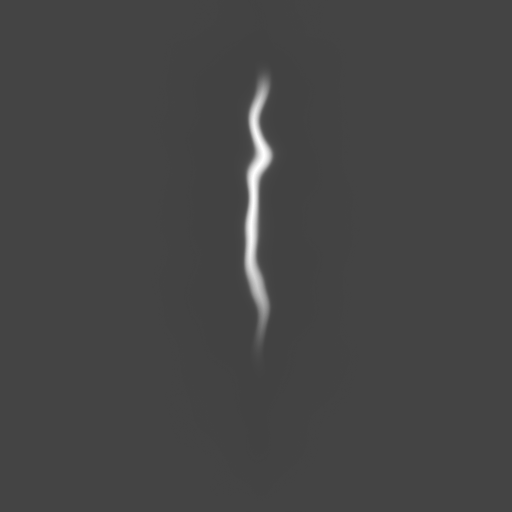

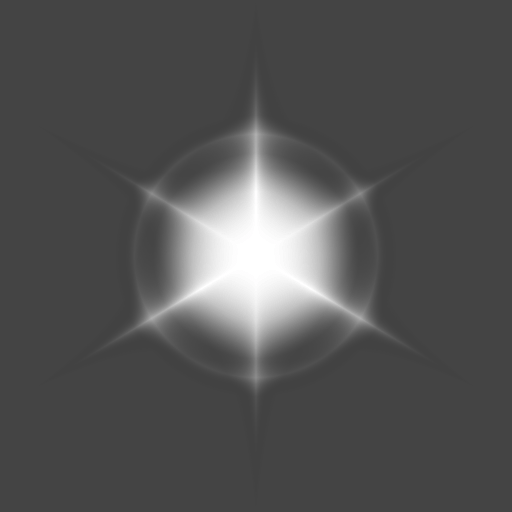
Find the Texture property, then paste the copied number ID in the previous step. The example in the following picture uses the star texture.
To see the new colored texture, press Play. Then, walk up to the Play It section and start a new game.
Right now, the explosions might look a bit small, or you may want to make some other tweaks to them. Keep going to fine-tune the look of explosions.