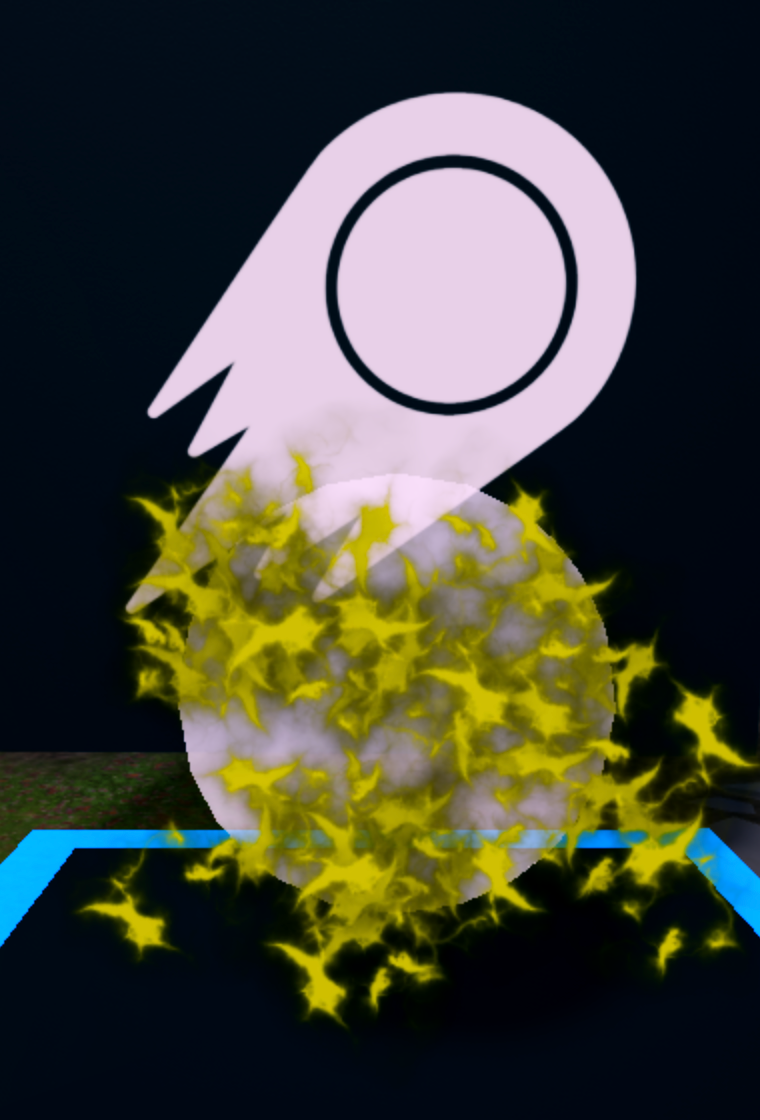
Use textures
Learn how to customize and change the texture of particle emitters in Roblox Studio as part of the Build It Play It Mansion of Wonder.
Every particle created by a particle emitter, such as white sparks or fire, is actually a picture. In Roblox Studio, these pictures are called textures, which can be any 2D visual, like a symbol or even something you've drawn.
For example, notice in the video below how a single texture is changed and repeated to create an effect.
Change the blast texture#
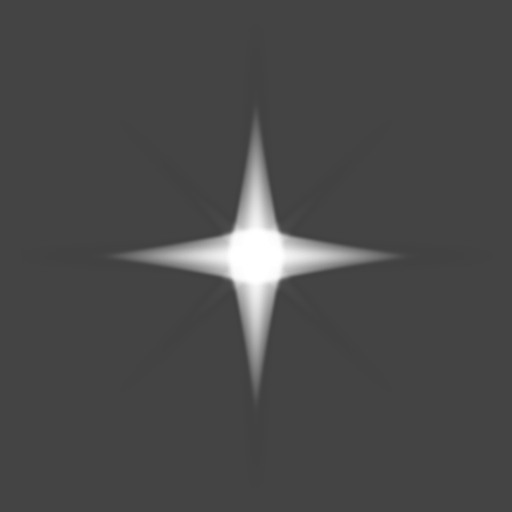
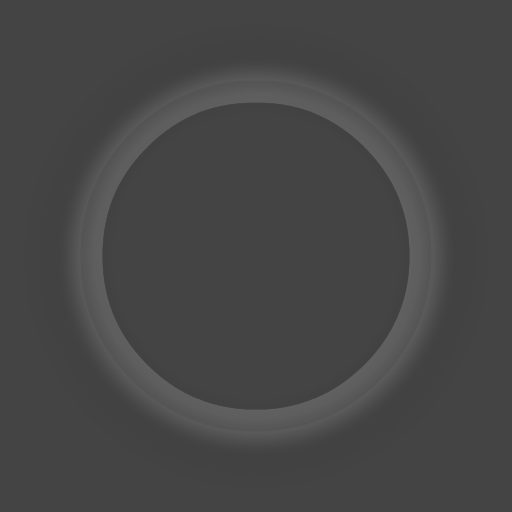
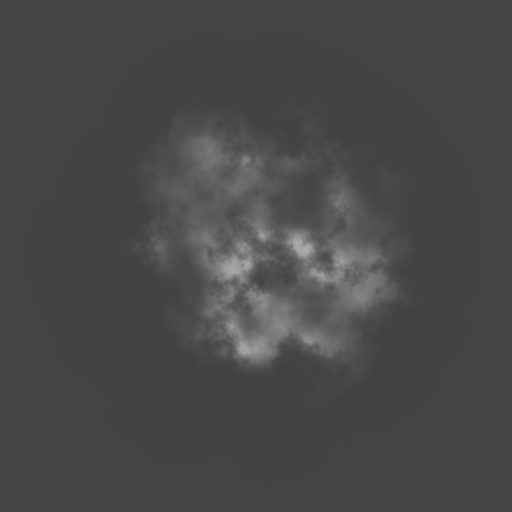
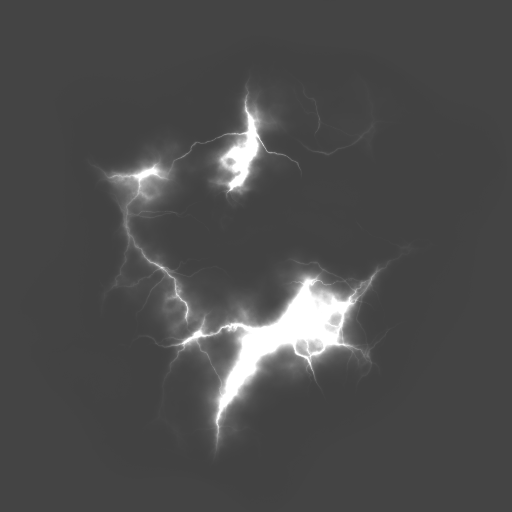
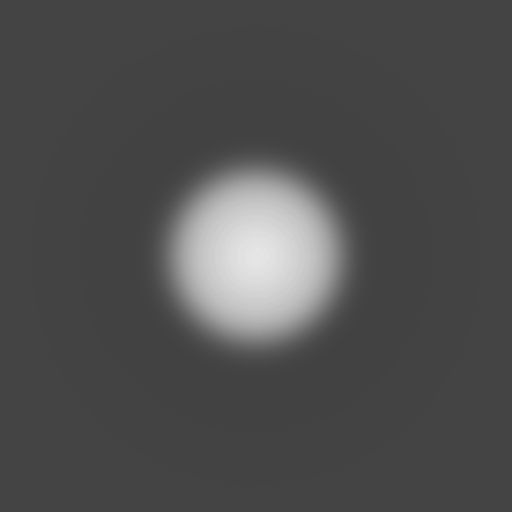
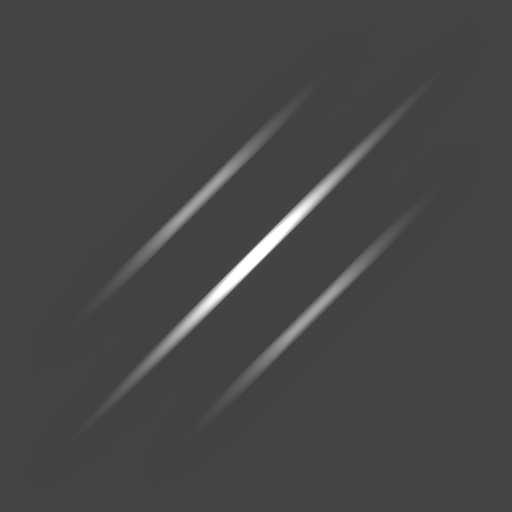
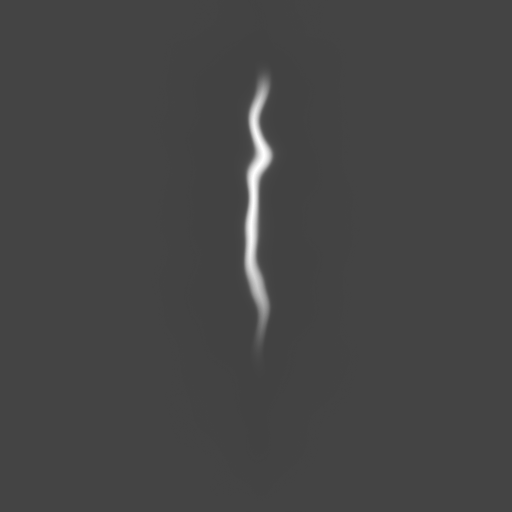
- A starter pack of textures has been provided. Pick one you want to use for your blast and copy the number beneath its image below.
These textures are used for both your blast and explosion. Before moving on, take a moment to think of you want different textures or the same.




Make sure the emitter is selected, then in the Properties window, find the Texture property.
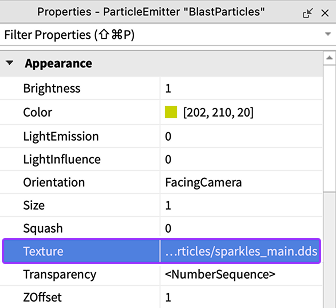
If you can't see the properties shown in the picture above, you may need to reselect the emitter. To do so, in the Explorer search bar, type BlastParticles and then select the BlastParticles emitter.
Click in the Texture row to highlight the text. Press CtrlV (⌘V) to paste in the previously copied ID and then press Enter. Your particle emitter now emits particles that look like your texture.
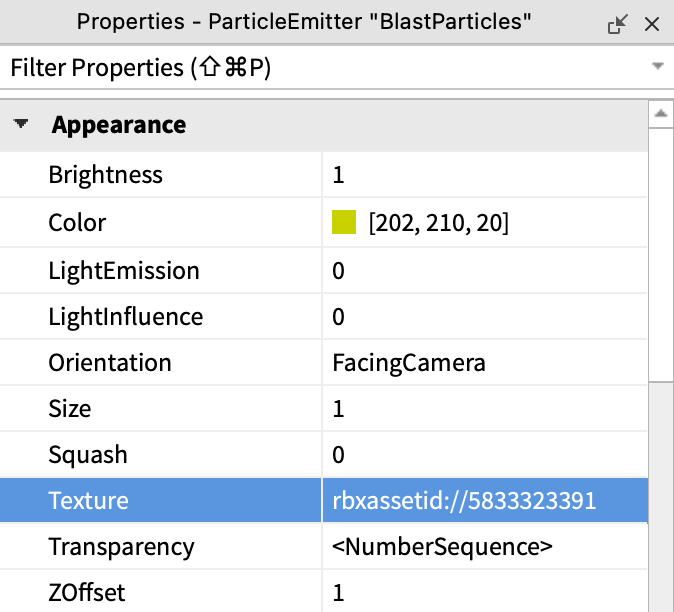
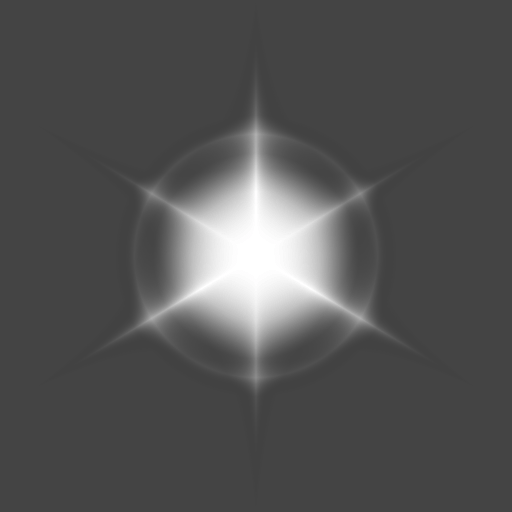
For example, if you use the
5833323391texture, your particles will look like the example below.