Roblox Studio basics
Part of the Roblox Developer education series. Teach students to use Roblox to build an obstacle course game.
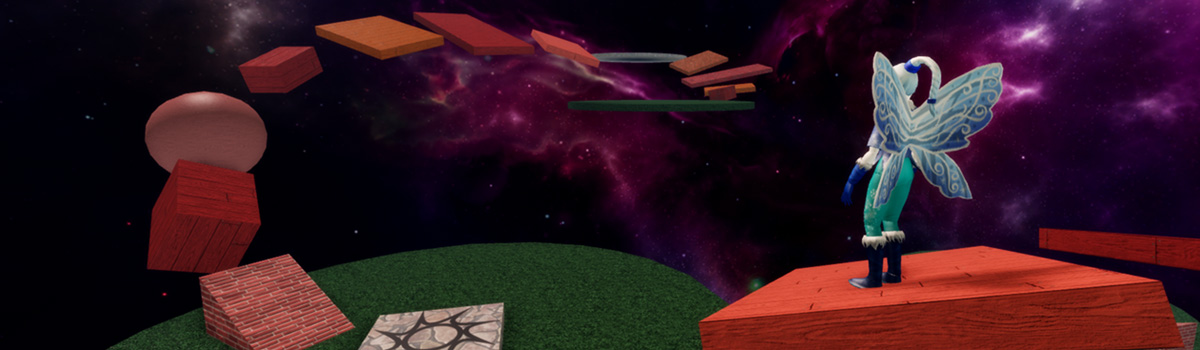
Lesson description: Introduce students to the course and projects they'll be working on. Then, develop foundational skills such as manipulating parts and creating scripts by creating a simple obstacle course. Once these skills are mastered, students can go on to code an adventure game in later sessions.
| Lesson objectives |
|
| Skills and concepts |
|
| Prep |
|
| Materials |
|
Overview#
| Duration | Activity | Description |
|---|---|---|
| 5 min | Introduction | Introduce the project and lesson structure. |
| 5 min | Guided Tutorial: Roblox Studio Basics | Teach the basics of using Roblox Studio while building a simple obstacle course. |
| 15 min | Guided Tutorial: Guided Tutorial | Introduce coding by creating a script that displays text. |
| 5 min | Wrap-up | Reflect on project and recap concepts learned. |
Lesson plan#
Introduction#
Grab student attention by playing an example of the finished adventure game. This is an example of the type of project they'll have by the end of the course.
- Explain the game: Players explore a world to collect items and upgrade their backpack.
- Call out that students will create and customize the game to their own vision (e.g. collecting cupcakes in a fantasy world or harvesting iron on the moon).
Outline the sessions in the course
- First two sessions focus on developing skills in game design and coding by making practice projects. This will include building an obstacle course.
- Will spend rest of sessions developing an adventure game
Point out for this session or day, students will be learning the basics of Roblox Studio by building an obstacle course.
- Note the obstacle course is practice, but the can include parts of it in their adventure game if desired.
Guided tutorial - Roblox Studio basics#
Lead students through the following tutorial: Introduction to Roblox Studio.
As you teach, keep in mind the following:
- Remind students to rotate their camera view to get an accurate view of their project.
- Encourage students to use the Explorer, a foundational skill in Roblox Studio.
Guided tutorial - Create scripts#
- Lead students through the Create a script tutorial.
Wrap up#
- Recap what students have created and vocabulary learned: variable and string.
Appendix#
Troubleshooting tips#
General troubleshooting
- If parts fall or disappear when playtesting, remind students to turn Anchoring on for that part.
- The most common errors for students at this age are improper capitalization and typos. Encourage students to independently check their work, rather than rely on teachers.
Classroom management#
- Introduce students to "Ask 3 Before Me": a student needs to ask three peers before asking the instructor for help.
- Keep in mind students have different prior experience with computers. Emphasize exact steps when teaching, such as when to double-click or right-click.
- Keep your lessons on time by setting strict limits for accomplishing tasks, such as allowing only a minute to add a single part or to pick a color. To build troubleshooting skills, ask students leading questions rather than solving the issue for them as much as possible. For example: What symbols need to be around a string? - A quotation marks.