Template files
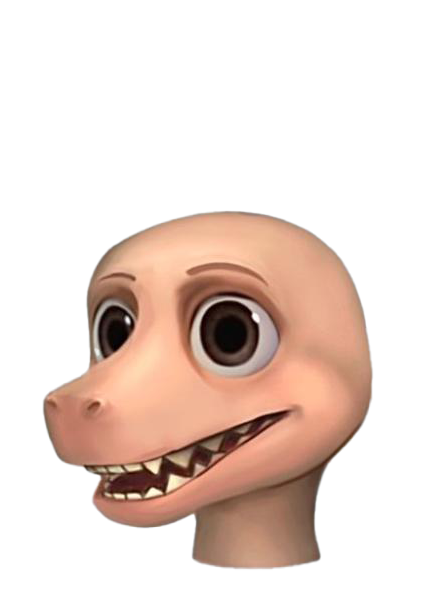
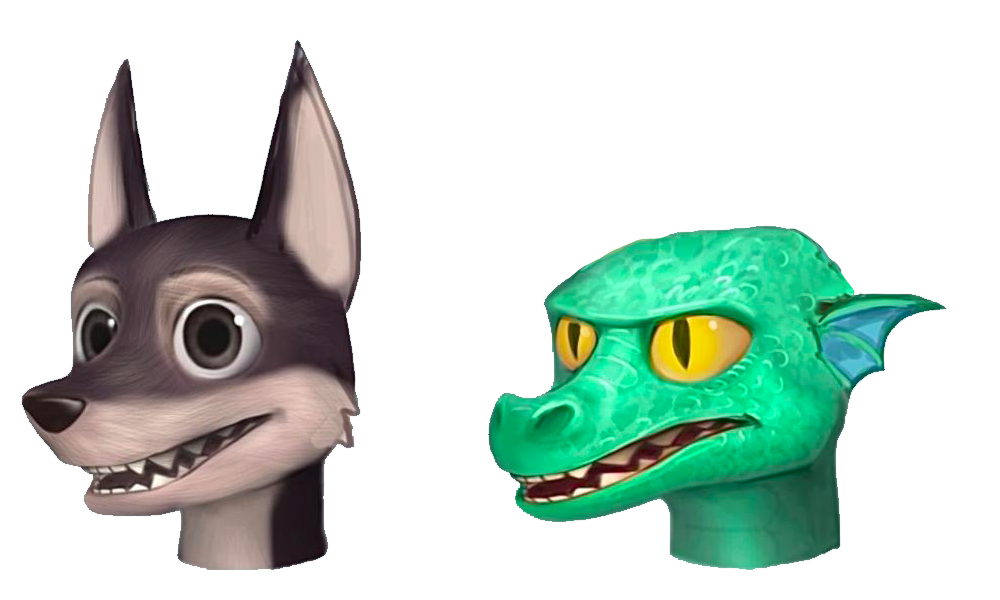
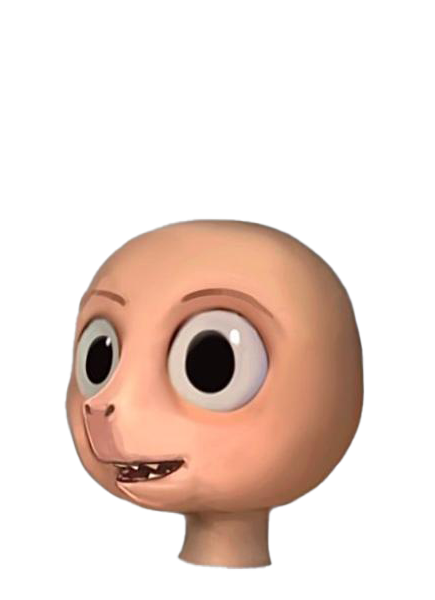
Roblox provides template models to create your own unique avatar character in Blender.
Each template comes pre-baked with the necessary components of an avatar character body to save you time and effort in creating a custom avatar character. When creating character bodies from scratch, these individual components typically take a lot of time and a deep technical background in your modeling application. Templates allow you to skip several steps and work from a variety of base character body shapes.
| Template prototype | Sample customizations | |
|---|---|---|
 |
 |
|
 |
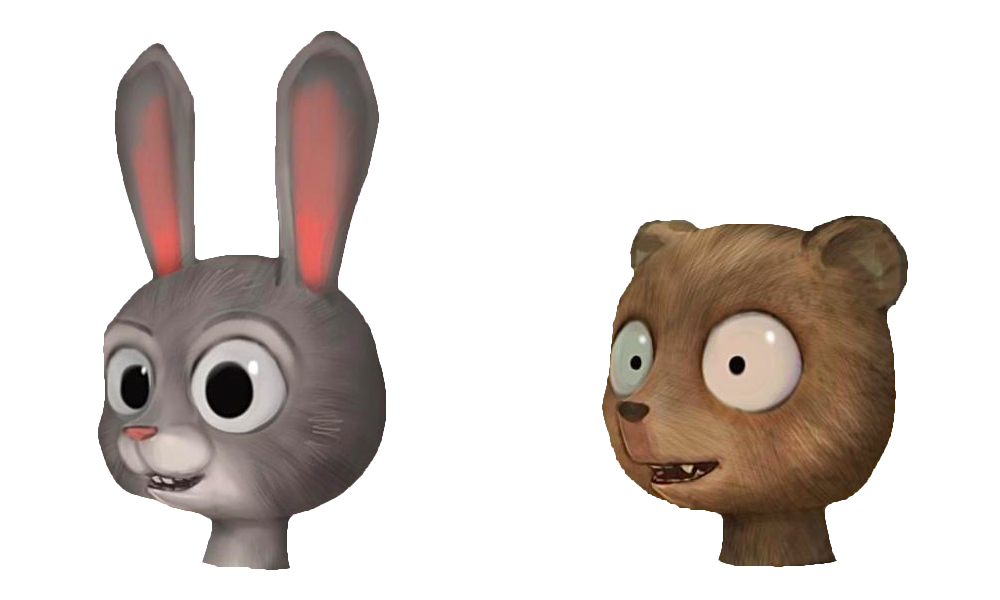 |
You can choose from a variety of character body templates that best match your final design and save time on creating the technical components. The examples in the template tutorials utilize the Round Blender template. Experiment with other templates to create your own unique character and final result.
Each .zip contains a .blend, .fbx, and PBR texture .png files for that template model. If using Blender or following the template creation guides, use the .blend project.
Some of the template files include additional mesh assets for eyebrows and eyelashes. These eyebrows and eyelashes versions may not be fully compatible with the template body. For the latest information on eyebrows and eyelashes, see Layered accessory specifications - Face accessories.
Head Shapes
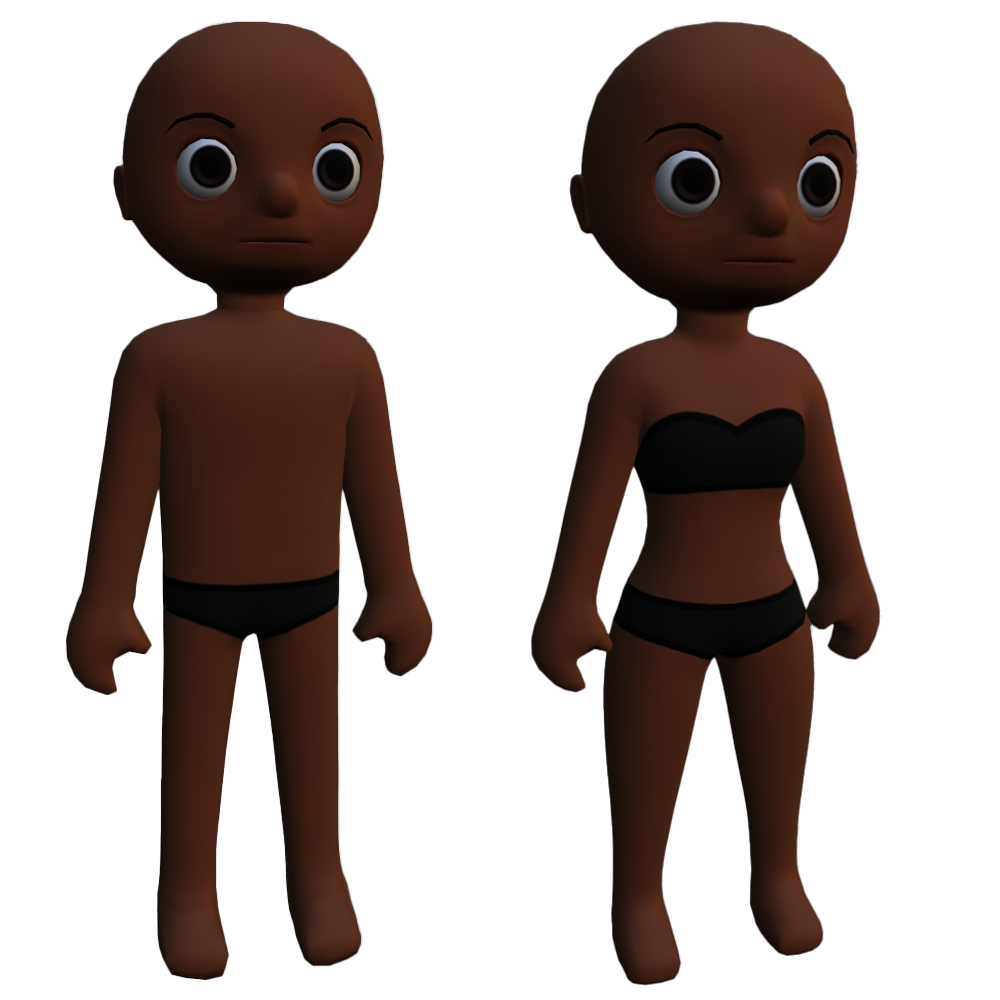
Female: RoundFemale.zip
Male: RoundMale.zip
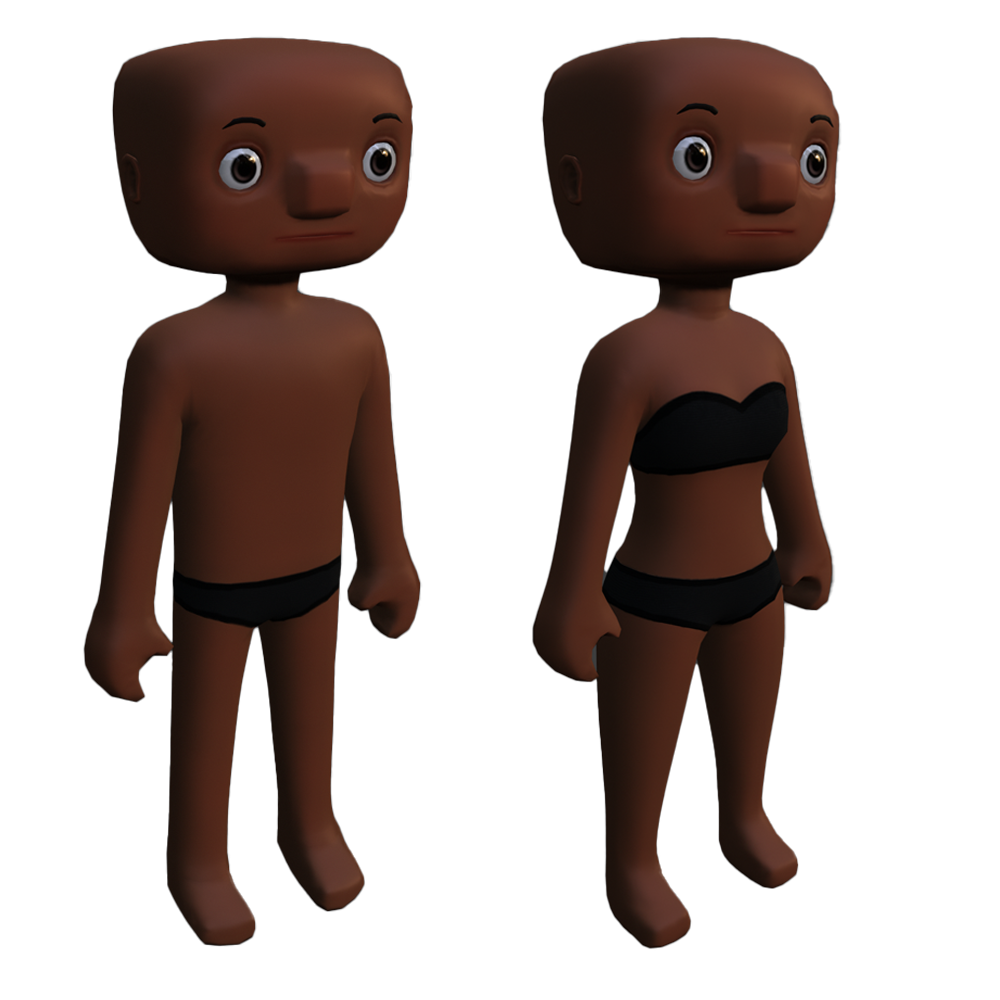
Female: SquareFemale.zip
Male: SquareMale.zip
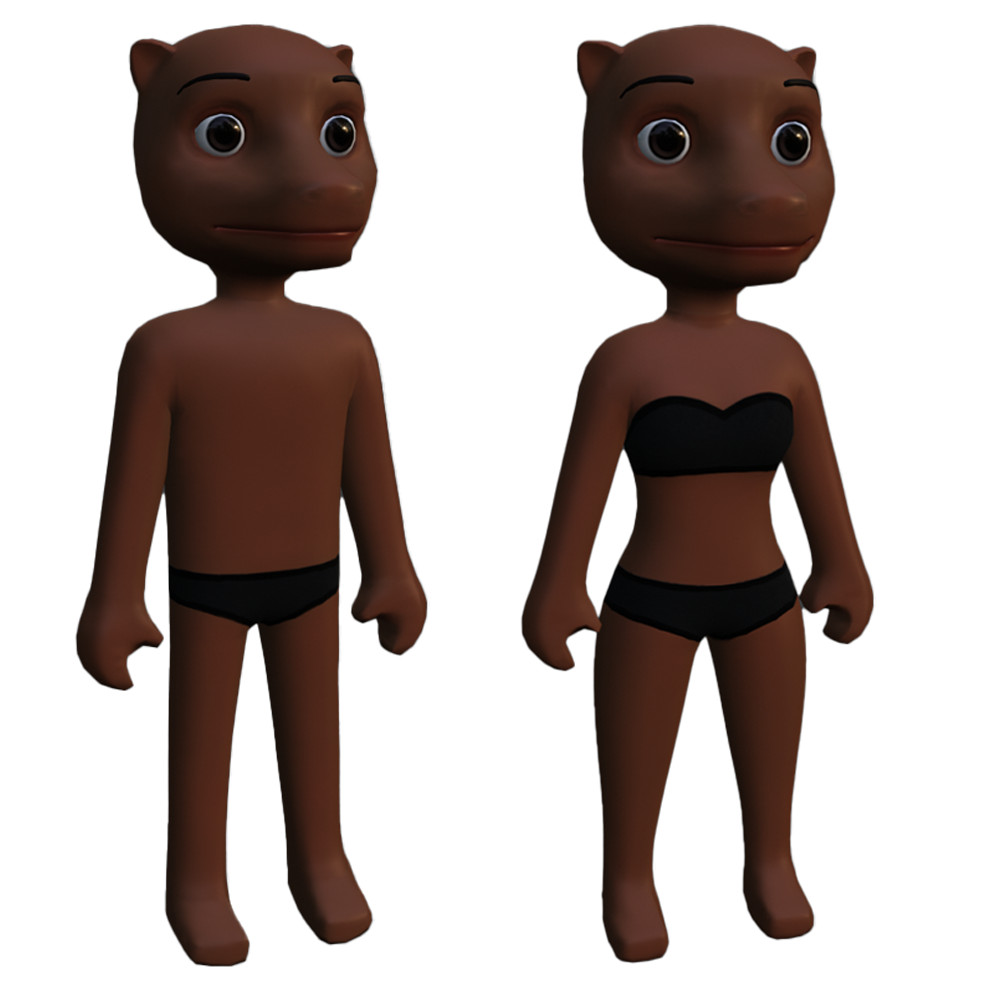
Female: MuzzleFemale.zip
Male: MuzzleMale.zip
Realistic
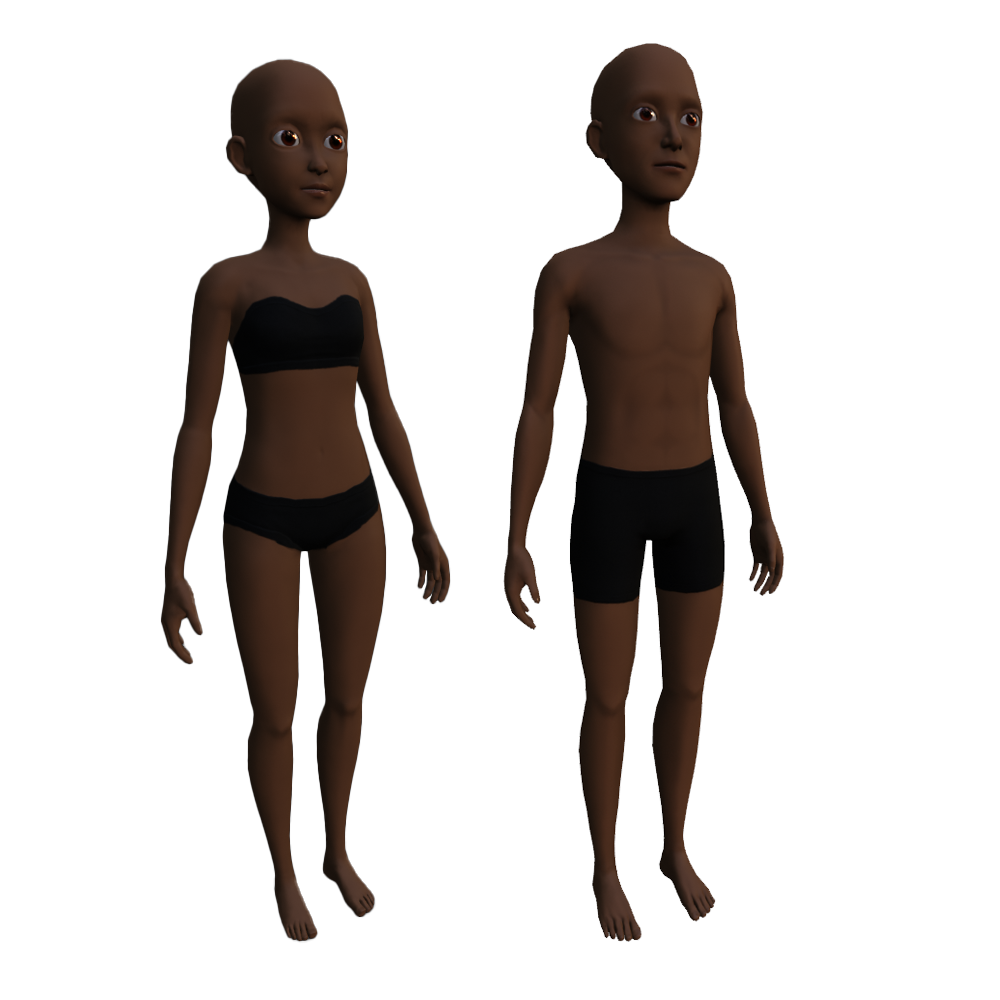
Male: SemiRealisticMale.zip
Anime
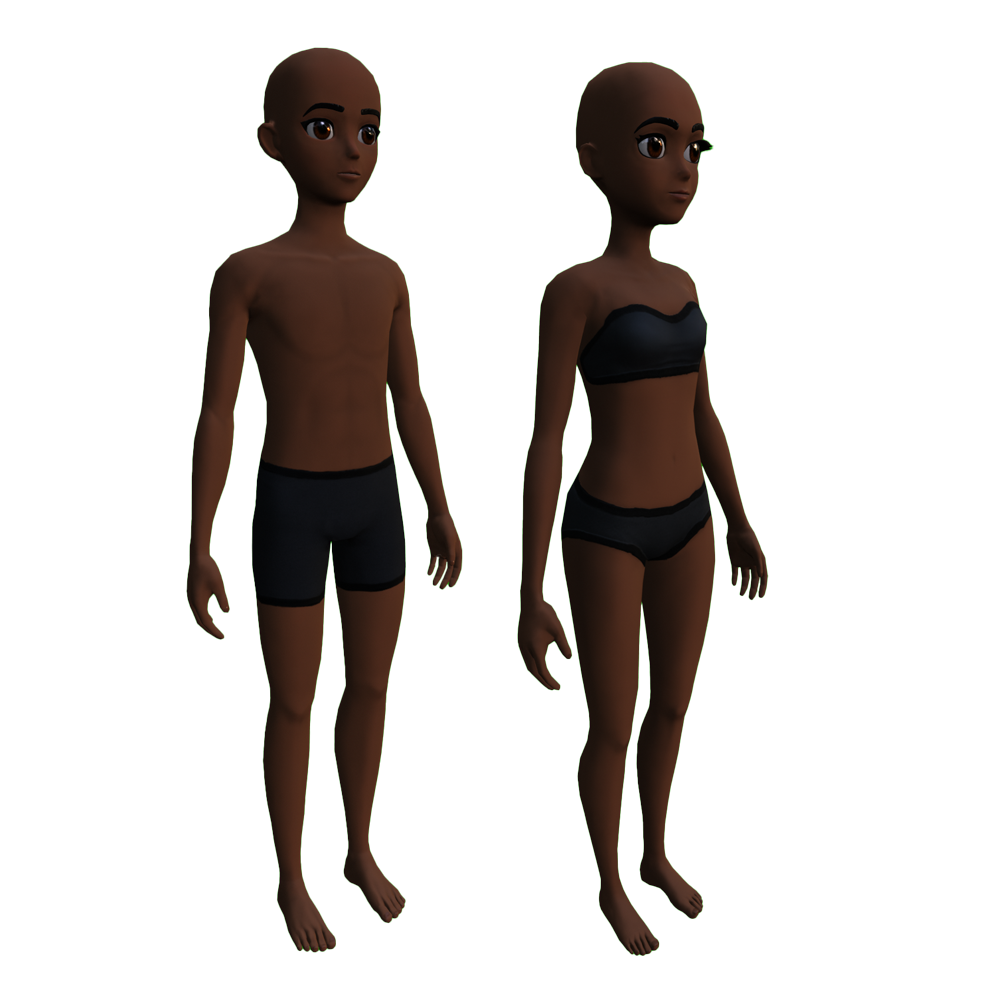
Male: AnimeMale.zip
Stylized
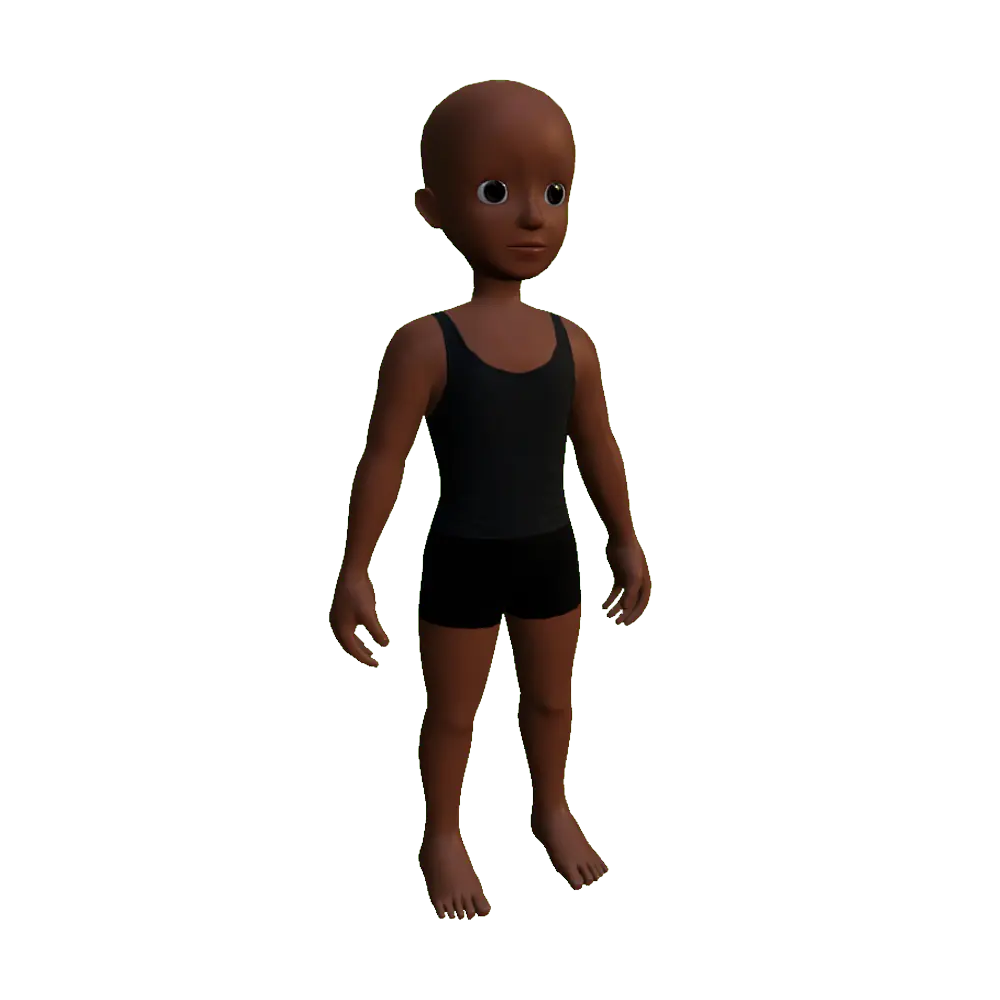
Caricature
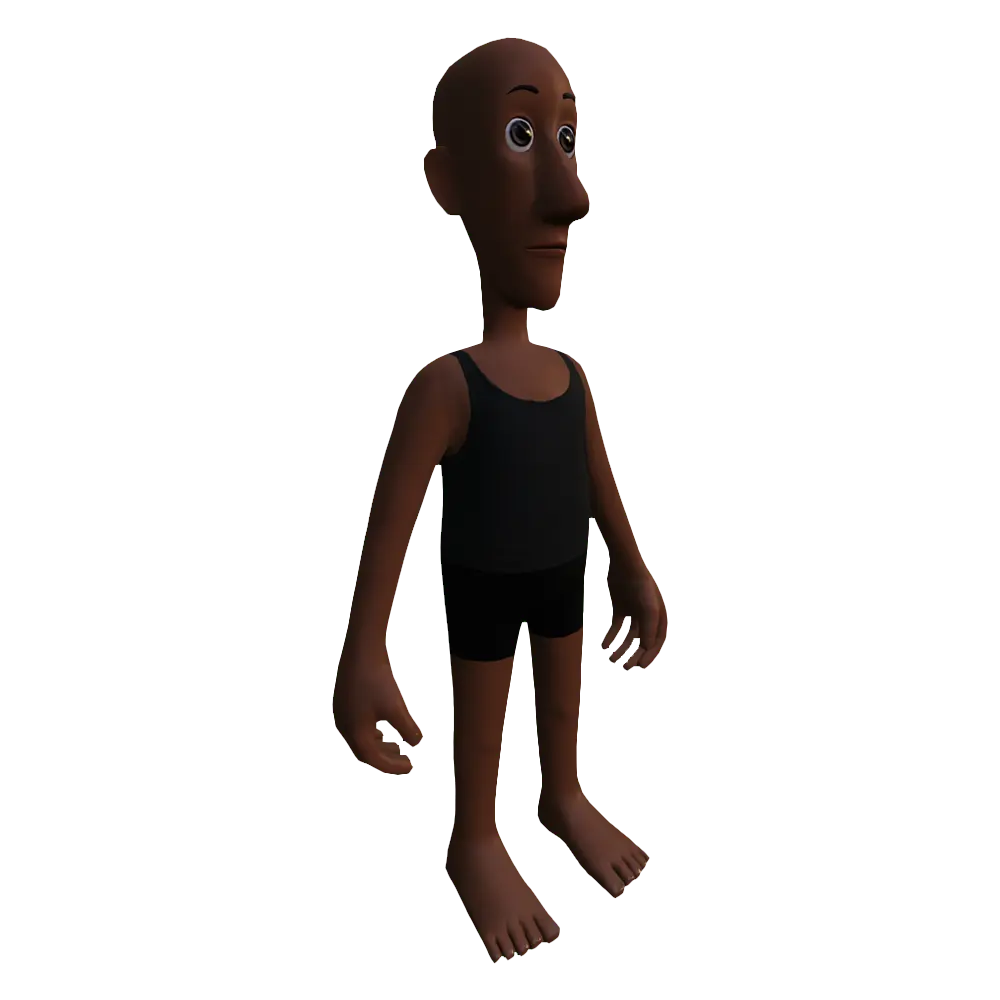
After downloading your template file, review the unique head object structure and additional Blender settings that require adjustment before exporting. It's crucial to understand these concepts prior to committing to any alterations as these can conflict with Roblox's avatar requirements if not addressed.