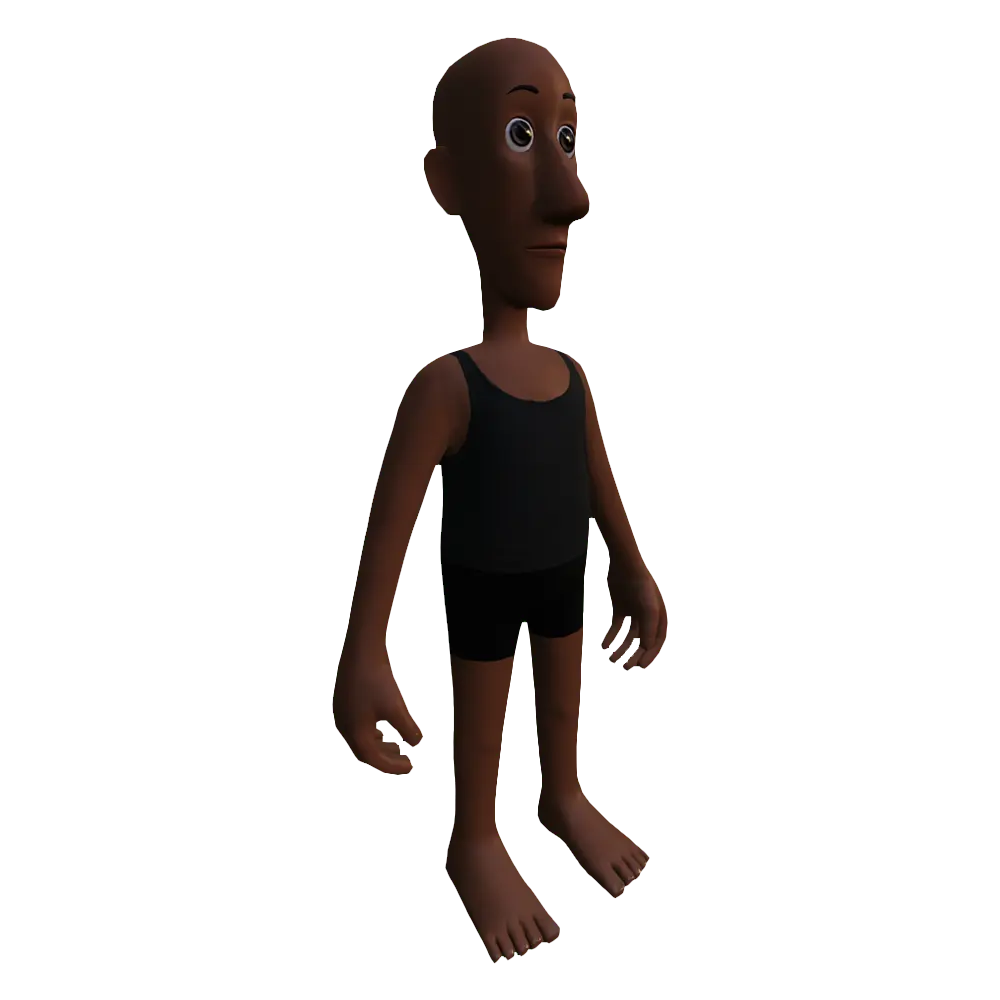
Character body reference files
Download various project files and reference files for character bodies.
The following project files and templates are specifically helpful when creating a character body for an avatar. For a comprehensive list of Roblox's official downloadable content for avatars, such as rigid and layered accessory templates, see Resources.
Project files#
The following .fbx, .blend, and .ma project files are available to use as examples, boilerplate, or as a reference for your own custom character bodies for avatars:
Models
Advanced R15 rigs
The following advanced R15 rigs include additional bones or joints for a higher level of realism with articulated hands, shoulders, and spine movements.
| File name | Description |
|---|---|
| Mannequin-HigherFidelity.zip | A comprehensive .zip folder of a AA avatar-ready character body, including a dynamic head, fingers, layered accessories, and 2K PBR textures. |
| Robuta-HigherFidelity.zip | A comprehensive .zip folder of an anime-style, avatar-ready character body, including a dynamic head, fingers, rigid and layered accessories, and 2K PBR textures. |
| HipToBeSquare-HigherFidelity.zip | A comprehensive .zip folder of a blocky-style, avatar-ready character body, including a dynamic head, fingers, rigid and layered accessories, and color, roughness, and metal PBR textures. |
| Roxie-HigherFidelity.zip | A comprehensive .zip folder of an avatar-ready character with an Rthro Normal body, including a dynamic head, fingers, rigid and layered accessories, and PBR textures. When you import this model, set Rig Scale to Rthro Narrow. |
Standard R15 rigs
The following standard R15 rigs include the standard amount of bones or joints.
| File name | Description |
|---|---|
| Lola.fbx | A skinned character with a standard R15 rig created from the Skin a humanoid model guide. Since this reference model doesn't yet have inner and outer cage mesh data, this model can't equip layered accessories. |
| Fish-Person.zip | A rigged and skinned humanoid character model with a full body cage, facial animation rig, and associated PBR texture maps. |
| BlockyCharacter.fbx | A Blocky character model with an animatable head and a full body cage. |
| GoblinCharacter.zip | A Goblin character model with an animatable head and a full body cage. |
| ClassicMannequin.fbx | A classic body type blank mannequin to use in Studio or your modeling application. |
| ClassicMannequin_With-Cages | A classic body type blank mannequin with body cages to use in Studio or your modeling application for clothing design. Due to unconfigured cage objects, this file may not import correctly into Studio until modified. |
| RthroMannequin.fbx | An Rthro Normal body type blank mannequin to use in Studio or your modeling application. |
| RthroMannequin_With-Cages.fbx | An Rthro Normal body type blank mannequin with body cages to use in Studio or your modeling application for clothing design to use in Studio or your modeling application. Due to unconfigured cage objects, this file may not import correctly into Studio until modified. |
| RthroSlenderMannequin.fbx | An Rthro Slender body type blank mannequin to use in Studio or your modeling application. |
| RthroSlenderMannequin_With-Cages.fbx | An Rthro Slender body type blank mannequin with body cages to use in Studio or your modeling application to use in Studio or your modeling application for clothing design. Due to unconfigured cage objects, this file may not import correctly into Studio until modified. |
Blender
| File | Description |
|---|---|
| Rig_and_Attachments_Template.blend | Starting rigging armature template for Blender. Contains a standard R15 rig with correct naming conventions and attachment points. Use this template for rigging character bodies and layered accessories. |
| Body_Cage_Template.blend | Starting template for Blender, includes individual cages for each of the character's 15 humanoid body parts. Use this template for caging your character bodies. To save time, edit the full-body |
| Combined-Template.blend | Template file containing all content from previous templates, includes a rigging armature, body cages, and attachment points. Use this template to rig and cage character bodies and accessories. |
Maya
| File | Description |
|---|---|
| Rig_and_Attachments_Template.ma | Starting rigging armature template for Maya. Contains a standard R15 rig with correct naming conventions and attachment points. Use this template for creating character bodies and layered accessories. |
| Body_Cage_Template.ma | Starting template for Maya, includes individual cages for each of the character's 15 humanoid body parts. Use this template for caging your character bodies. To save time, edit the full-body |
| Combined-Template.ma | Template file containing all content from previous templates, includes a rigging armature, body cages, and attachment points. Use this template to rig and cage character bodies and accessories. |
General
The following .fbx files were exported from Maya for use in modeling applications. If you are using Blender or Maya in your workflow, use the specific template files for those programs instead of the following files.
| File | Description |
|---|---|
| Rig_and_Attachments_Template.fbx | Starting rigging armature template for general modeling software. Contains a standard R15 rig with correct naming conventions and attachment points. Use this template for creating character bodies and layered accessories. |
| Body_Cage_Template.fbx | Starting template for general modeling software, includes individual cages for each of the character's 15 humanoid body parts. Use this template for caging your character bodies. To save time, edit the full-body |
Templates#
If you are creating custom character body models, you can choose from a variety of starting templates that best match your final design to save time on creating the avatar components. For important information on using these template files, see Create with templates.
Each .zip contains a .blend, .fbx, and PBR texture .png files for that template model. If using Blender or following the template creation guides, use the .blend project.
If you are using Roblox's avatar template files, you must perform the cleanup steps in order for the assets to properly validate before publishing to the Marketplace.
Head Shapes
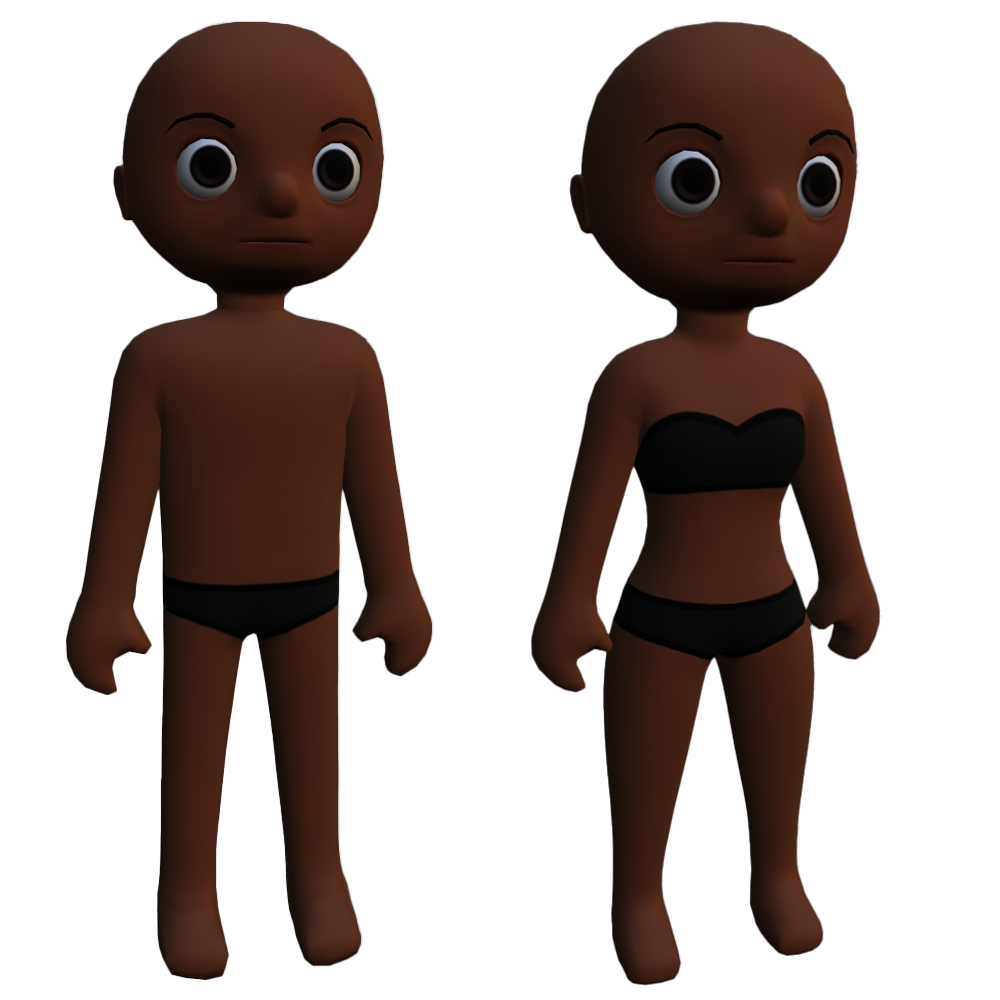
Female: RoundFemale.zip
Male: RoundMale.zip
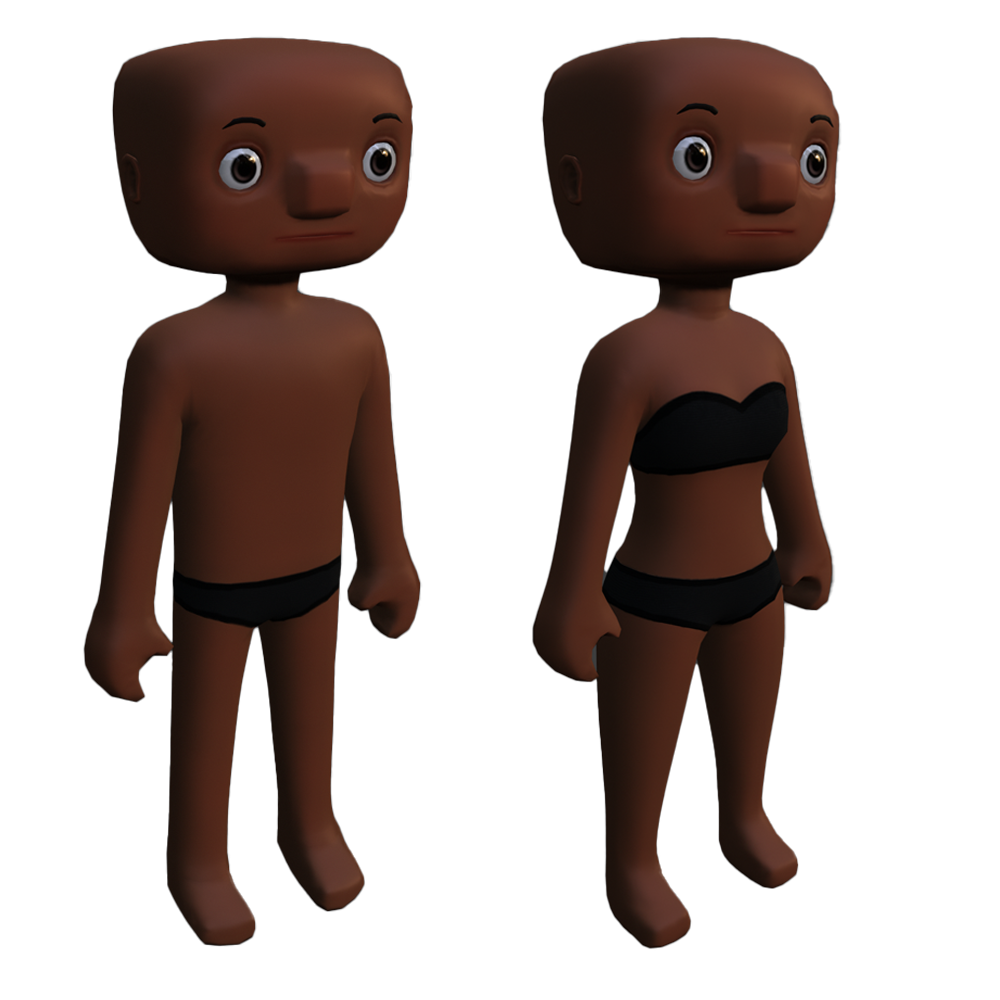
Female: SquareFemale.zip
Male: SquareMale.zip
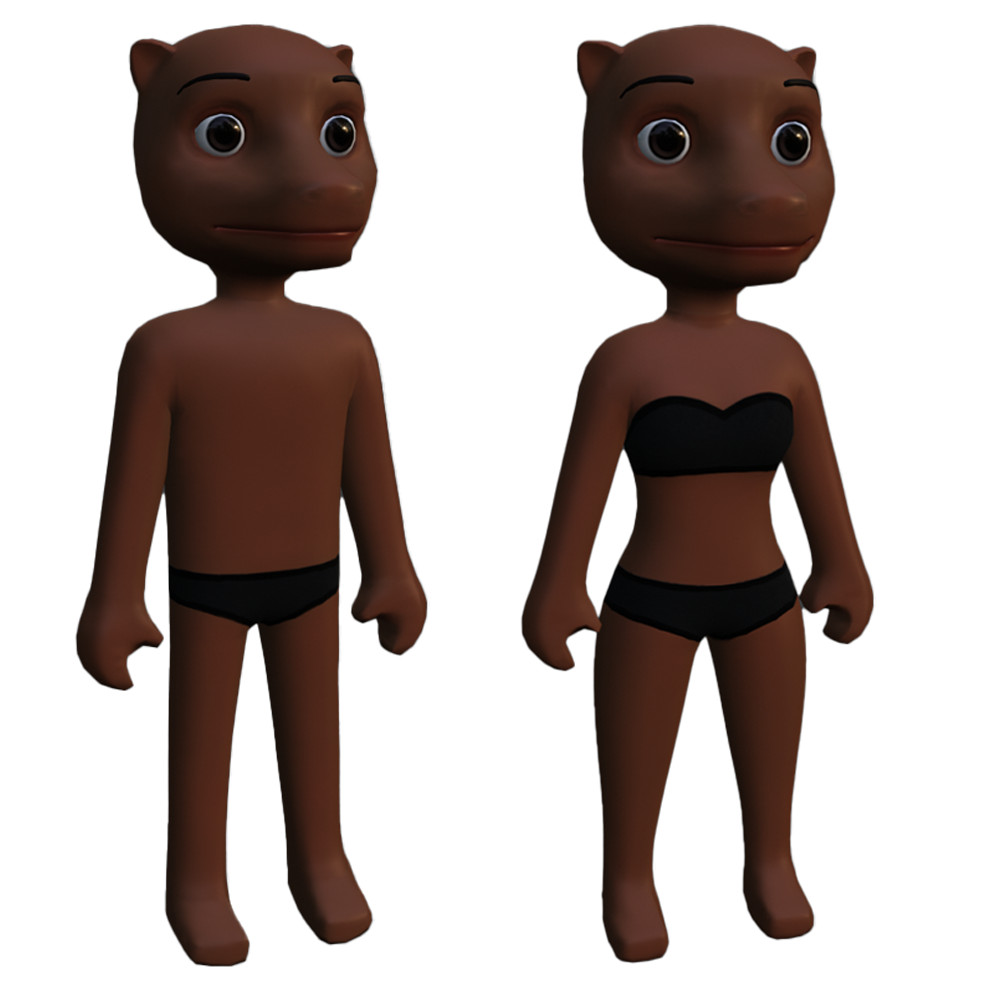
Female: MuzzleFemale.zip
Male: MuzzleMale.zip
Realistic
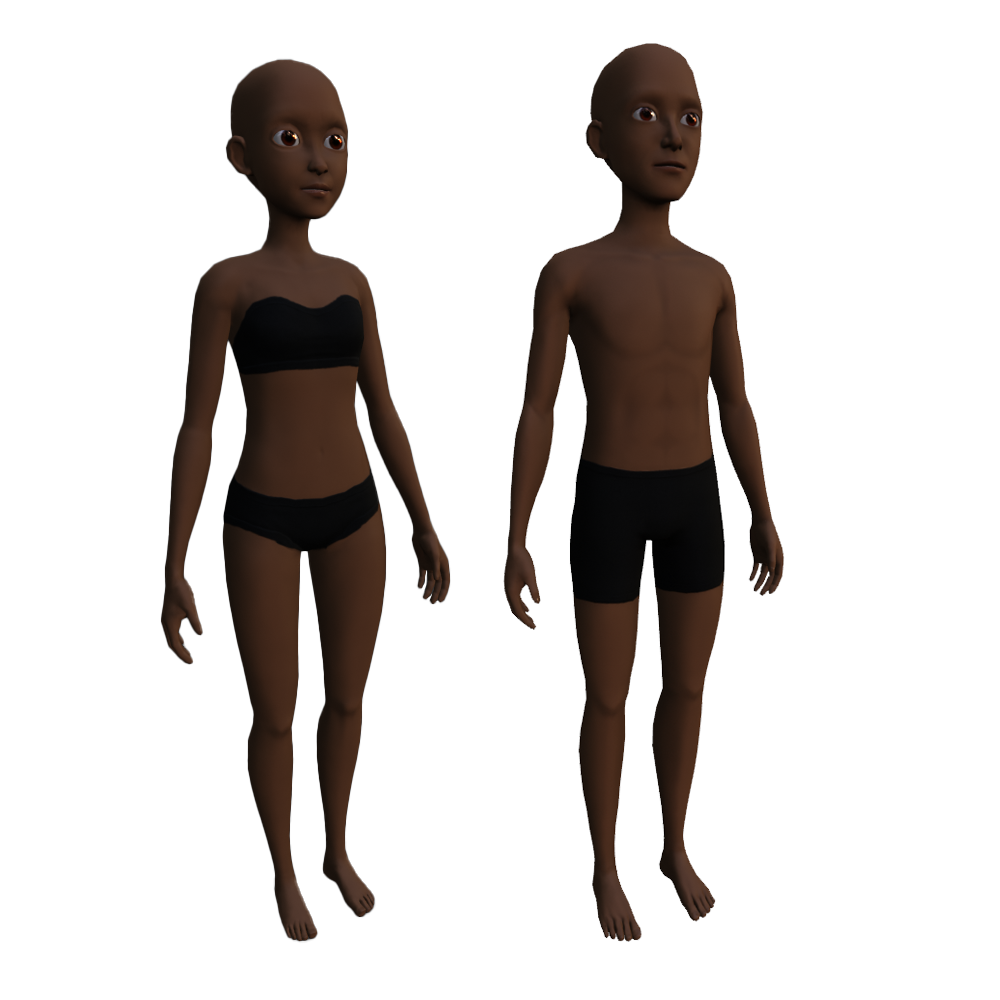
Male: SemiRealisticMale.zip
Anime
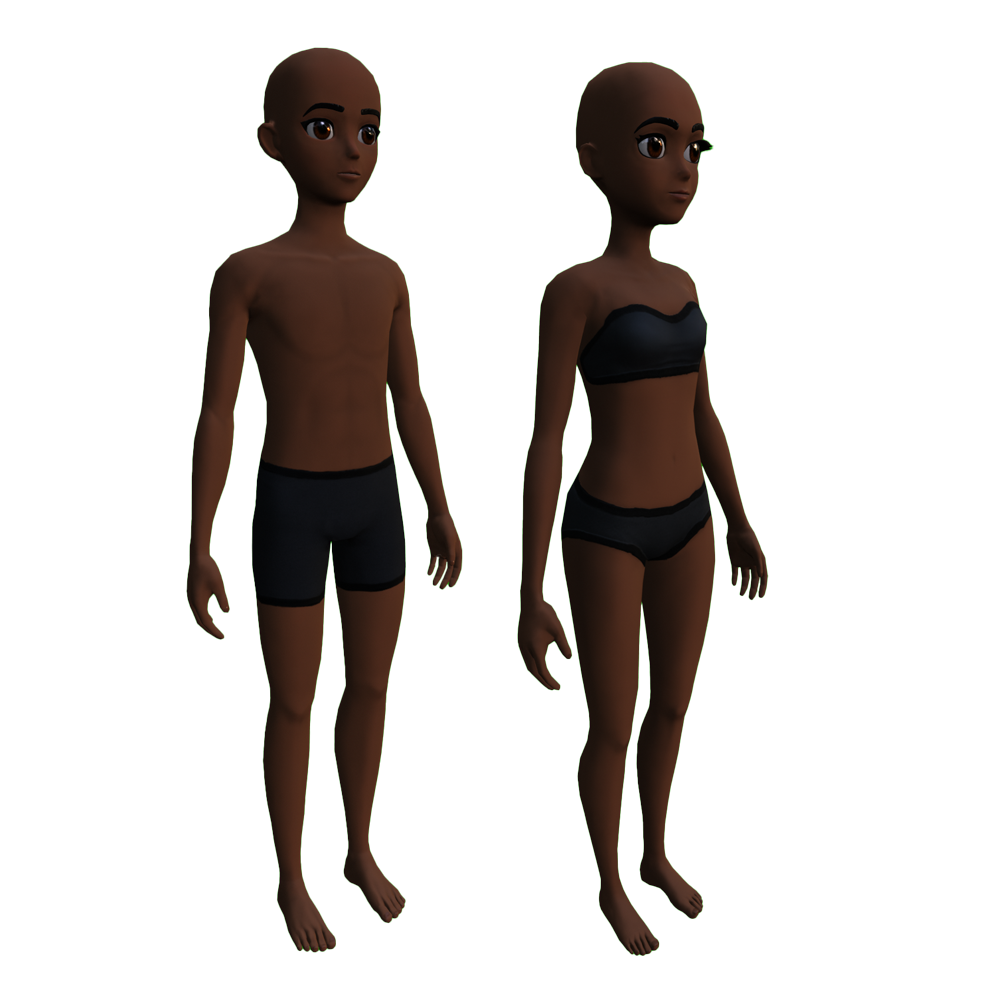
Male: AnimeMale.zip
Stylized
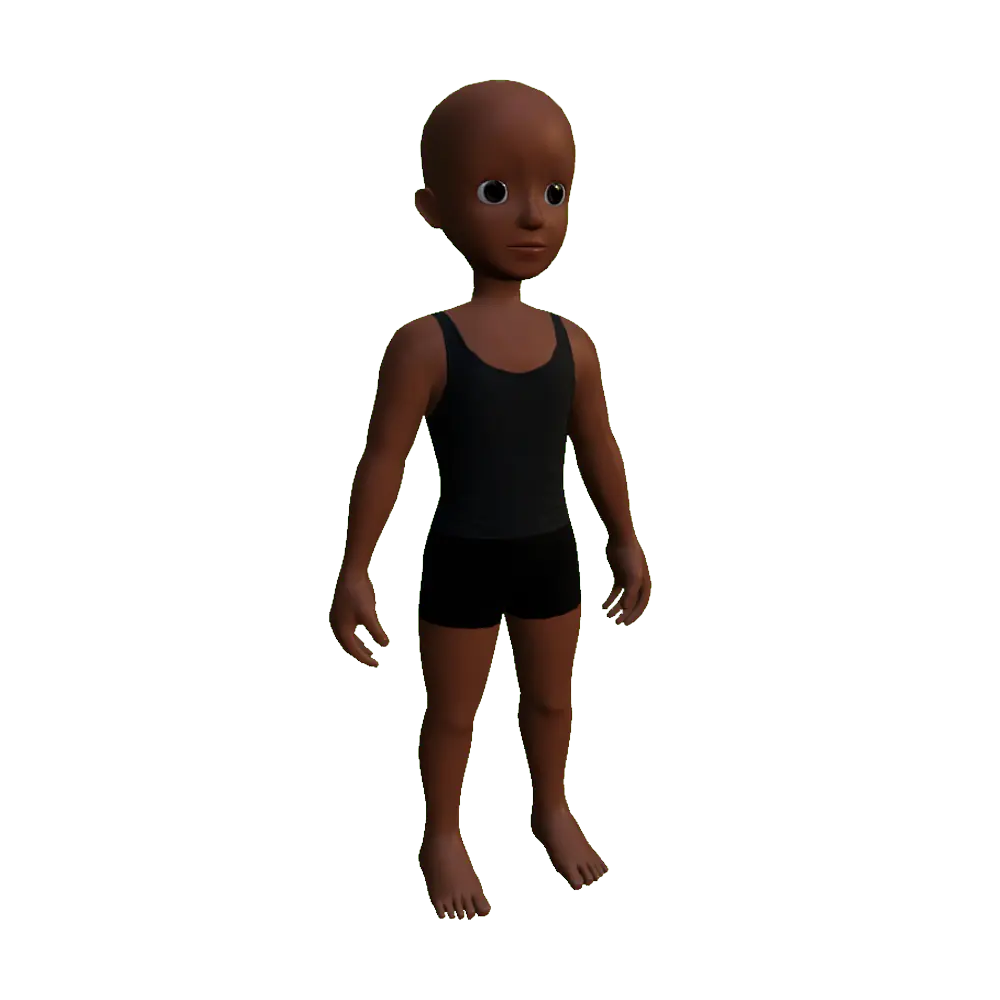
Caricature