Resources
Get all the resources you need to build characters and accessories.
The following downloadable files are available for your use:
- References — Finished assets you can use as reference.
- Auto-Setup References — Assets that meet specific avatar auto-setup requirements.
- Project Files — Fundamental resources like rigs and cages for building your own assets.
- Mannequins — Models you can use as sizing reference.
- Templates — Prebuilt characters that require small additional customization.
- Add-ons and Tools — Third-party tools and add-ons.
References#
Advanced R15 rigs#
The following advanced R15 rigs include additional bones or joints for a higher level of realism with articulated hands, shoulders, and spine movements.
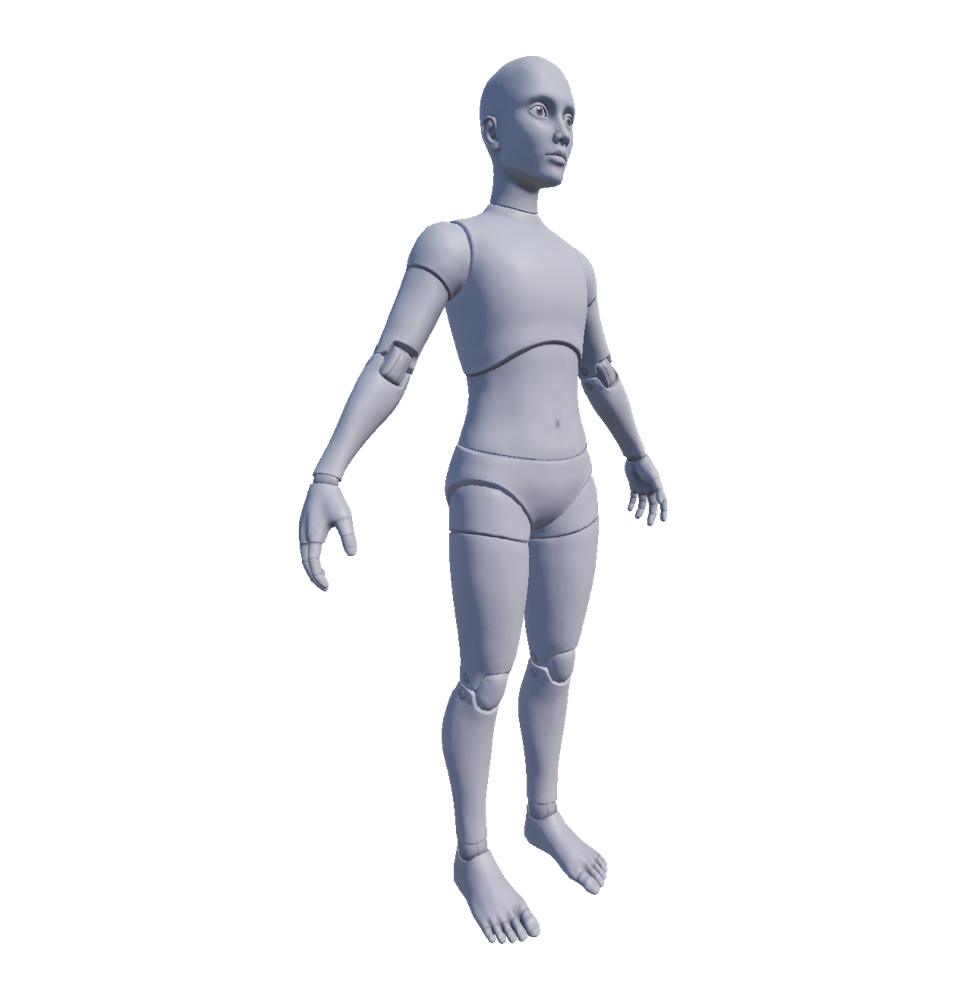
.zip folder of a AA avatar-ready character body, including a dynamic head, fingers, layered accessories, and 2K PBR textures.
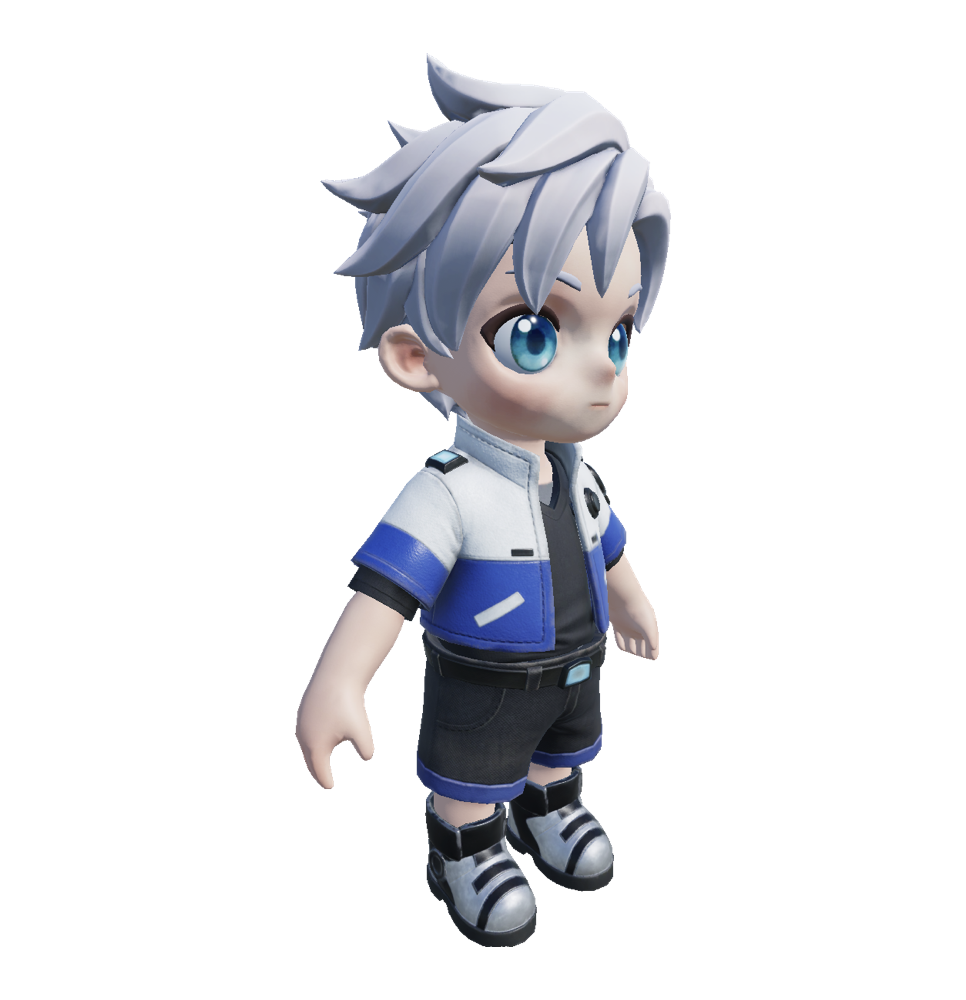
.zip folder of an anime-style, avatar-ready character body, including a dynamic head, fingers, rigid and layered accessory assets, and 2K PBR textures.
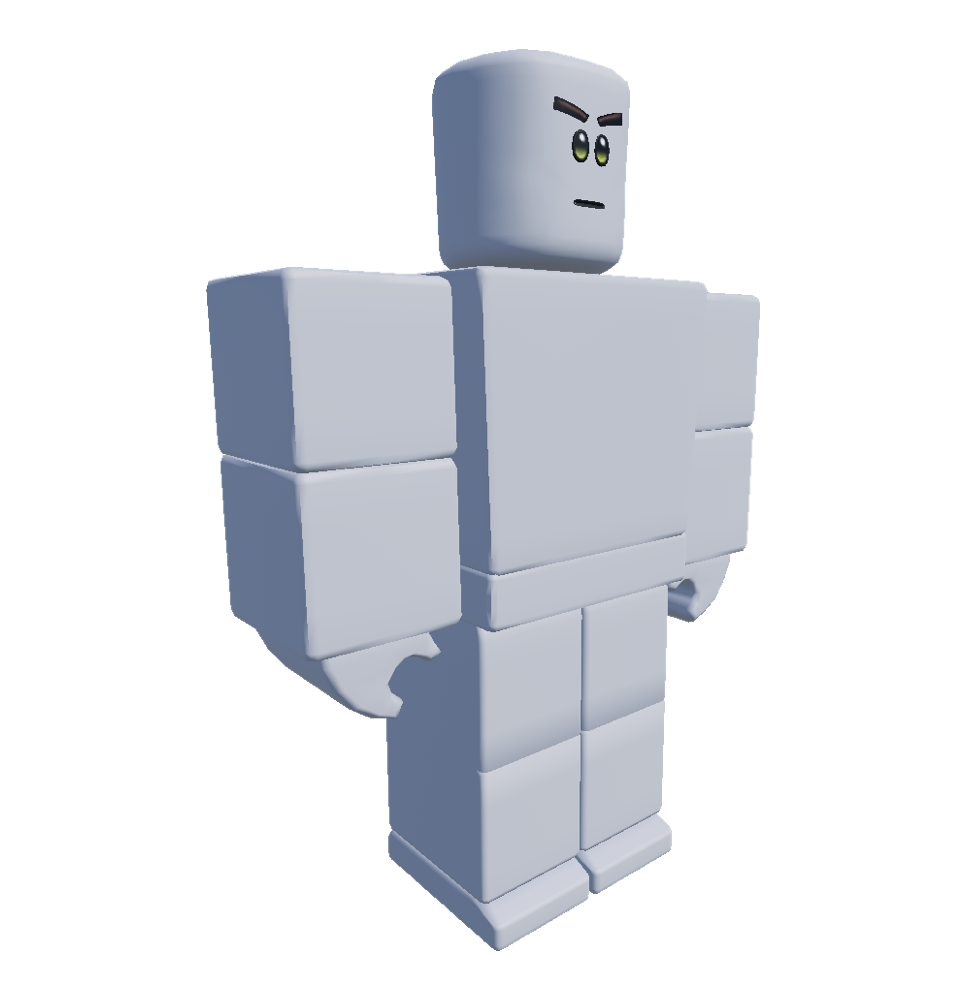
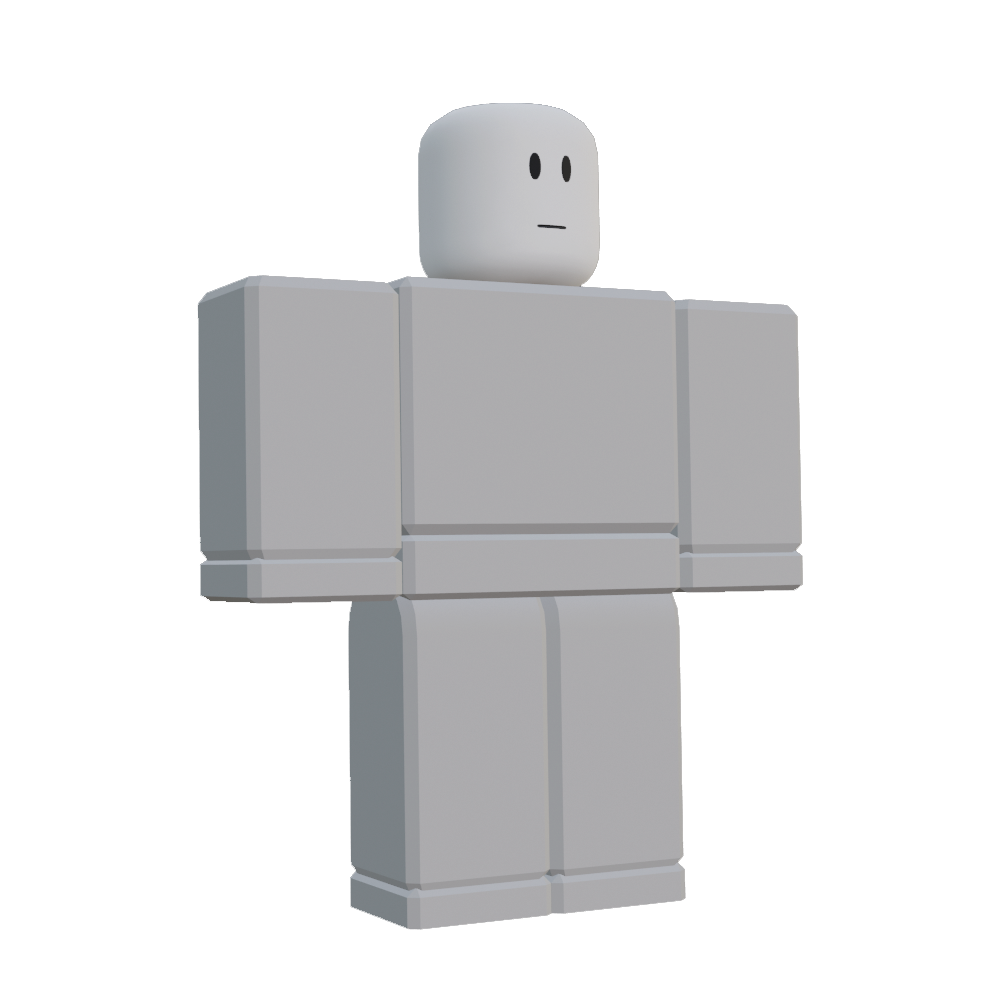
.zip folder of a blocky-style, avatar-ready character body, including a dynamic head, fingers, rigid and layered accessory assets, and color, roughness, and metal PBR textures.
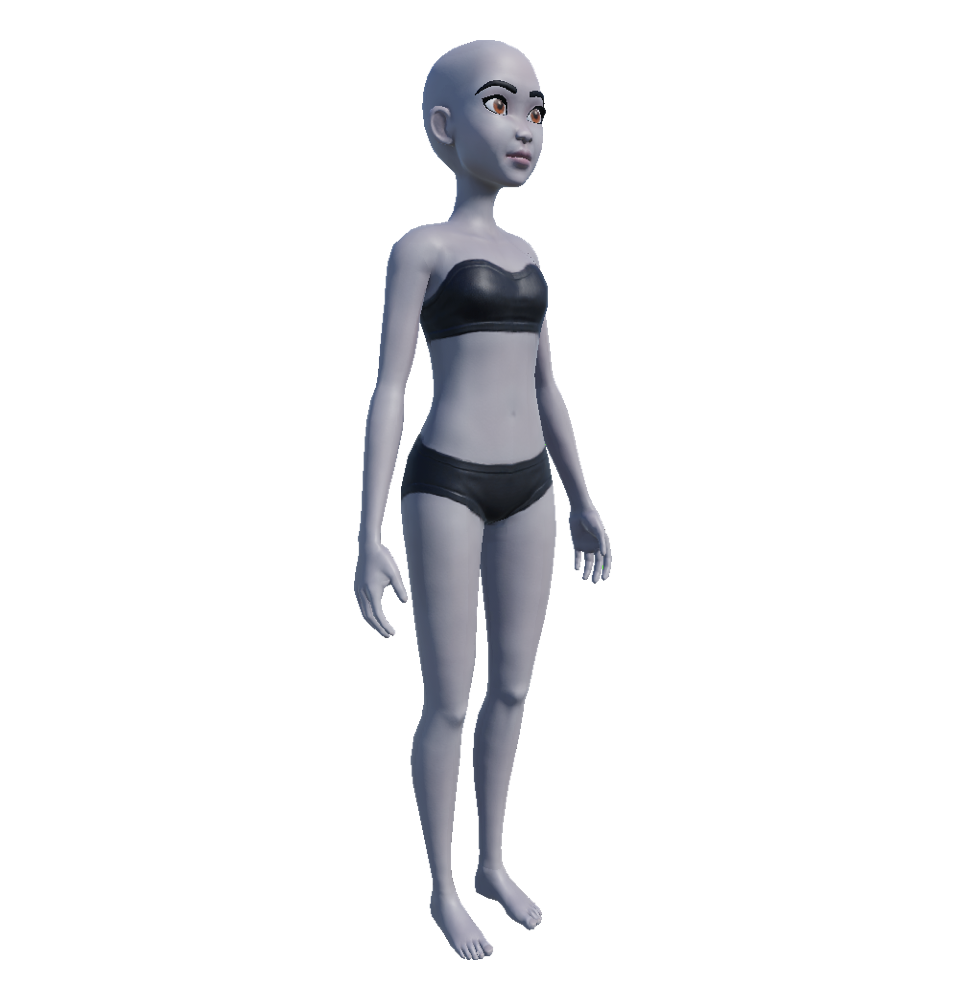
.zip folder of an avatar-ready character body, including a dynamic head, fingers, rigid and layered accessory assets, and PBR textures. When you import this model, set Rig Scale to Rthro Narrow.
Standard R15 rigs#
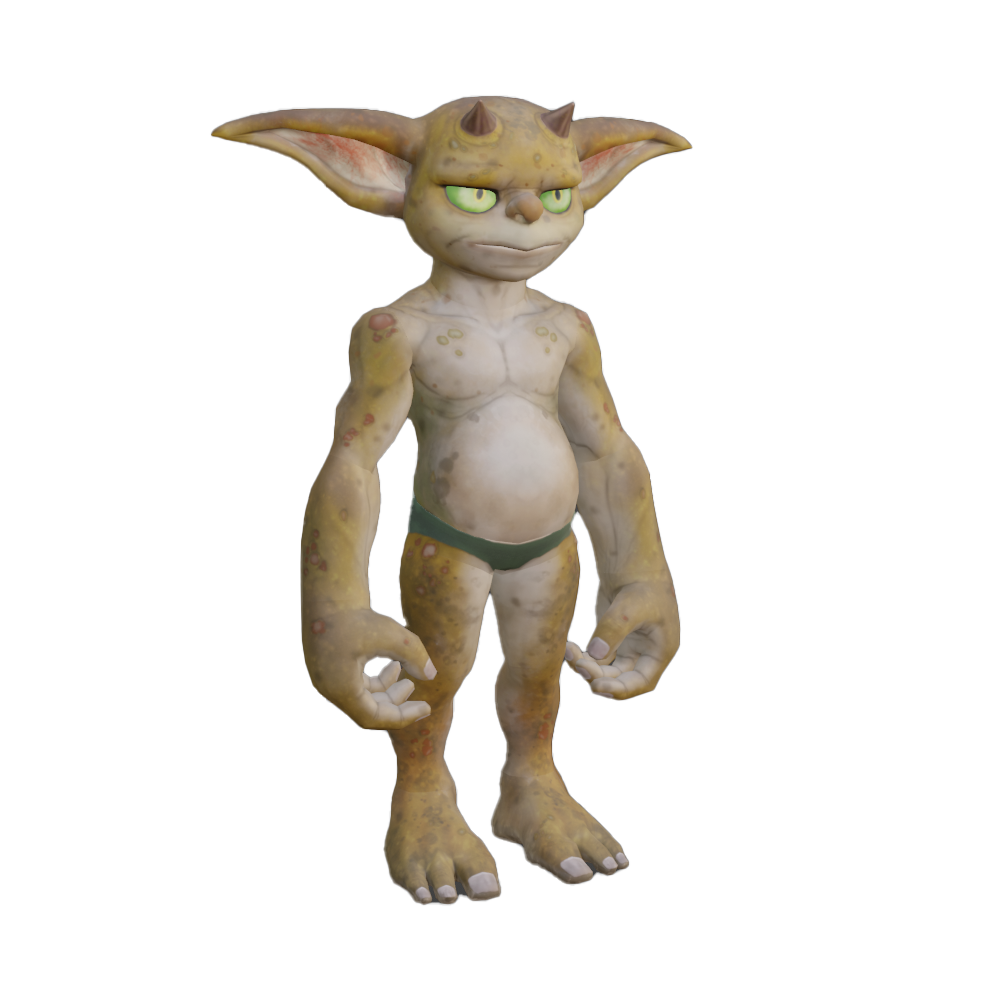
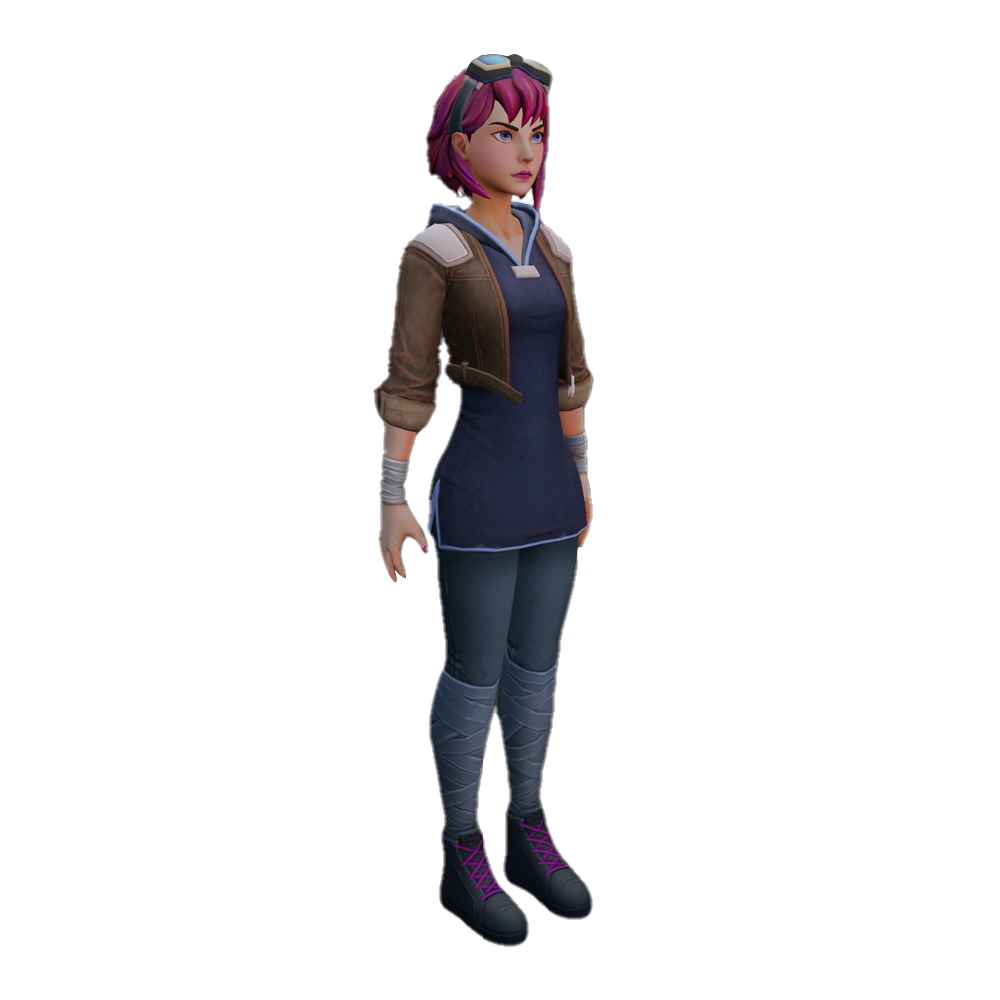
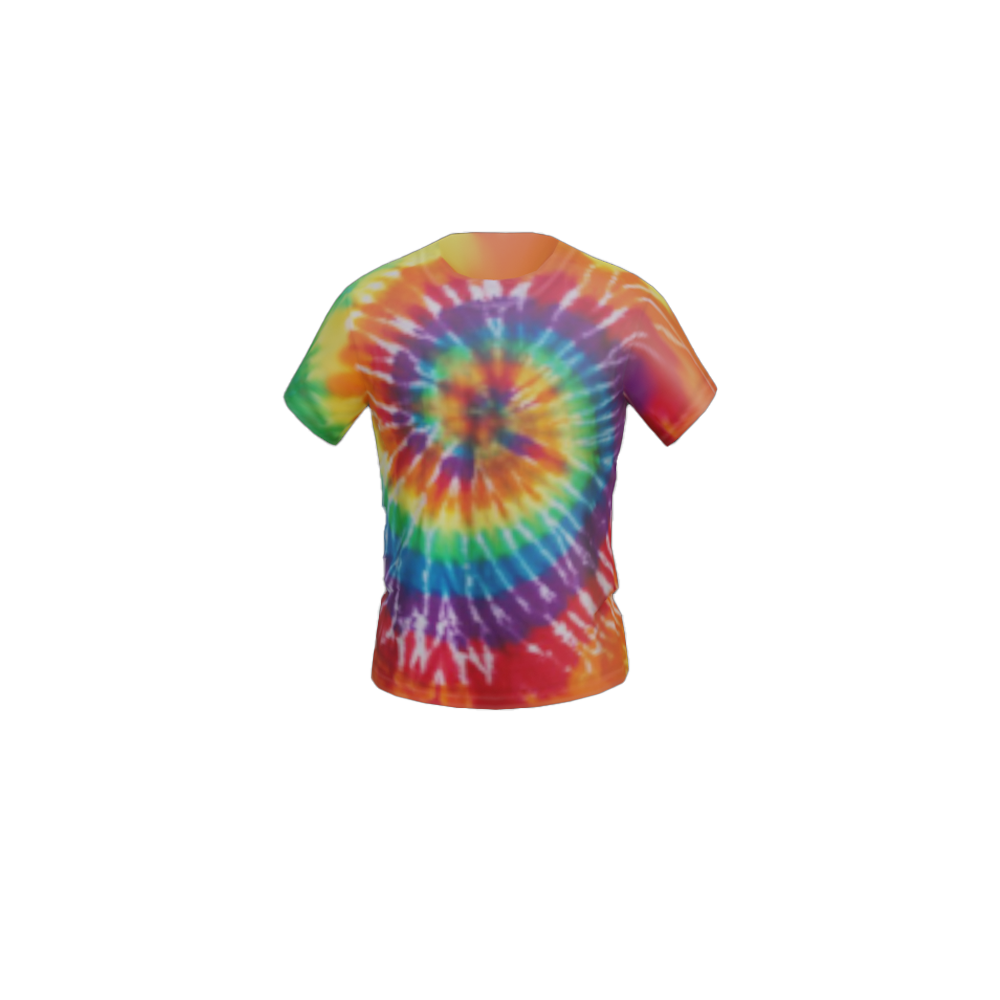
The following standard R15 rigs include the standard amount of bones or joints. Finished assets like Nature Girl and Stylish Male include clothing and accessory items that may cause validation errors unless they are removed.
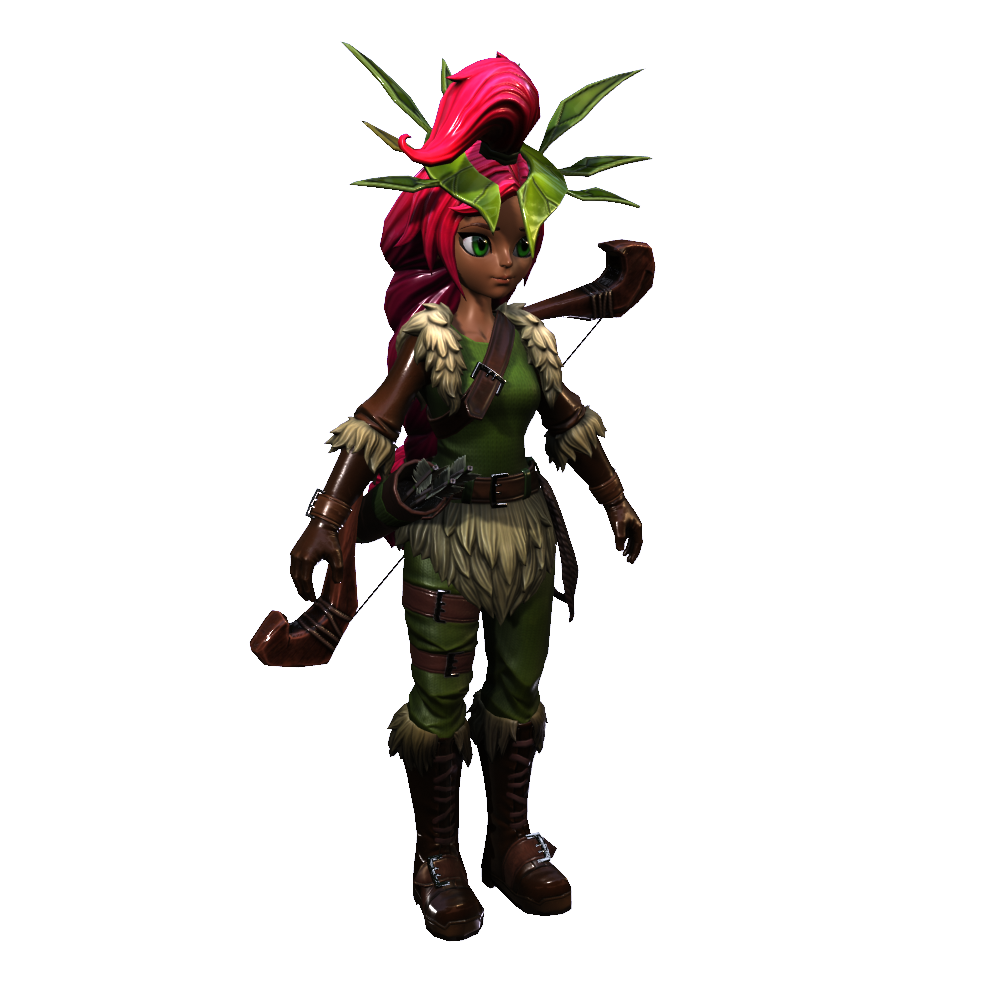
.zip folder of an avatar-ready character body, including clothing and rigid accessory assets. Each asset includes its own Blender and Maya project file, as well as their respective PBR textures. If you are opening these files in Blender, the armature bones may display in an unexpected orientation because the source model was originally exported from Maya. This different orientation doesn't affect the performance of the armature rig.
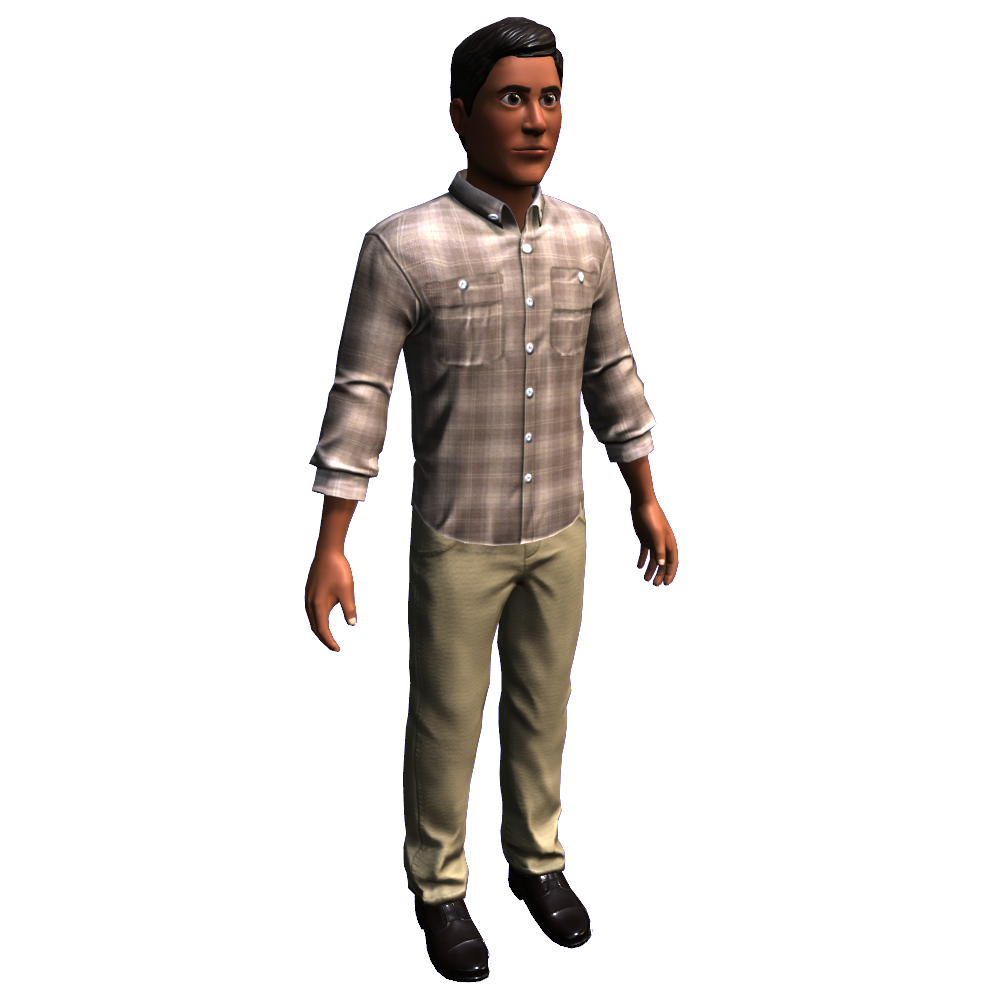
.zip folder of an avatar-ready character body, including clothing and rigid accessory assets. Each asset includes its own Blender and Maya project file, as well as their respective PBR textures. If you are opening these files in Blender, the armature bones may display in an unexpected orientation because the source model was originally exported from Maya. This different orientation doesn't affect the performance of the armature rig.
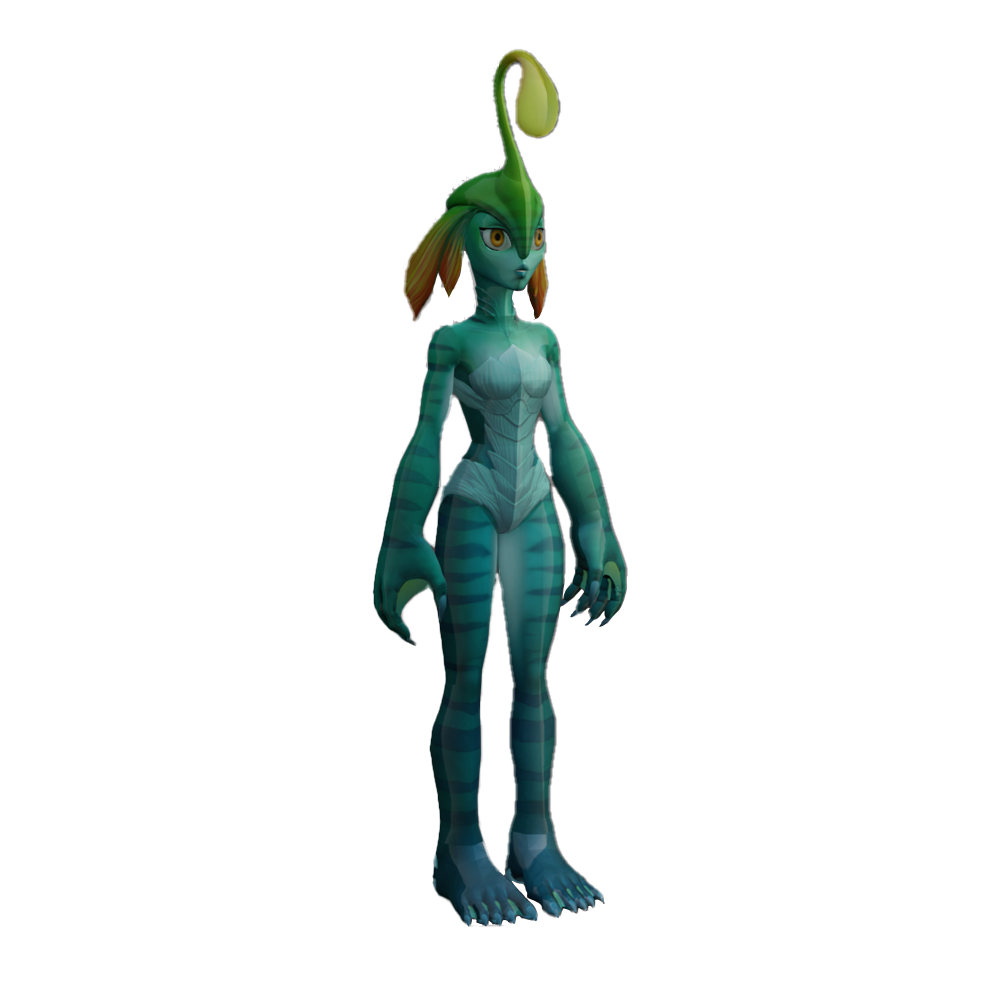
If this asset were to be uploaded to the Marketplace, the bulb antenna must be a separate head accessory and not part of the character's head geometry.
Auto-setup references#
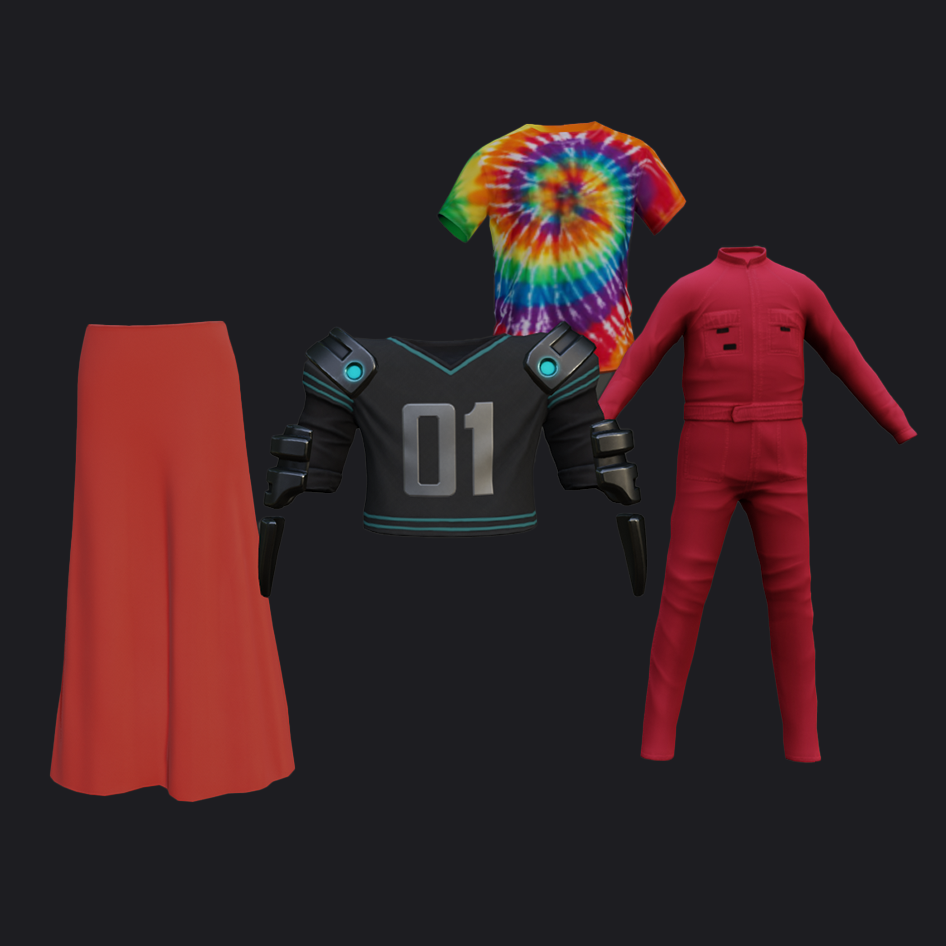
The following assets are designed for the specific auto-setup requirements. If uploaded as-is, these assets will fail normal validation.
.zip folder of an Avatar Auto-Setup ready character model, including clothing and rigid accessory assets and PBR texture assets. This Auto-Setup template is not compatible with the traditional avatar creation workflow.
.zip folder of an Avatar Auto-Setup ready character model, including the base body and associated PBR textures. This Auto-Setup template is not compatible with the traditional avatar creation workflow.
Project files#
The following are base rig, attachment, and cage files for avatar item creation in third-party applications. Choose the appropriate type of project file for your use-case. These assets are not suitable for direct import into Studio.
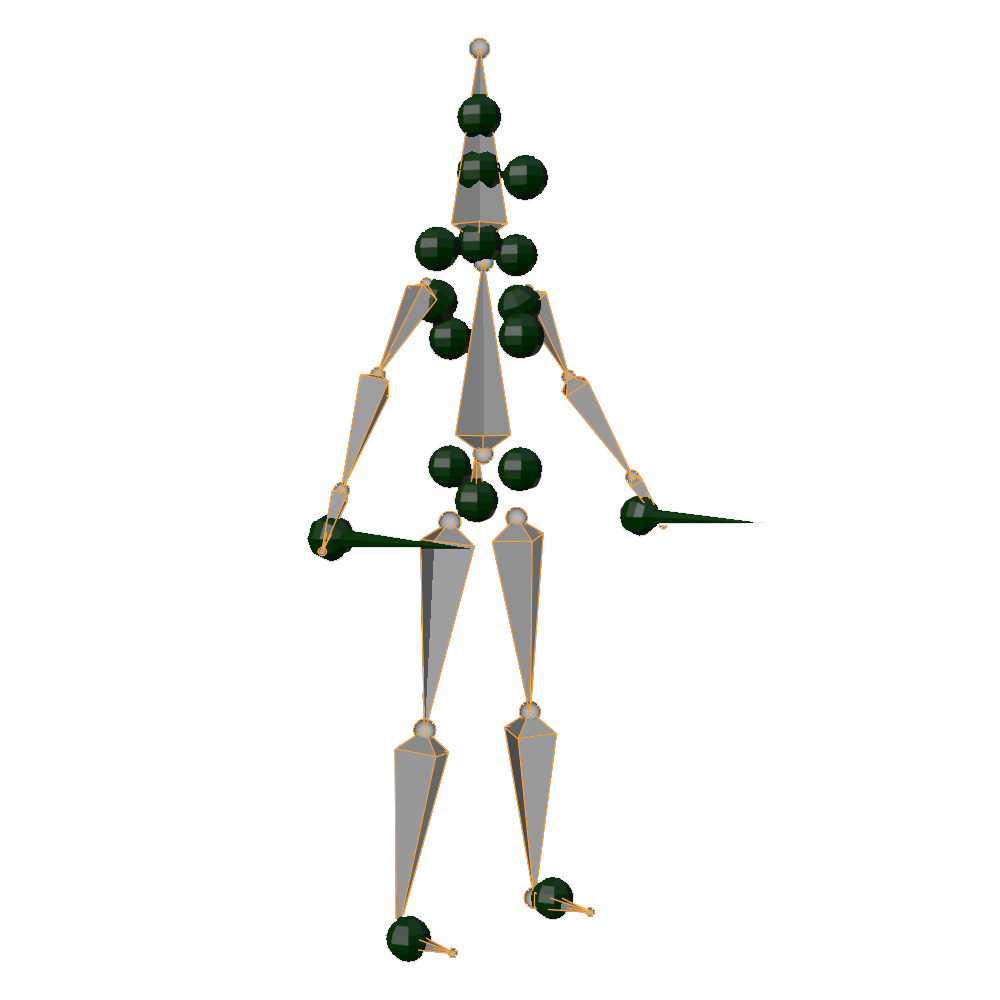
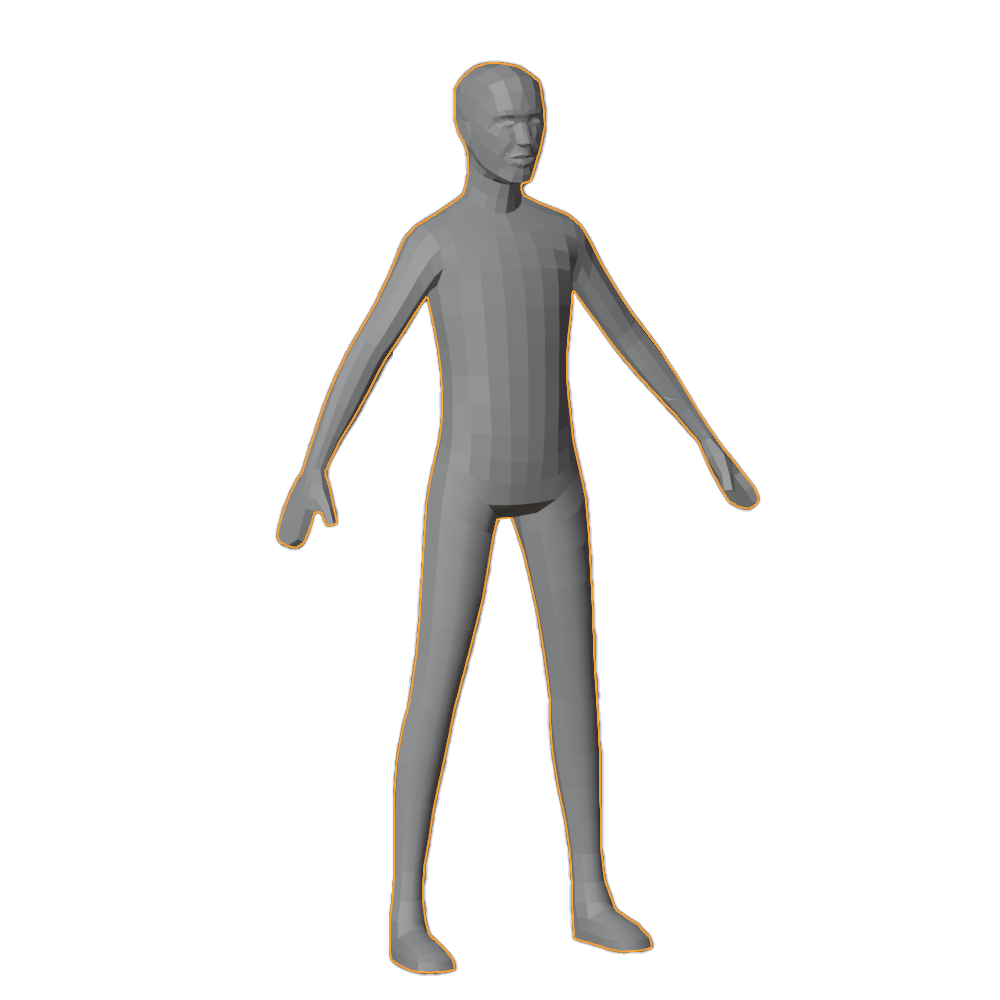
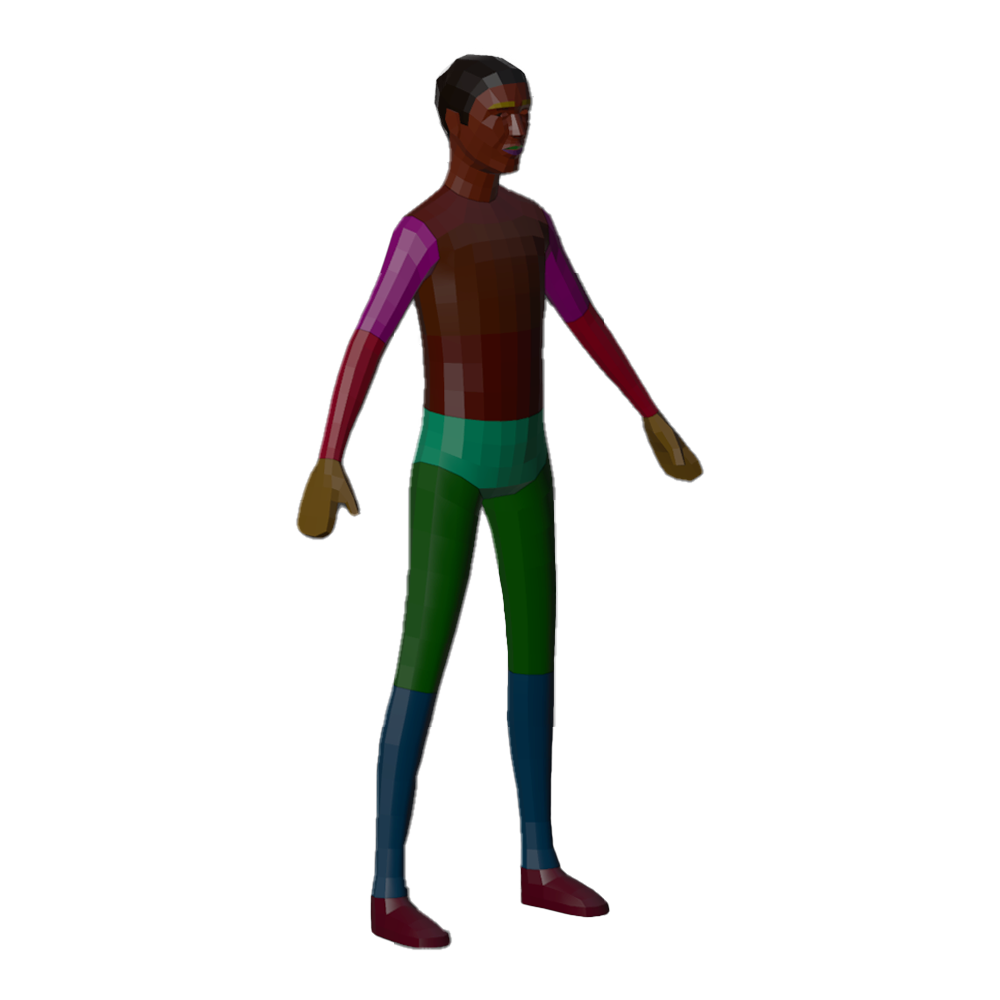
Use this template to rig and cage bodies and clothing.
Mannequin models#
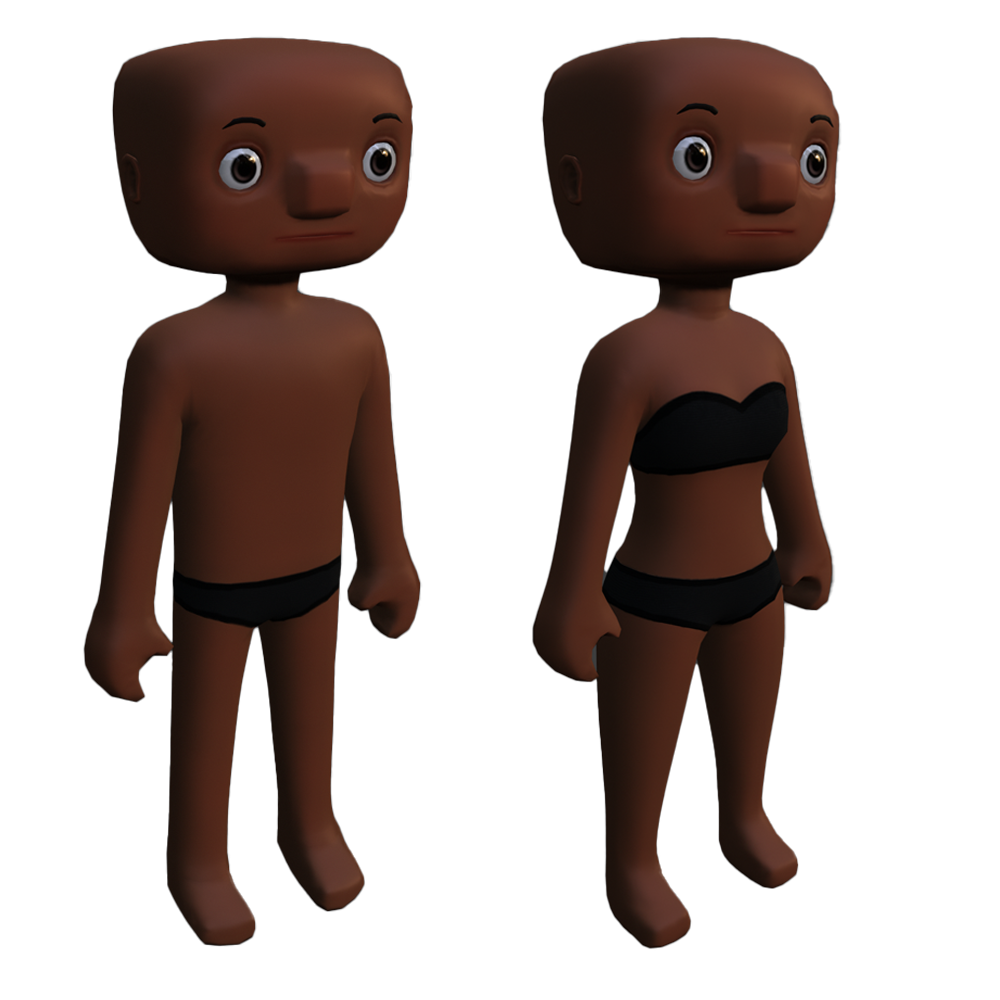
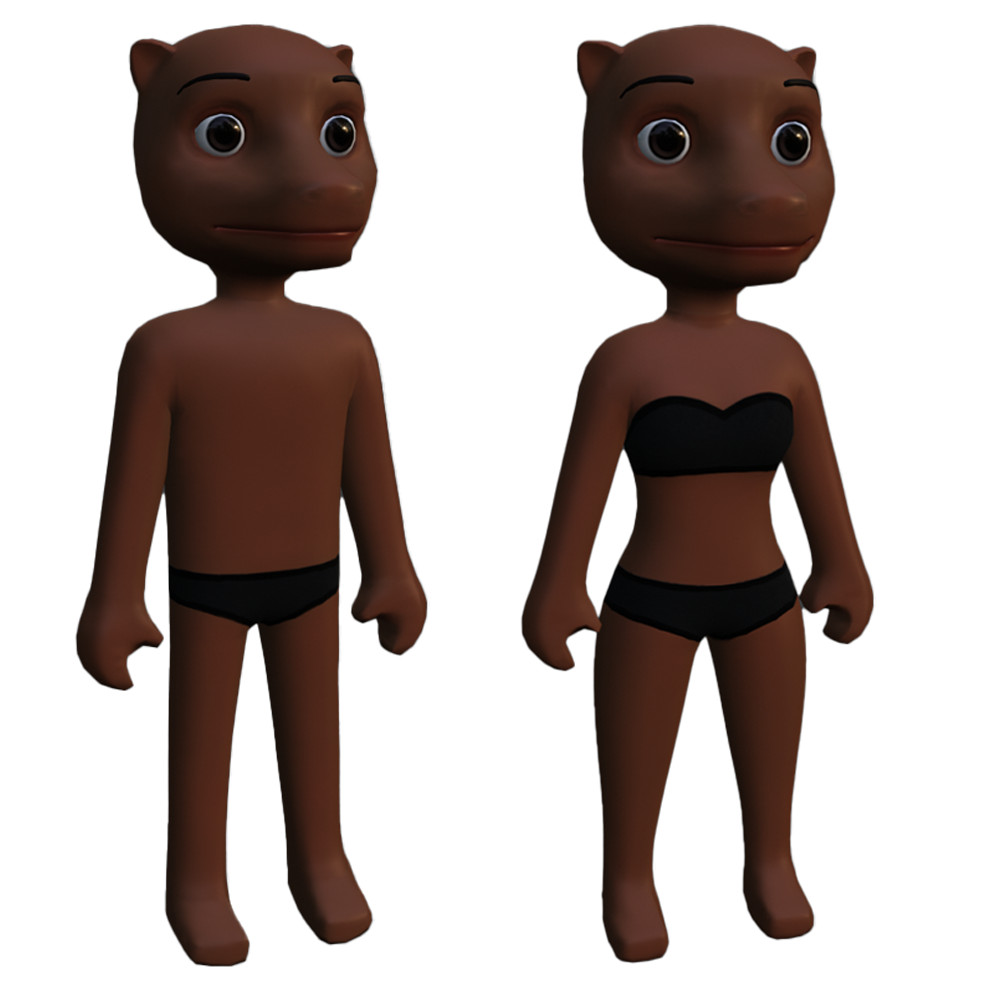
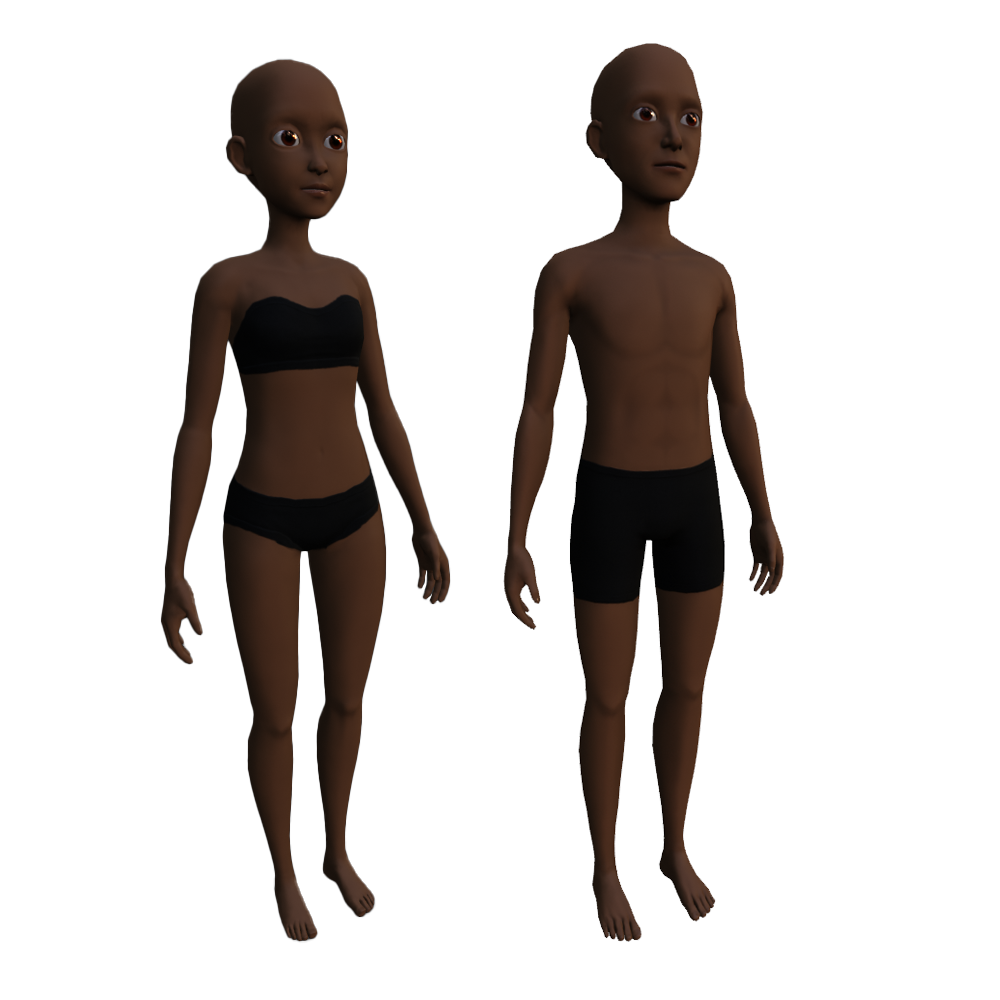
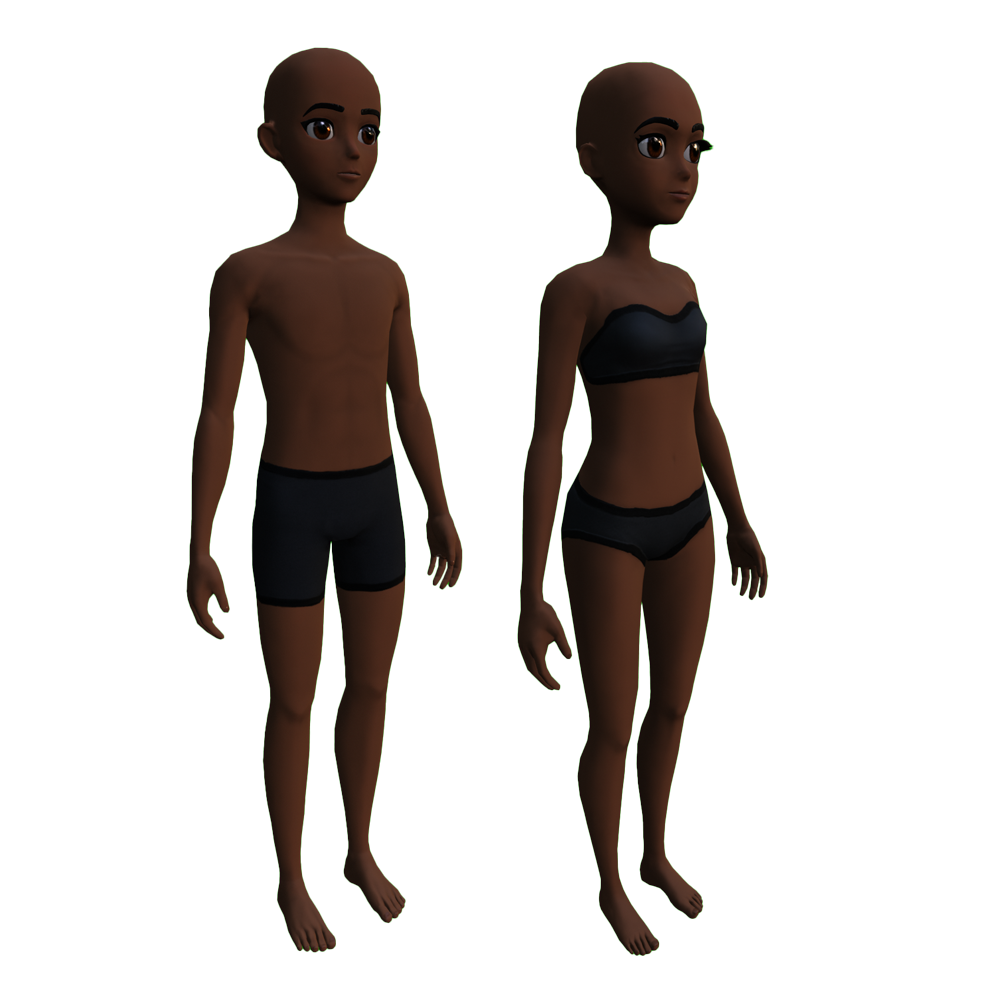
Use the following models when designing your avatar accessory and clothing items. You can use these assets as scale, body shape, and caging reference.
These assets are not meant for direct upload into Studio and may fail import or validation.
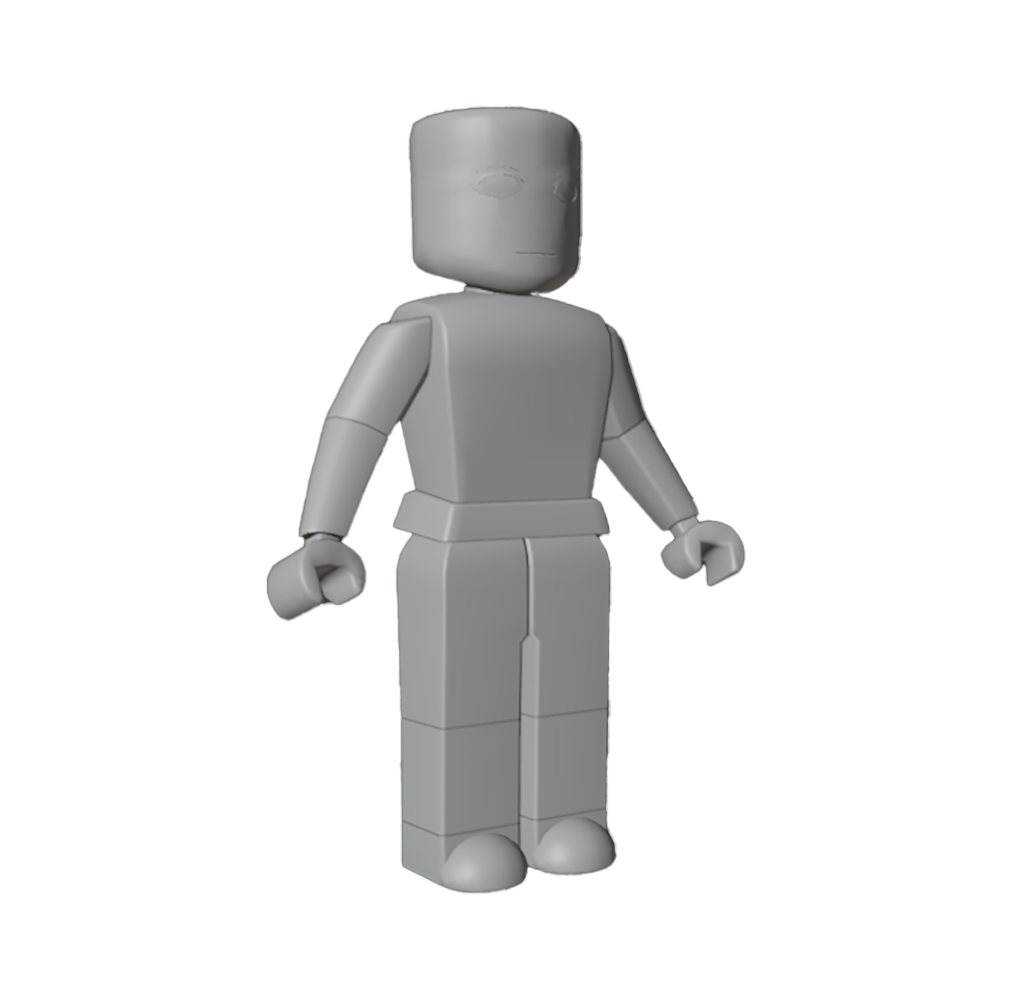
Use this reference to aid your creation process for accessories, clothing, and characters in third-party applications.
The caged
.fbx contains the individual outer body cages for the body and may not import correctly into Studio without modification.
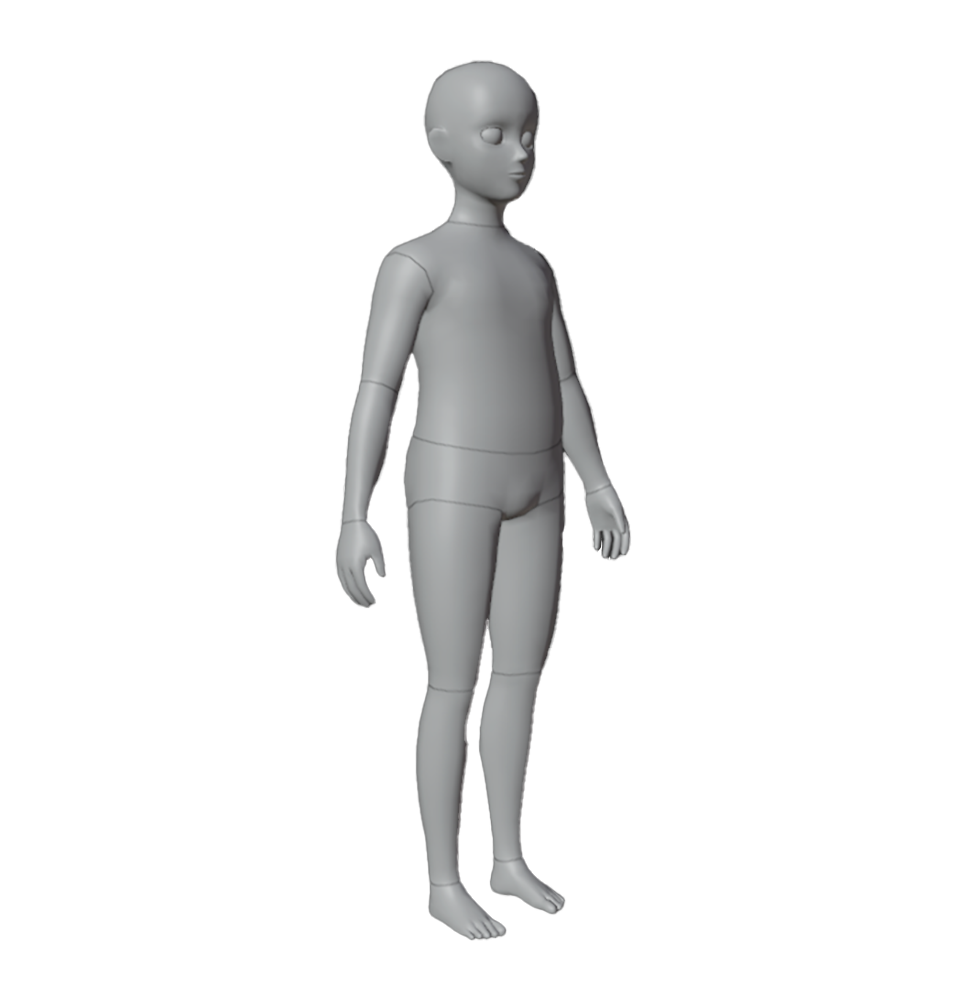
Use this reference to aid your creation process for accessories, clothing, and characters in third-party applications.
The caged
.fbx contains the individual outer body cages for the body and may not import correctly into Studio without modification.
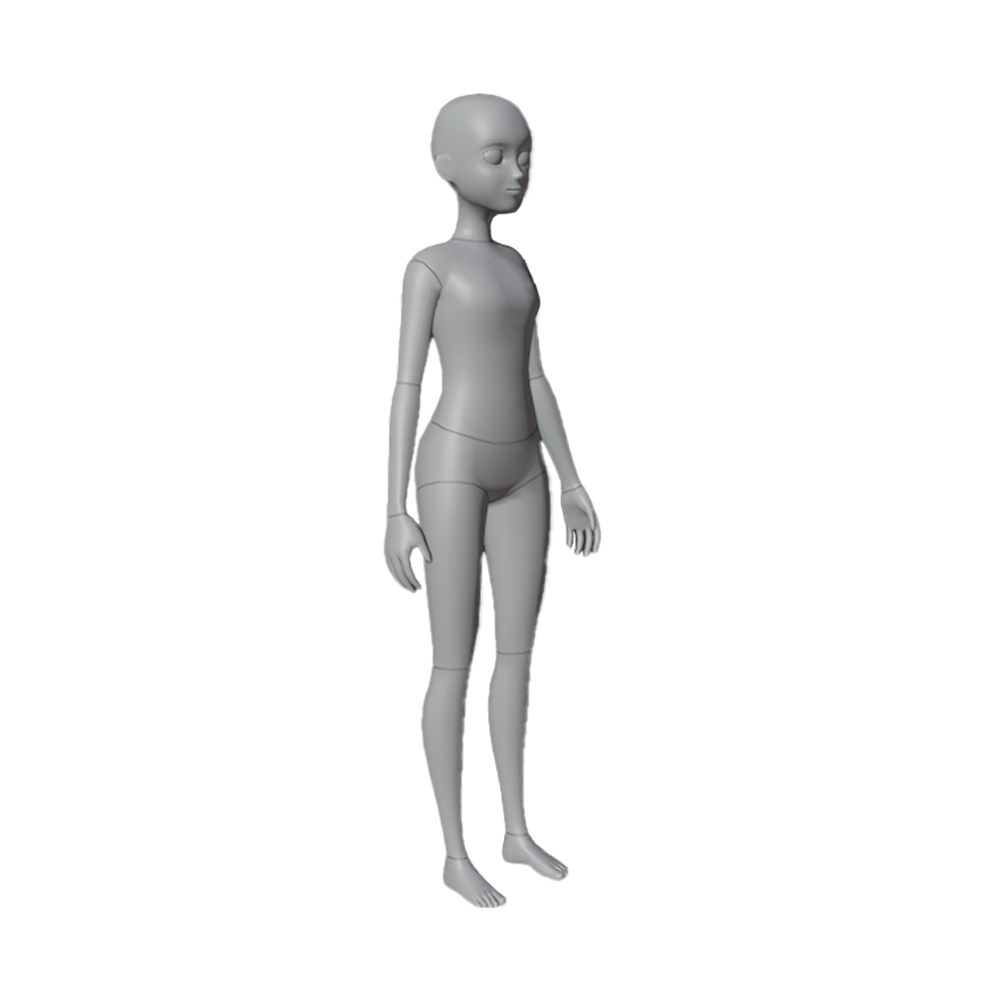
Use this reference to aid your creation process for accessories, clothing, and characters in third-party applications.
The caged
.fbx contains the individual outer body cages for the body and may not import correctly into Studio without modification.
Templates#
Use these templates if following along the Create characters with templates tutorial content.
These assets require additional steps in third-party tools to pass validation in Studio.
If you are using Roblox's avatar template files, you must perform the cleanup steps in order for the assets to properly validate before publishing to the Marketplace.
Some of the template files include additional mesh assets for eyebrows and eyelashes. These eyebrows and eyelashes versions may not be fully compatible with the template body. For the latest information on eyebrows and eyelashes, see Layered accessory specifications - Face accessories.
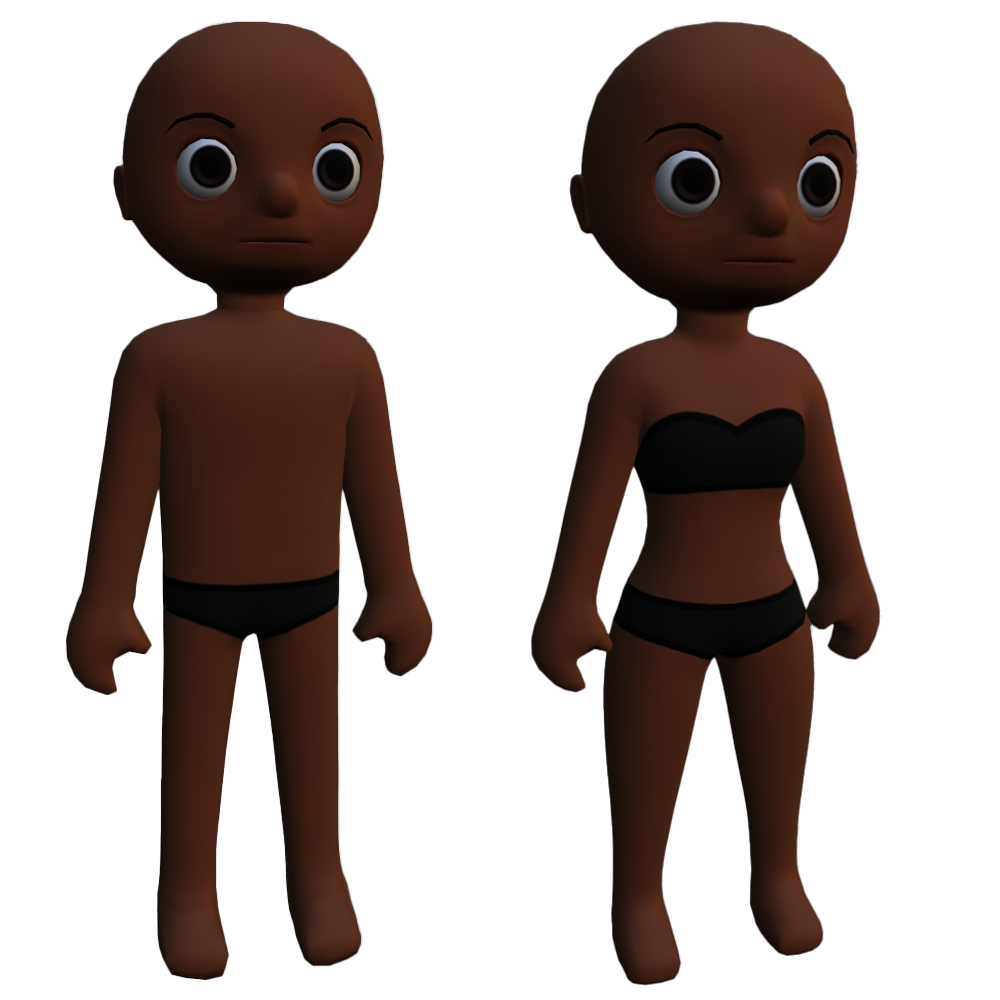
See Create with templates for instructions.
See Create with templates for instructions.
See Create with templates for instructions.
See Create with templates for instructions.
See Create with templates for instructions.
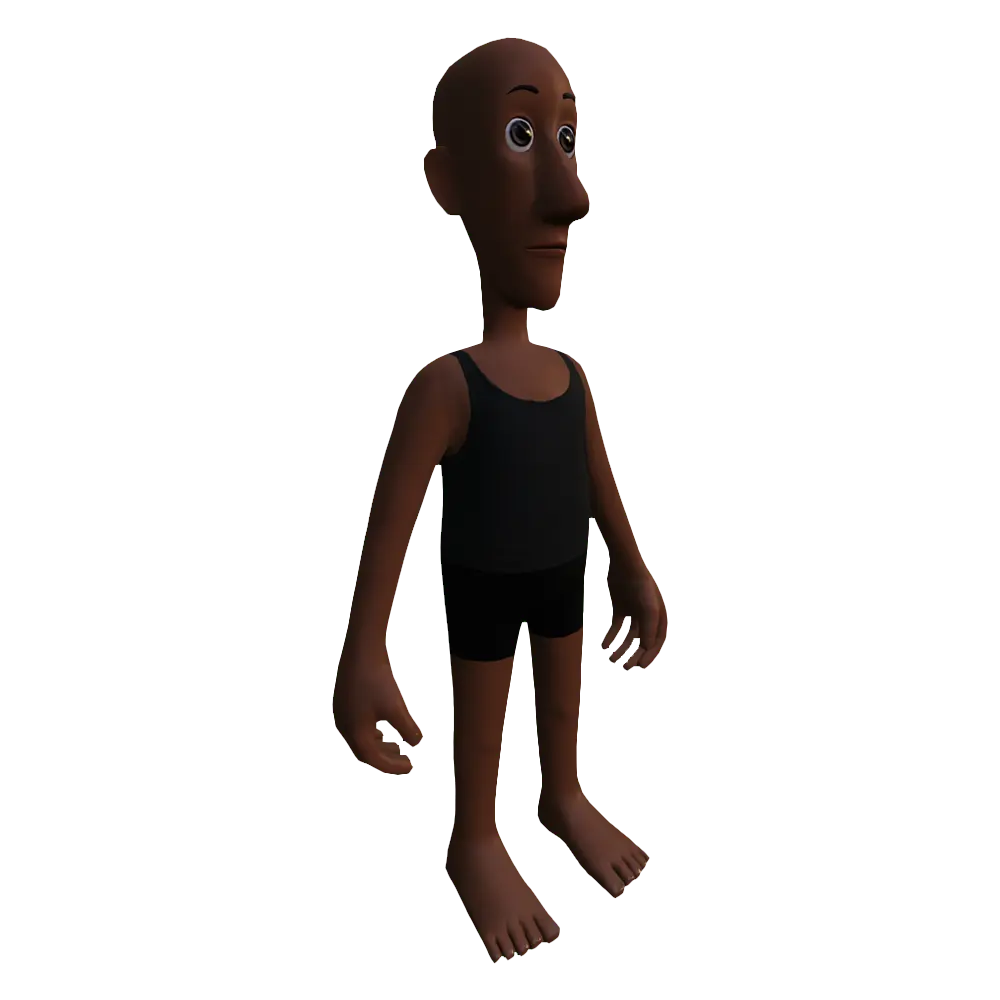
See Create with templates for instructions.
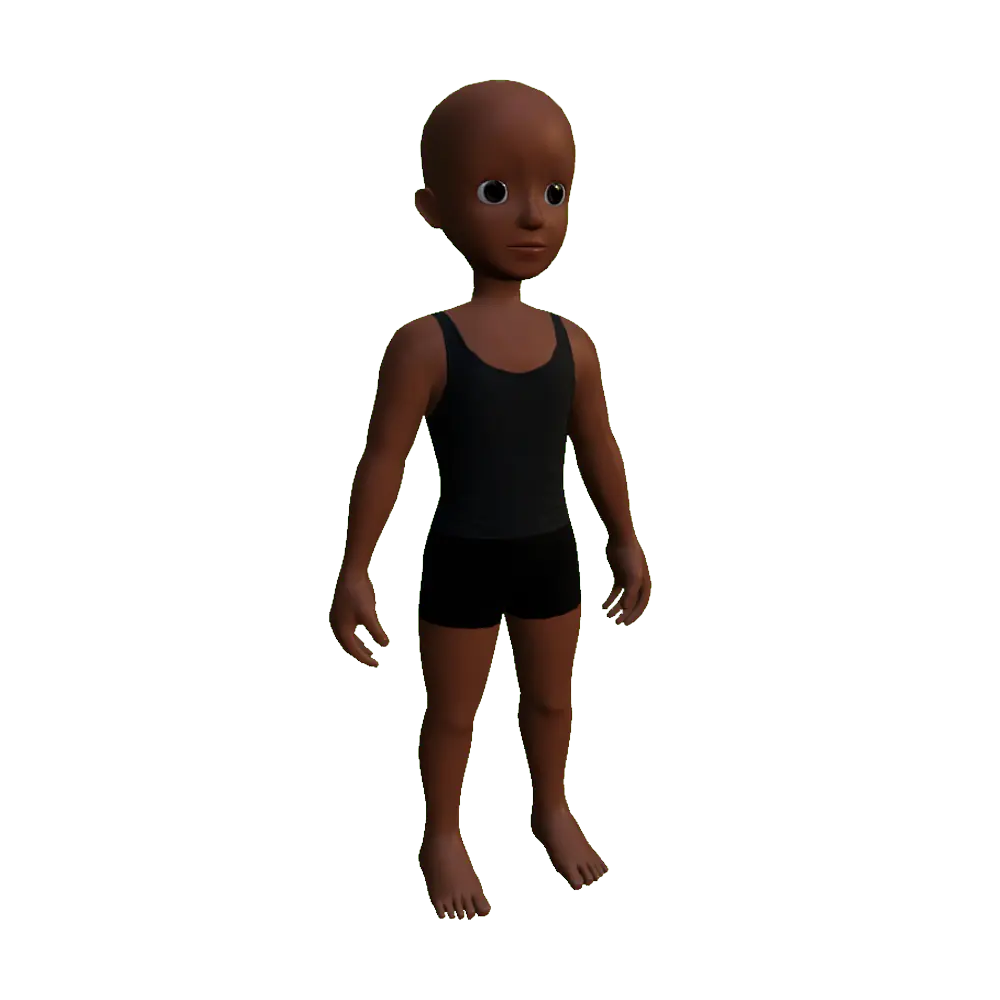
See Create with templates for instructions.
Add-ons and tools#
Use the following add-ons and tools to help aid your creation process. Some of these tools are not actively supported and may be incompatible with your hardware version.