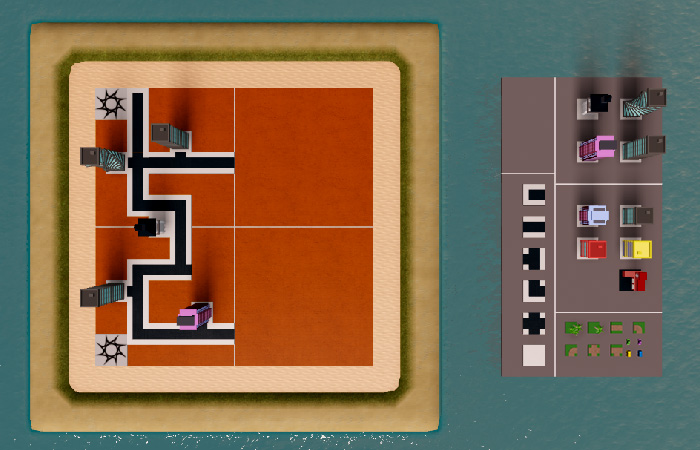
Build the roads
Part of the Create and Destroy series. Place roads to continue building a city in Roblox Studio.
Next, duplicate the road tiles in your palette to create roads between the buildings. As you place them, you'll need to rotate them into the correct position.
Select a road in the palette and duplicate it. Then, move it over into your map.
Rotate the selected road tile to get the desired orientation. To rotate the tiles, select the Rotate tool and drag the green handle until the tile rotates.

You can save time building roads by duplicating a road tile in your arena, rather than always duplicating from the palette.
Map example#
Leave plenty of room for the other buildings and decorations.