Playtest the map
Part of the Create and Destroy series. Playtest the map to see how it looks in-game.
To test your map as it will look in-game, playtest the map in Studio. Playtesting is the process of playing through a game and making sure that it's both fun and bug-free.
Click Play. You'll start out in a lobby area, and then get transported to the city.

Wait until the 5 second intermission finishes to be teleported to the map you built. Run around and make sure that you didn't miss any floating buildings that need to be fixed. Test the game by holding E to destroy buildings.
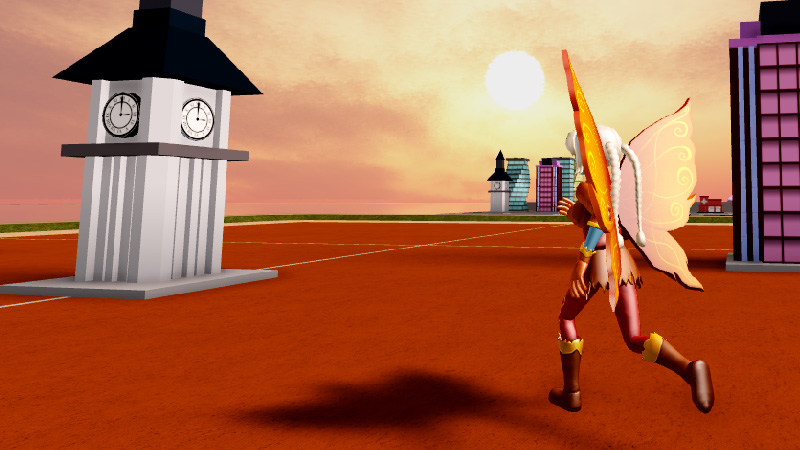
Below are controls for while in-game.
Action Control Move W A S D or arrow keys Jump Spacebar Rotate View Hold and drag mouse to look around Click the Stop button to exit the playtest. If you don't stop the playtest, any changes made will be lost.
