Create a coin collection mechanic
Explains how to implement event-driven logic in a game.
Now that you have a 3D world, it's time to add your first script. In this section, you'll create a coin collection mechanic that lets players collect coins and temporarily disables coins after they've been collected.
Create the coins#
Before you can script anything, you need to have placeholder objects in the world to use as your coins. Like the sea stack platforms you made in the previous section, the coins can be simple Part objects.
Build with Assistant
In Workspace > World, create a new folder named Coins.
Inside the Coins folder, create a cylinder Part named Coin with BrickColor set to Gold, Material set to Metal, Size 0.6, 8, 4, and Orientation 90, 0, 0.
Disable CanCollide and enable Anchored.
Then duplicate the Coin part several times and scatter the duplicates around the island and on the platforms so they're reachable from the sea stack levels.
Keep each duplicate named Coin.
Build it Yourself
In the Explorer, insert a new folder inside the existing World folder and rename it Coins. Grouping all coins in a single folder makes it easier for scripts to find and manage them.
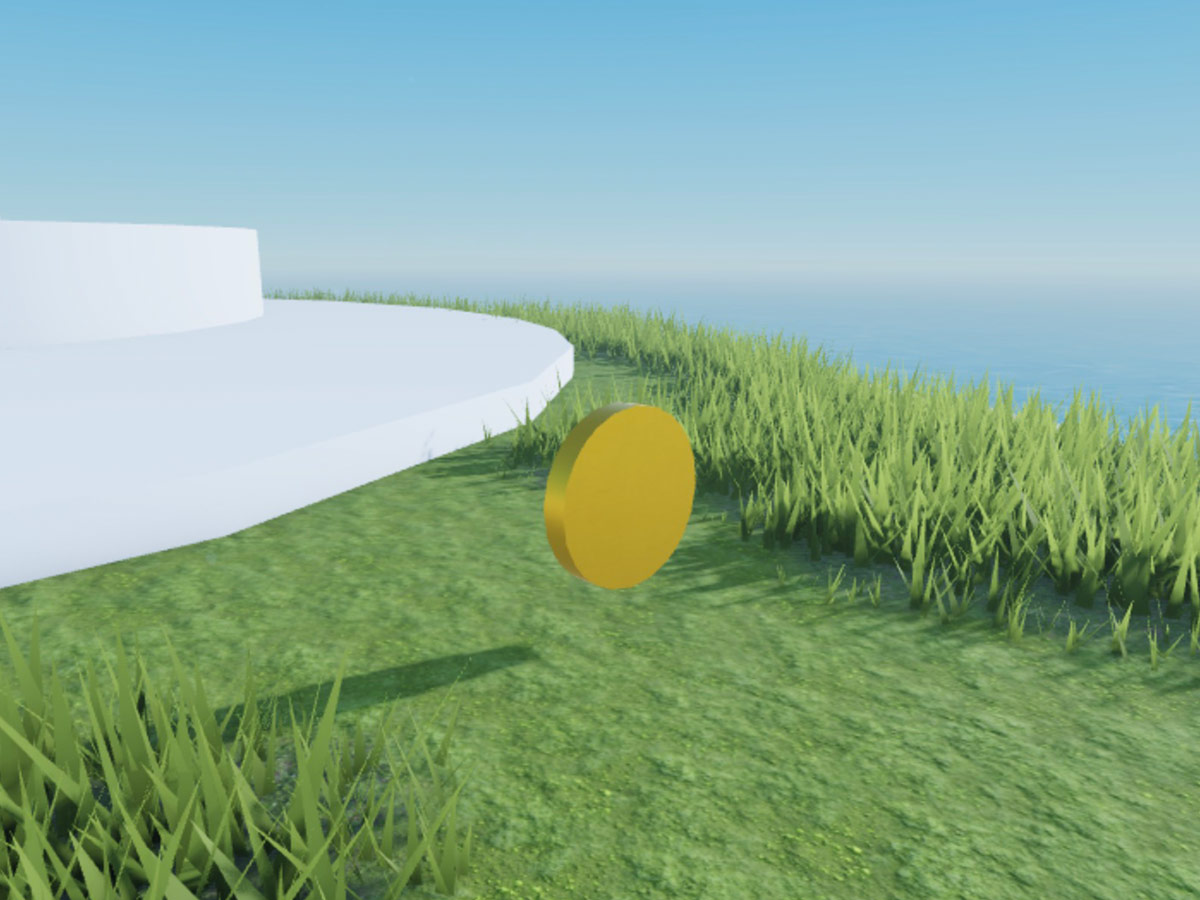
Inside the Coins folder, insert a cylinder part and rename it Coin. With the part selected, configure the following properties in the Properties window:
- Set BrickColor to
Gold. - Set Material to
Metal. - Set Size to
0.6, 8, 4. - Set Orientation to
90, 0, 0so the coin lies flat like a disc. - Disable CanCollide so players can walk through the coin to collect it.
- Enable Anchored so physics doesn't push the coin around.
- Set BrickColor to
Duplicate the coin a few times and scatter the copies around the island and on the platforms so you have somewhere to test pickups. Make sure each duplicate is also named
Coin.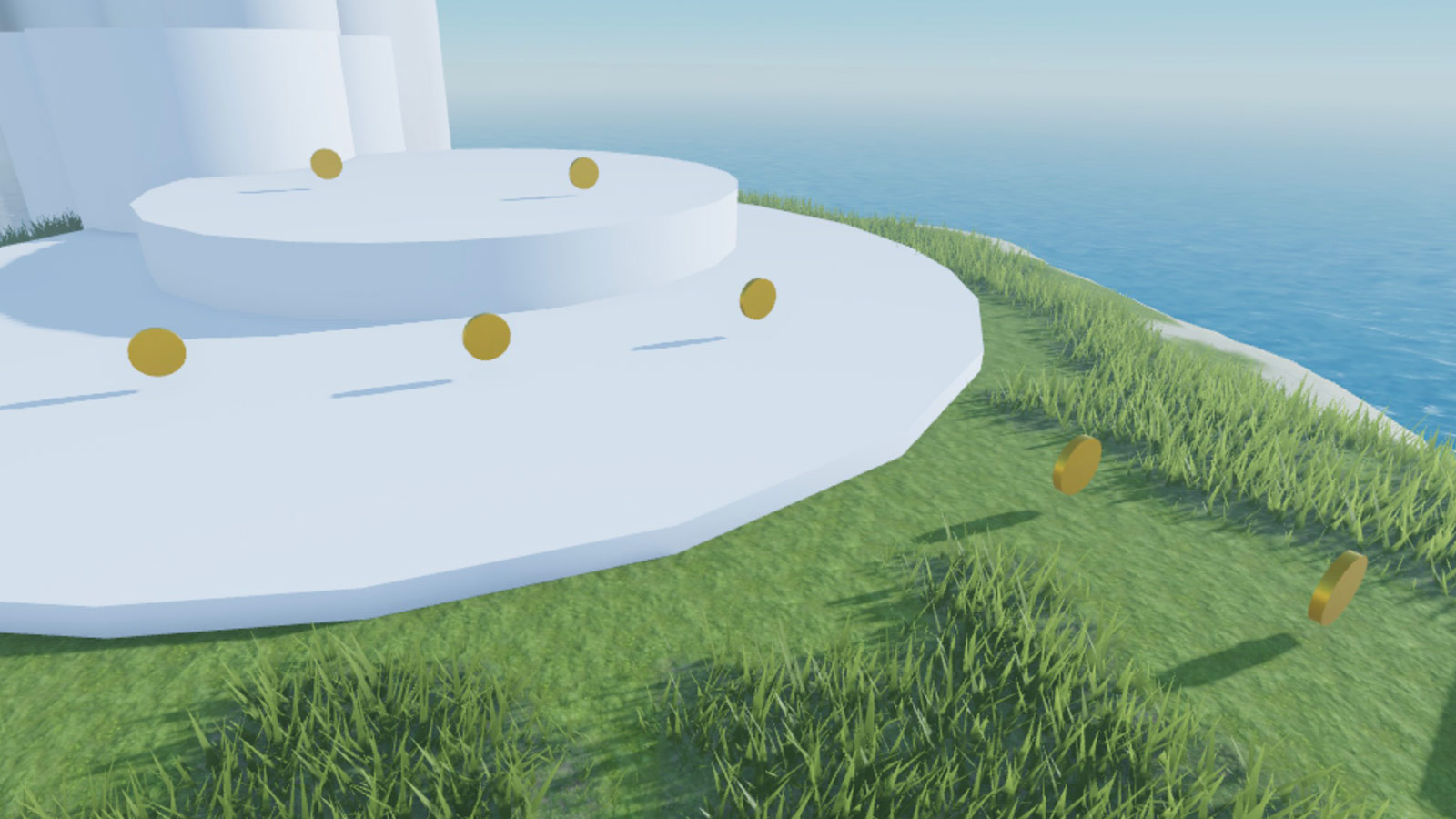
Create the script#
Next, you'll make the coins respond to players. The Roblox engine can detect when something touches a coin, but you need to use a script to define how the coin should react.
Build with Assistant
In ServerScriptService, create a Script named CoinService with the following code:

```lua
-- Initializing services and variables
local Workspace = game:GetService("Workspace")
local Players = game:GetService("Players")

local coinsFolder = Workspace.World.Coins
local coins = coinsFolder:GetChildren()

local COOLDOWN = 10

-- Defining the event handler
local function onCoinTouched(otherPart, coin)
	if coin:GetAttribute("Enabled") then
		local character = otherPart.Parent
		local player = Players:GetPlayerFromCharacter(character)
		if player then
			-- Player touched a coin
			coin.Transparency = 1
			coin:SetAttribute("Enabled", false)
			print("Player collected coin")
			task.wait(COOLDOWN)
			coin.Transparency = 0
			coin:SetAttribute("Enabled", true)
		end
	end
end

-- Setting up event listeners
for _, coin in coins do
	coin:SetAttribute("Enabled", true)
	coin.Touched:Connect(function(otherPart)
		onCoinTouched(otherPart, coin)
	end)
end
```
Build it Yourself
- In the Explorer, insert a new Script inside ServerScriptService and rename it CoinService. Placing the script in ServerScriptService ensures it runs on the server and can't be accessed by clients.
- Replace the default code with the following script, which retrieves every coin in the Coins folder, connects a
Touchedhandler to each one, and uses anEnabledattribute to track whether a coin can currently be collected:
-- Initializing services and variables
local Workspace = game:GetService("Workspace")
local Players = game:GetService("Players")

local coinsFolder = Workspace.World.Coins
local coins = coinsFolder:GetChildren()

local COOLDOWN = 10

-- Defining the event handler
local function onCoinTouched(otherPart, coin)
	if coin:GetAttribute("Enabled") then
		local character = otherPart.Parent
		local player = Players:GetPlayerFromCharacter(character)
		if player then
			-- Player touched a coin
			coin.Transparency = 1
			coin:SetAttribute("Enabled", false)
			print("Player collected coin")
			task.wait(COOLDOWN)
			coin.Transparency = 0
			coin:SetAttribute("Enabled", true)
		end
	end
end

-- Setting up event listeners
for _, coin in coins do
	coin:SetAttribute("Enabled", true)
	coin.Touched:Connect(function(otherPart)
		onCoinTouched(otherPart, coin)
	end)
end
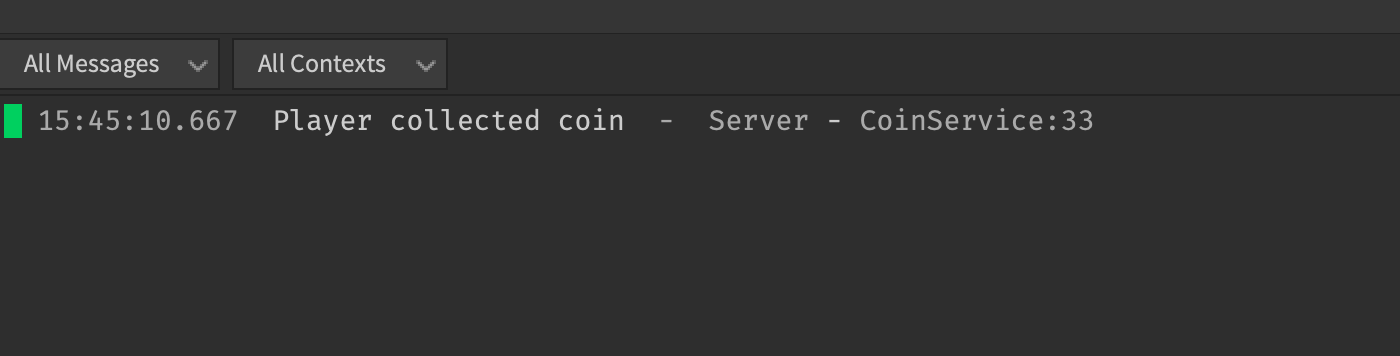
Now, whenever a player touches a coin, the coin disappears for 10 seconds, and the output log prints Player collected coin.
Code explanation
The following sections describe how the script works in more detail.
Initialize services and variables
Like with a lot of the code you've probably written in other languages, you define variables that you need later at the top of the script. Our code does the following:
- Obtain service instances - Roblox services provide built-in functionality for common features. The script first obtains instances of the
Workspaceservice, which contains every object in the 3D world, and thePlayerservice, which manages and contains all players connected to your game. - Obtain references to all coins - The script then queries the 3D workspace for all references to coin objects with the
GetChildren()method. This method returns an array containing everything parented to the object it's associated with, which in this case is theWorkspace.World.Coinsfolder you created previously. - Defines a global variable - The
COOLDOWNvariable is used later to define how long to disable a coin after it's collected.
   local Workspace = game:GetService("Workspace")
   local Players = game:GetService("Players")

   local coinsFolder = Workspace.World.Coins
   local coins = coinsFolder:GetChildren()

   local COOLDOWN = 10
   ...
Define the event handler
The Roblox Engine physically simulates the 3D world and handles a lot of the logic to handle events related to rendering, physics, and networking. When you're interested in scripting your own logic during some of these events, you can listen for and handle them, while letting the engine do the rest. In this case, you listen for and handle events related to coins being touched. The script defines the logic for handling this event in the onCoinTouched() method, which does the following:
- Detects whether the coin is enabled - Every
Instancehas anEnabledboolean attribute that defines whether or not the object exists in the 3D world. You can get instance attributes with theGetAttribute()method. - Detects whether a player touched the coin - If a coin is enabled, the method uses the player service to check if the object that touched the coin was indeed a player. When a touch event occurs, the Roblox Engine passes the object that touched the coin as an
otherPartparameter. The script checks to see if the parent ofotherPartbelongs to a player. - Disables the coin if a player touched it, and re-enables it after 10 seconds - Finally, if a player touched the coin, the method disables the coin, waits for 10 seconds, and then re-enables the coin for collection.
task.wait()is used instead ofwait()because it provides better performance by not pausing code execution entirely, allowing tasks in other threads to run concurrently.
   local function onCoinTouched(otherPart, coin)
      if coin:GetAttribute("Enabled") then
         local character = otherPart.Parent
         local player = Players:GetPlayerFromCharacter(character)
         if player then
            -- Player touched a coin
            coin.Transparency = 1
            coin:SetAttribute("Enabled", false)
            print("Player collected coin")
            task.wait(COOLDOWN)
            coin.Transparency = 0
            coin:SetAttribute("Enabled", true)
         end
      end
   end
Connect the event handler
All simulated 3D objects inherit from BasePart and therefore have a Touched() event. The following loop connects the onTouchedEvent() handler to every coin's touch event by doing the following:
- Loop through all the coins - Loop through each of the coins using general iteration.
- Connect the handler to the event - In each iteration of the loop, the coin is enabled by default, so it's visible in the 3D world during the initial start of the game. The
onCoinTouched()handler method is also connected to theTouchedevent of the coin so that it runs every time the event occurs. When the engine detects a touch, it also passes in the object that touched the object,otherPart.
   for _, coin in coins do
      coin:SetAttribute("Enabled", true)
      coin.Touched:Connect(function(otherPart)
         onCoinTouched(otherPart, coin)
      end)
   end
Playtest the mechanic#
Select Test from the dropdown and click Play. Move your character to touch a coin. If everything is working, the coin disappears, the Output window prints Player collected coin, and the coin reappears 10 seconds later.