3D art in Roblox
An overview of 3D art tools, resources, and workflows for creators of all experience levels.
3D art in Roblox refers to the creation and integration of models, environments, effects, sounds, and more to create an engaging and immersive game. 3D artists bring the world, objects, and characters to life with a variety of tools and techniques using Roblox Studio and external applications.
No matter your creative background, Roblox provides a variety of tools, guides, tutorials, and reference files to help inspire and level up your 3D art creation in your games and beyond.
Quick reference
Whether you're just getting started with Roblox or need a quick refresher, use the following popular resources to get up to speed.
Tutorials
To dive deeper, follow along with guided curriculum that teaches you the skills you need to create and monetize your games.
Showcases
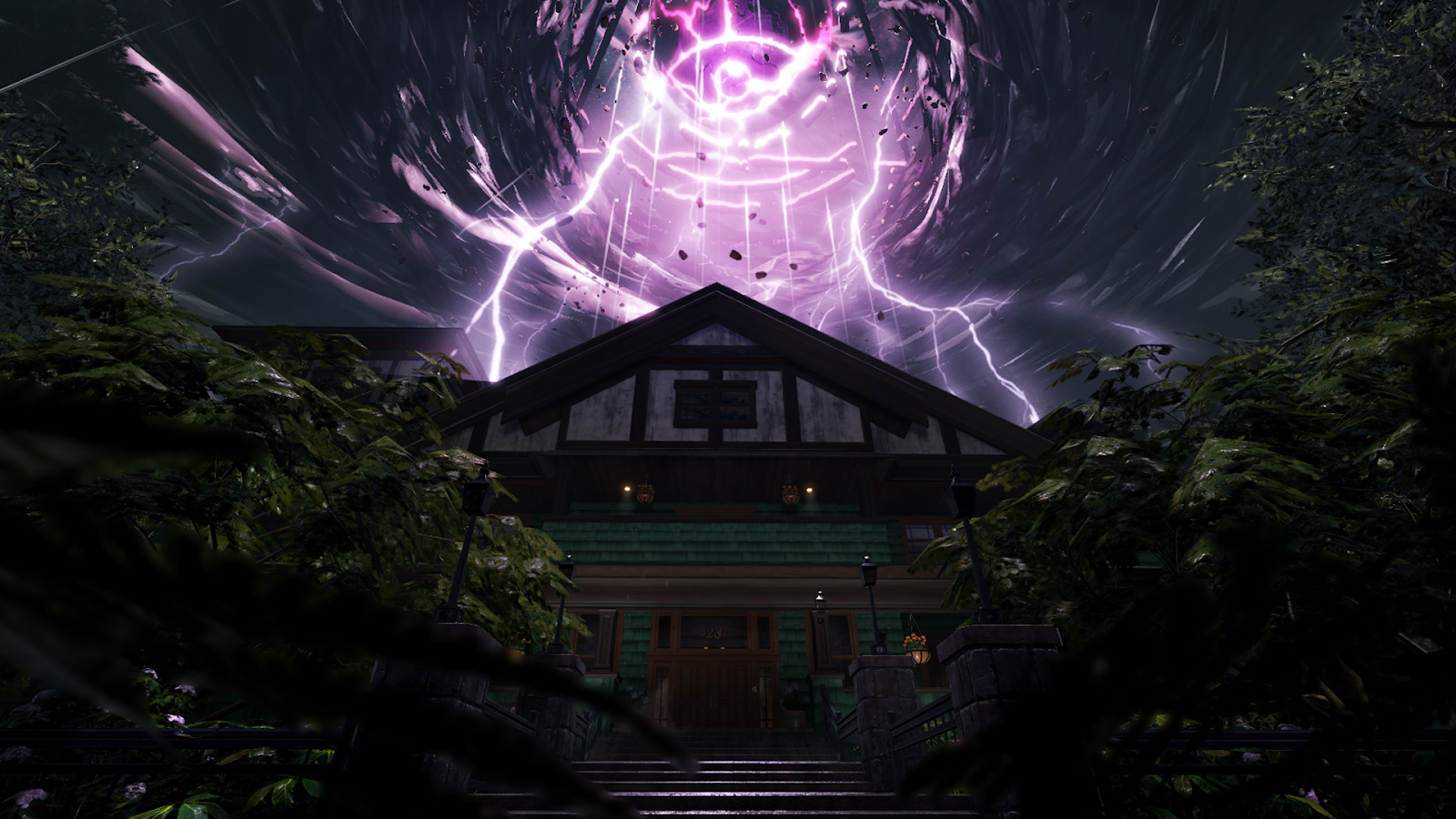
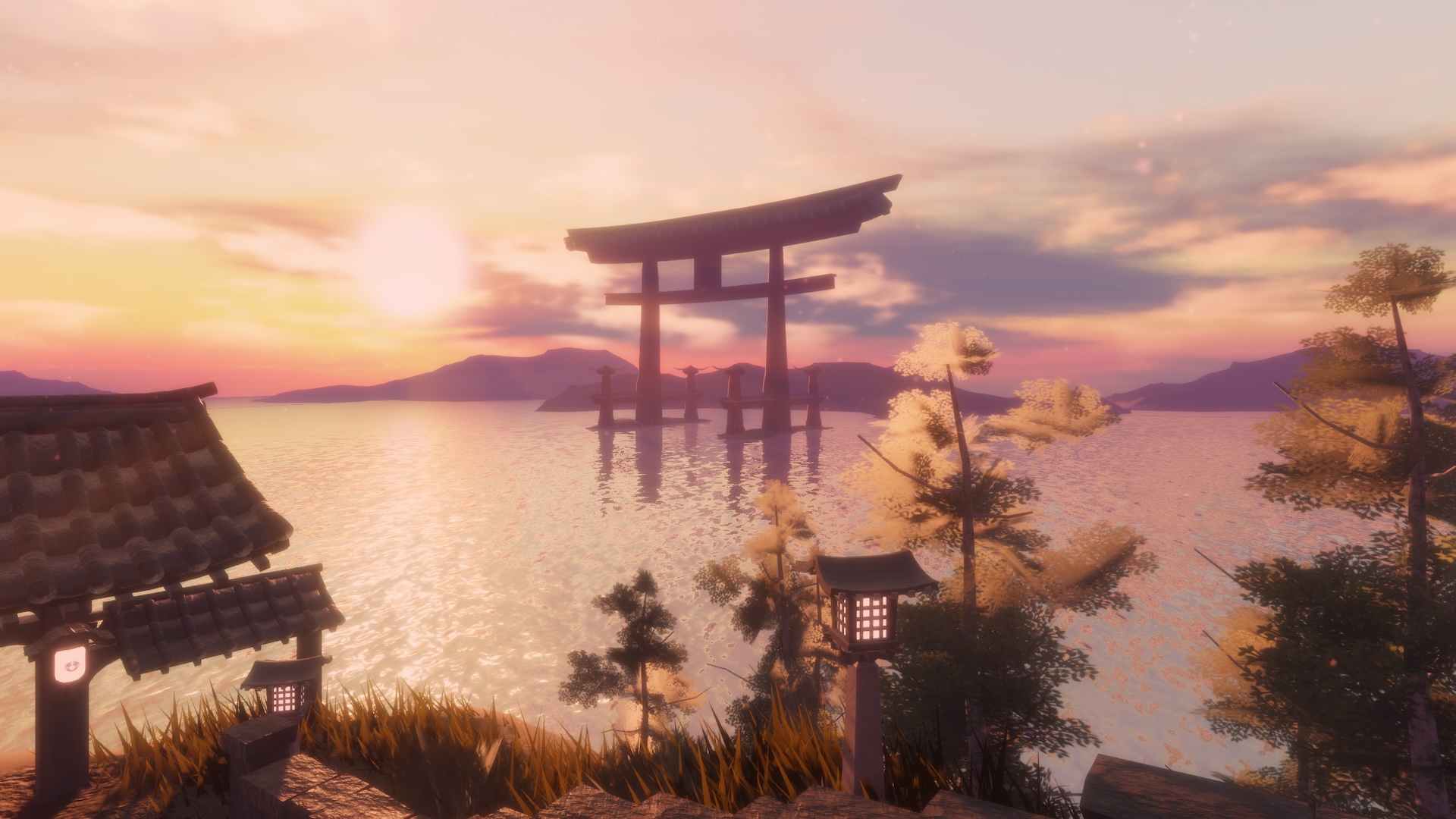
Check out the following showcases made by Roblox and the community. Each of these highlight amazing creativity and technical accomplishments by talented creators.
From the staff
The following articles are from the staff, covering a broad array of topics that can help you on your creative journey both within Studio and beyond.
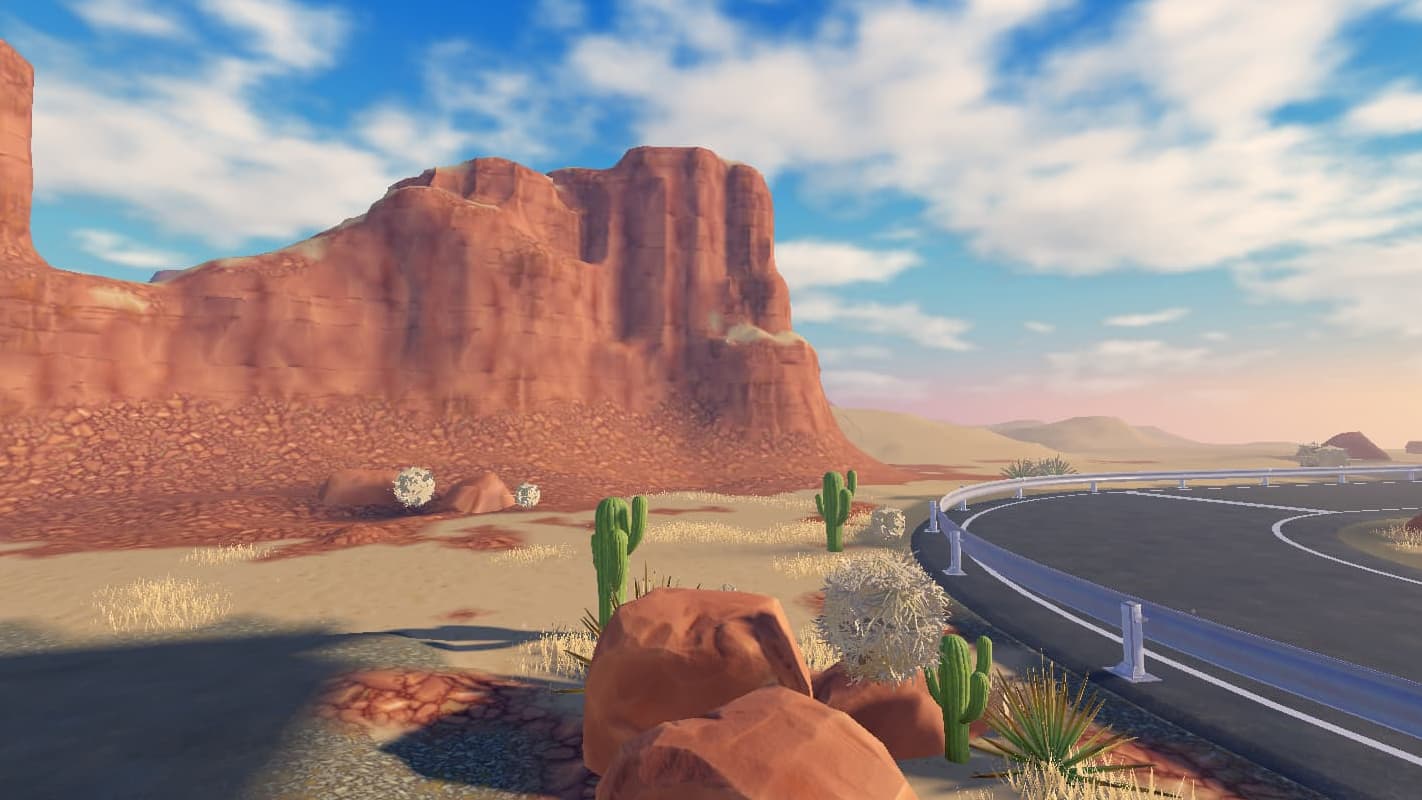 Create buttes and mesas with Studio terrain
Create beautiful and striking landscapes using Studio's powerful terrain and material tools. Learn more
Apply your own custom skyboxes to your game to add some flair and elevate your world. Learn more
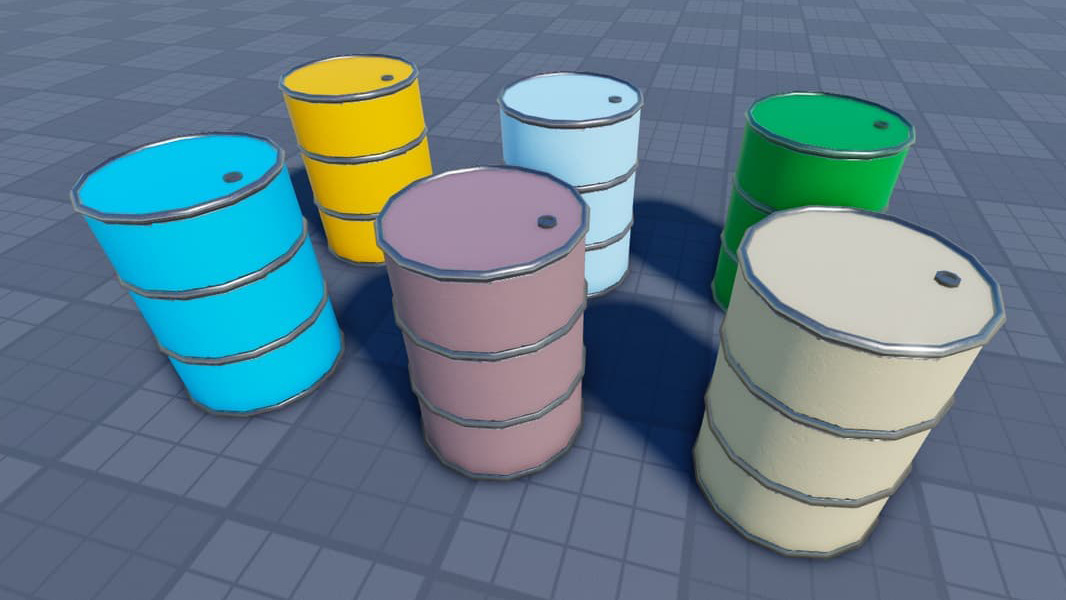 Use alpha masks to customize colors
Save time and optimize for performance by using alpha masks in your PBR textures. Learn more
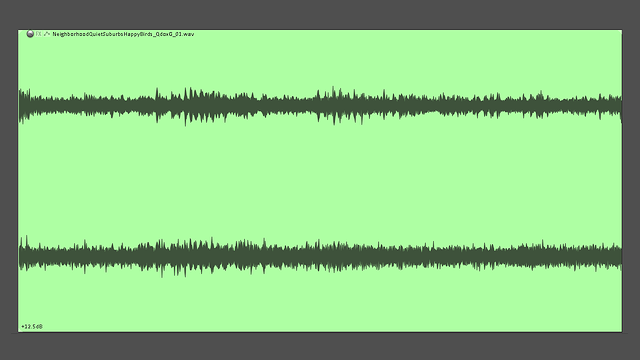 Create perfect audio loops
Learn a quick technique to make seamless loops in your audio files. Great for ambience, music, sound effects, and more. Learn more
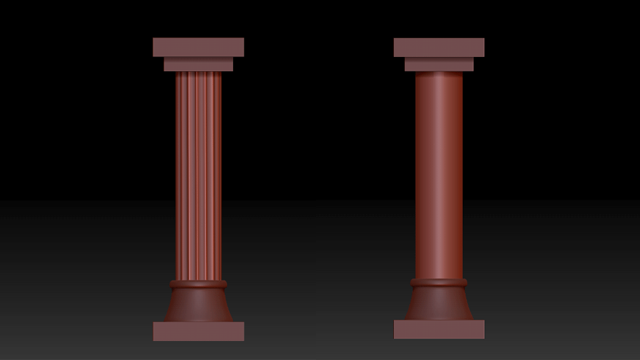 Use radial symmetry with Zbrush
Radial symmetry is an extremely versatile sculpting technique applicable in many third-party tools. This article is a primer on radial symmetry in Zbrush. Learn more
Looking for more?
Stay up to date with new articles written by our staff on the DevForum. Topics can range from third-party tools, behind-the-scenes, tutorials, and more.
Additional resources
The following is a list of common 3D art resources ordered by subject, as well as other Studio and Avatar documentation. You can also use the side navigation bar, search bar, or assistant to find specific articles and topics.
Get started and tutorials
3D art tutorials
Core curriculum
Environmental art
Gameplay scripting
See Engine tutorials for additional 3D Art tutorials.
Avatar tutorials
Create rigid accessories
Create layered accessories
Create avatar characters from templates
See Avatar tutorials for additional avatar tutorials.
Specifications and references
Reference files Example models Reference avatar items Add-ons and tools
Guides and workflows
Environment, lighting, and effects
Environmental art curriculum Assemble modular environments Light with props Add 3D audio Add 2D audio Add text-to-speech Enhance outdoor environments with realistic lighting Custom skyboxes 101 (Staff)
See Lighting and effects for additional environment resources.
Animation
Animation Capture
Animation Editor
Export animations from Maya
Inverse kinematics
See Animation for additional resources.
Facial animation and live heads
Basic head creation Create face accessories FACS pose references
Publish to Creator Store and Marketplace
Creator Store overview Marketplace overview Marketplace policy Publish avatar items to Marketplace Marketplace fees and commissions