Tutorials
Get all the tutorials you need to build characters and accessories.
Learn how to create assets with structured tutorials that walks through each creation step from modeling in a third-party tool to importing in Studio.
Prerequisites
These tutorials use Blender, a free and open-source software. If you never used Blender or Roblox Studio before, start with the following resources before continuing.
- Download Blender - Install and setup Blender. Roblox's tutorial content uses Blender 3.0+.
- Familiarize yourself with Blender - Use Blender's official docs or community-created content of your choice to get up to speed with Blender's UI and functions.
- Setting up Roblox Studio - Install and configure Roblox Studio.
Rigid accessories
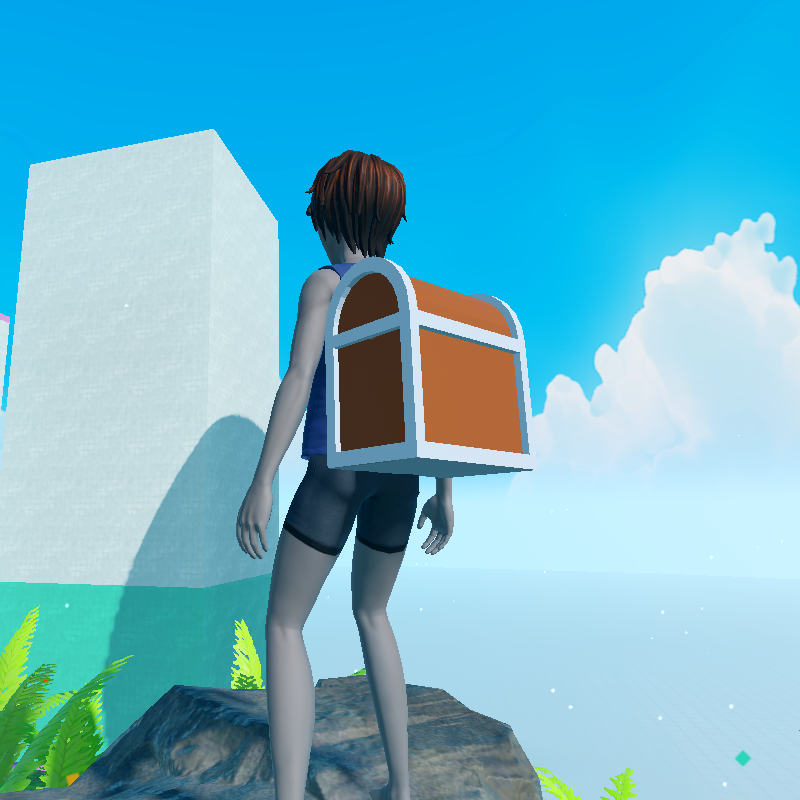
This tutorial covers the basic steps to successfully create and sell an accessory. Model and texture an object in Blender, upload the publishable accessory item to Studio, and sell the item on the Marketplace.<>
</>
Start Creating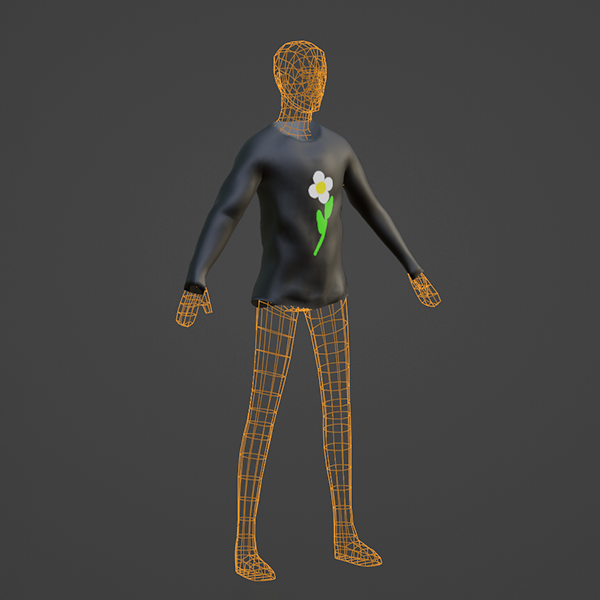
Bodies
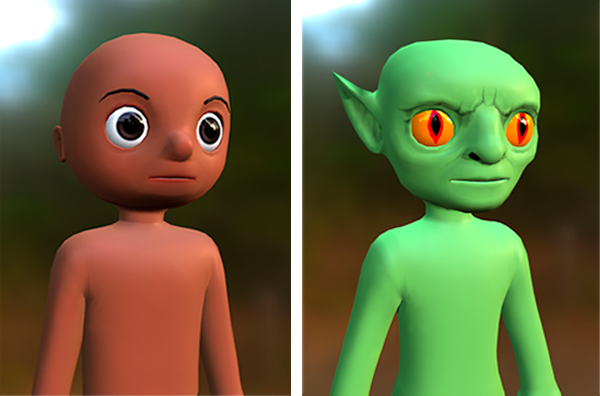
Start here for a comprehensive introduction to each step of body creation using Roblox's provided avatar templates. Each template includes pre-baked avatar components and these instructions provide everything you need to know to create a custom character ready for the Marketplace.<>
</>
Start Creating