Effects
Learn how to add visual effects to your games.
You can create special effects by parenting special effect objects to other objects or attachments.
Light sources#
Light sources let you attach lighting effects to objects or attachments. There are three types of light sources:
- A
PointLightemits light spherically from a single point. This object is ideal for non-directional lights like bulbs, torches, and fireballs. - A
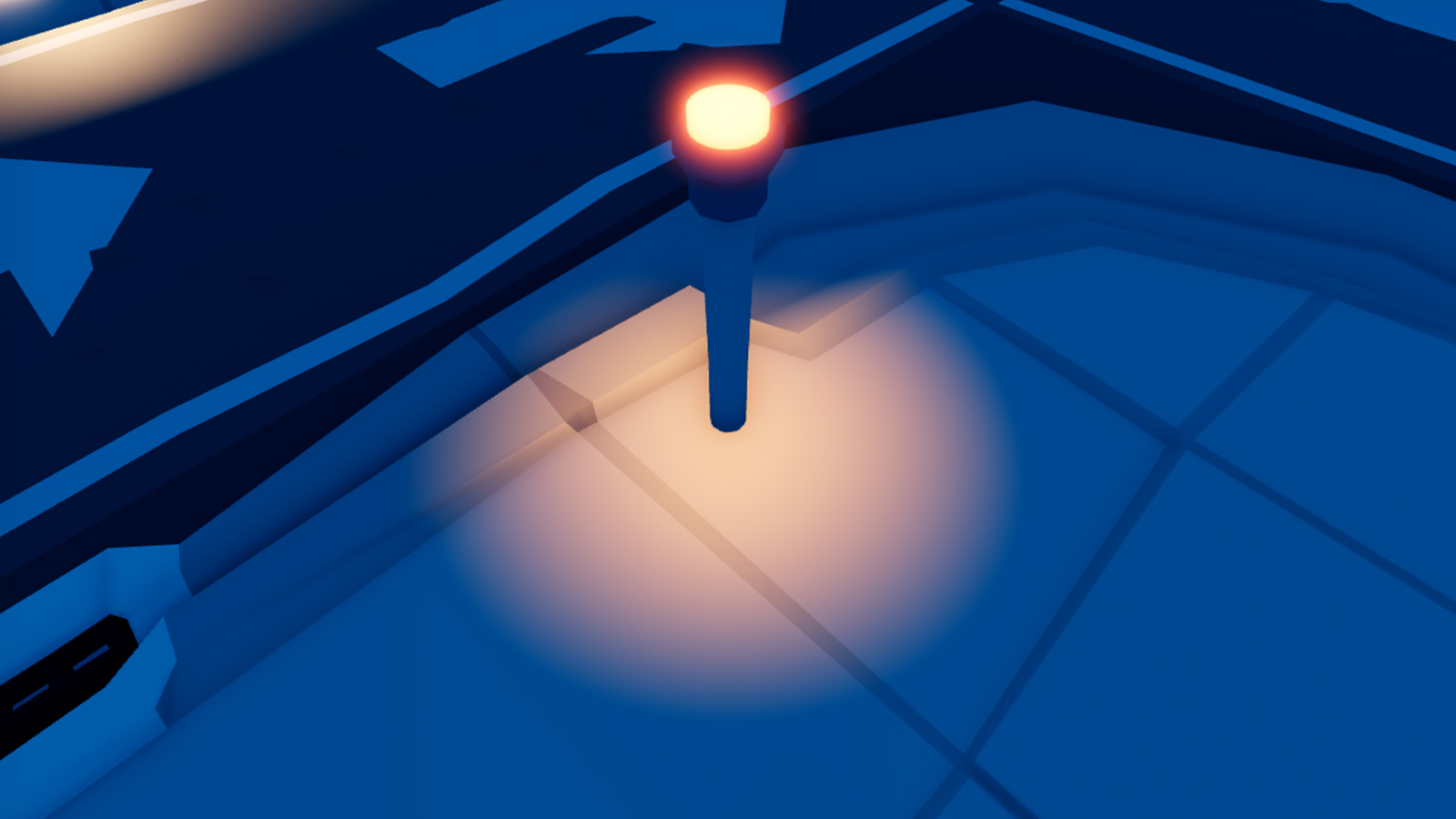
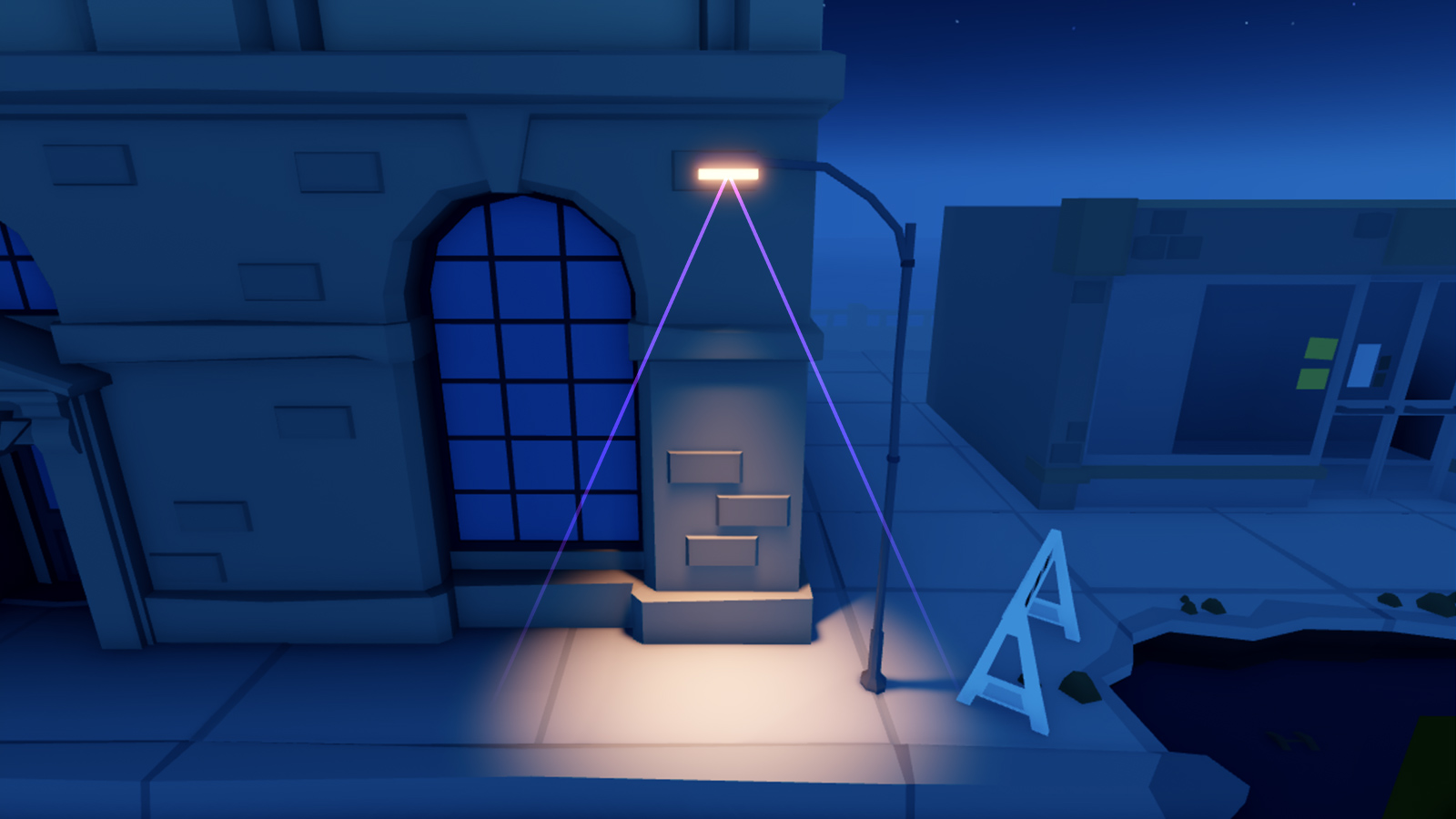
SpotLightemits light in the shape of a cone with a spherical base. This object is ideal for directional lights like street lamps, flashlights, and headlights. - A
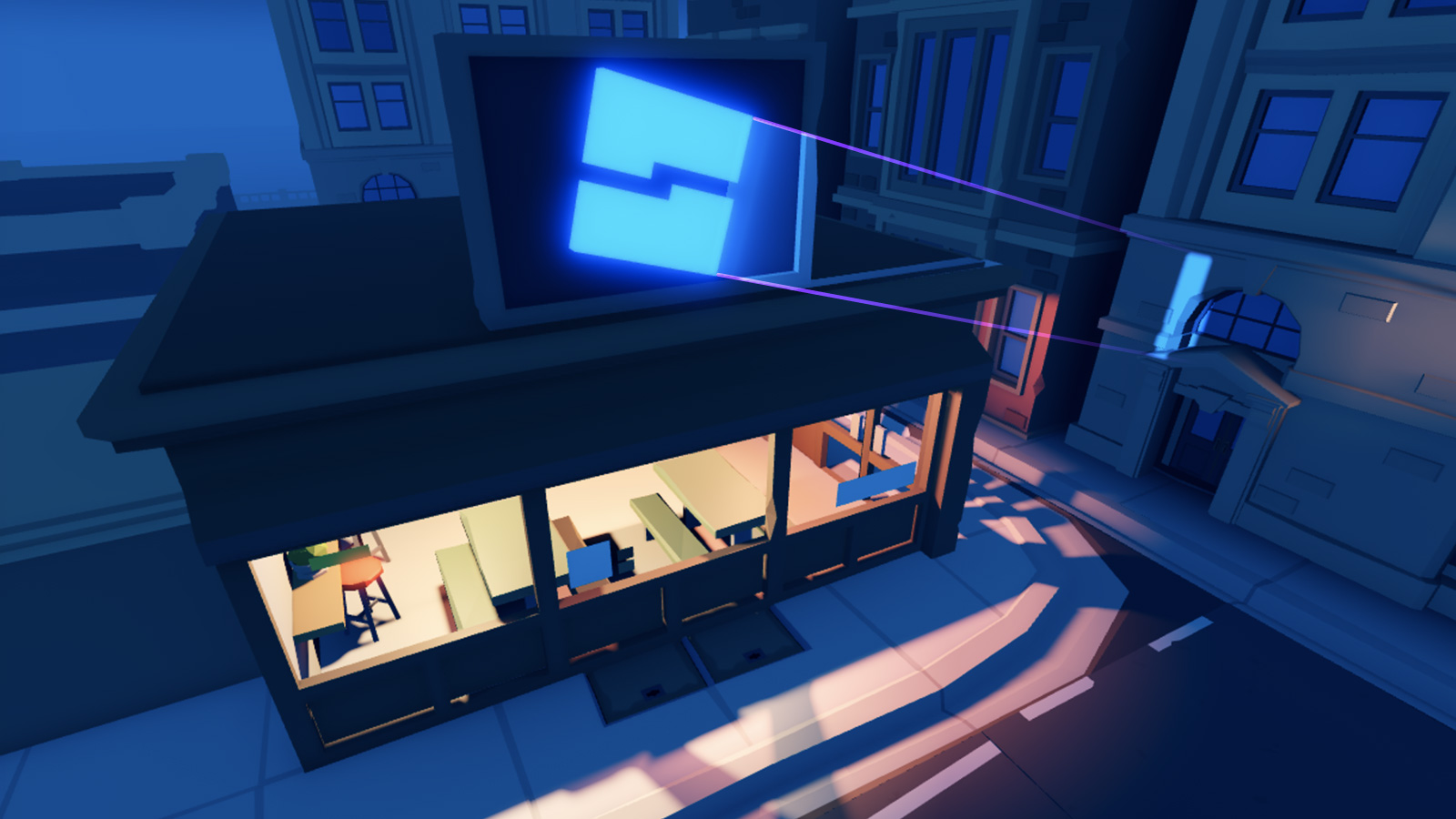
SurfaceLightemits light from the face of a BasePart. This object is ideal for lighting from TV or computer screens, billboards, and fluorescent panels.
Particle emitters#
A particle emitter is an object that emits customizable 2D images (particles) into the world, useful for simulating special effects like fire, smoke, and sparks.
Beams#
A beam is an object that renders a texture between two
Attachment objects Beam.Attachment0 and
Beam.Attachment1. By setting beam properties, you can:
- Add a texture and color gradient to create interesting visuals like waterfalls and force fields.
- Modify a beam's transparency so that it fades over time.
- Warp its shape by changing the width or curve of each attachment point.
Trails#
A trail is an object that creates a trail between and behind two Attachment objects as they move through space. Trails can help players visualize movement, such as a sword slashing through the air, projectiles flying to their target, or footprints walking away.
By setting trail properties, you can:
- Add a texture to create interesting visuals.
- Set a constant or gradient color.
- Modify a trail's lifetime.
Highlighting#
Highlight is a visual effect which you can use to call attention to a specific object within a game, such as to provide visual feedback that the object is important and/or interactable. See Highlighting Objects for details.