Roblox UtilitiesDevlHub Roblox Documentation

Class

Highlight

Inherits
Instance › Object
Memory category
Instances

A visual effect which you can use to call attention to a specific object within an experience.

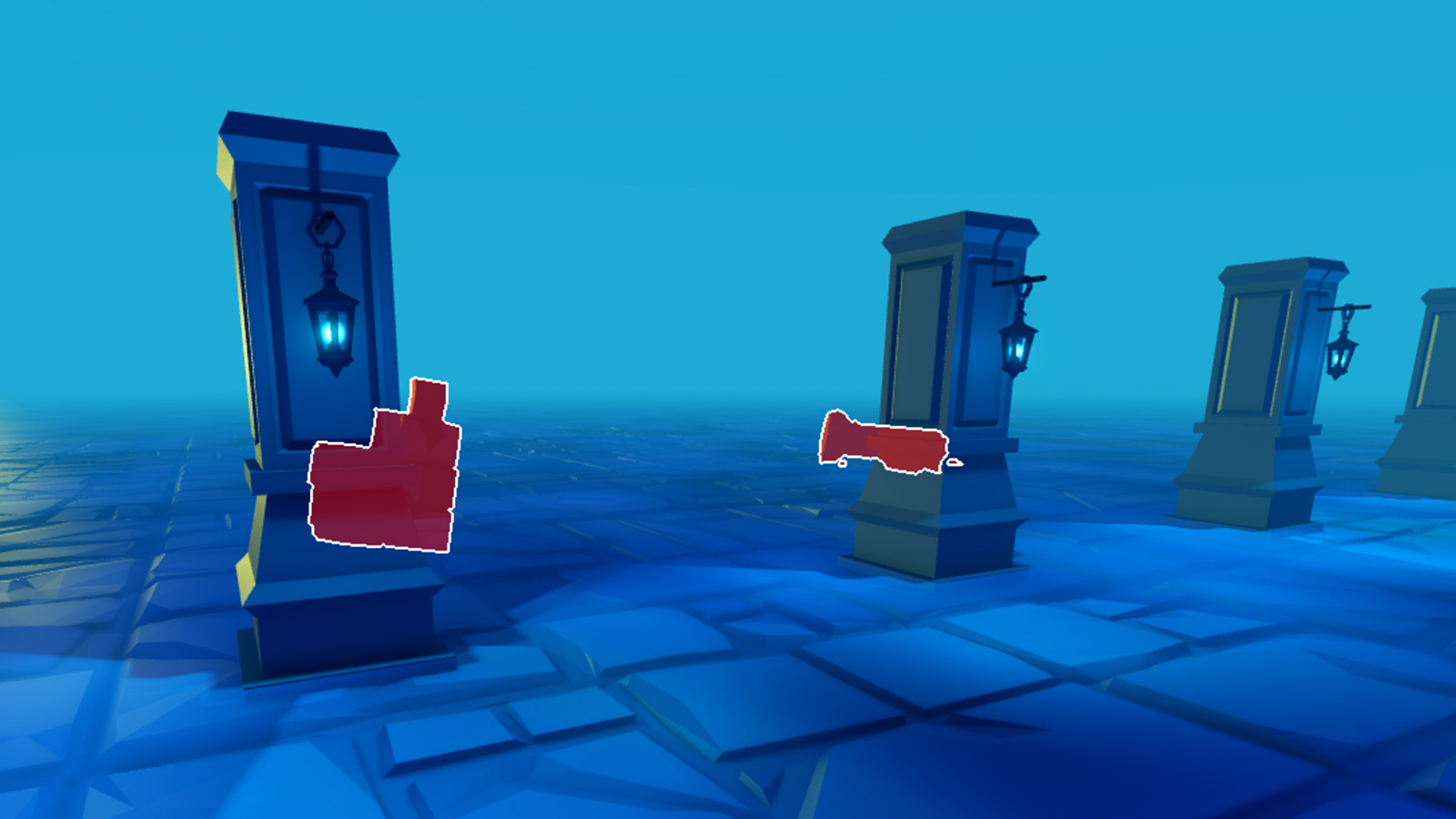
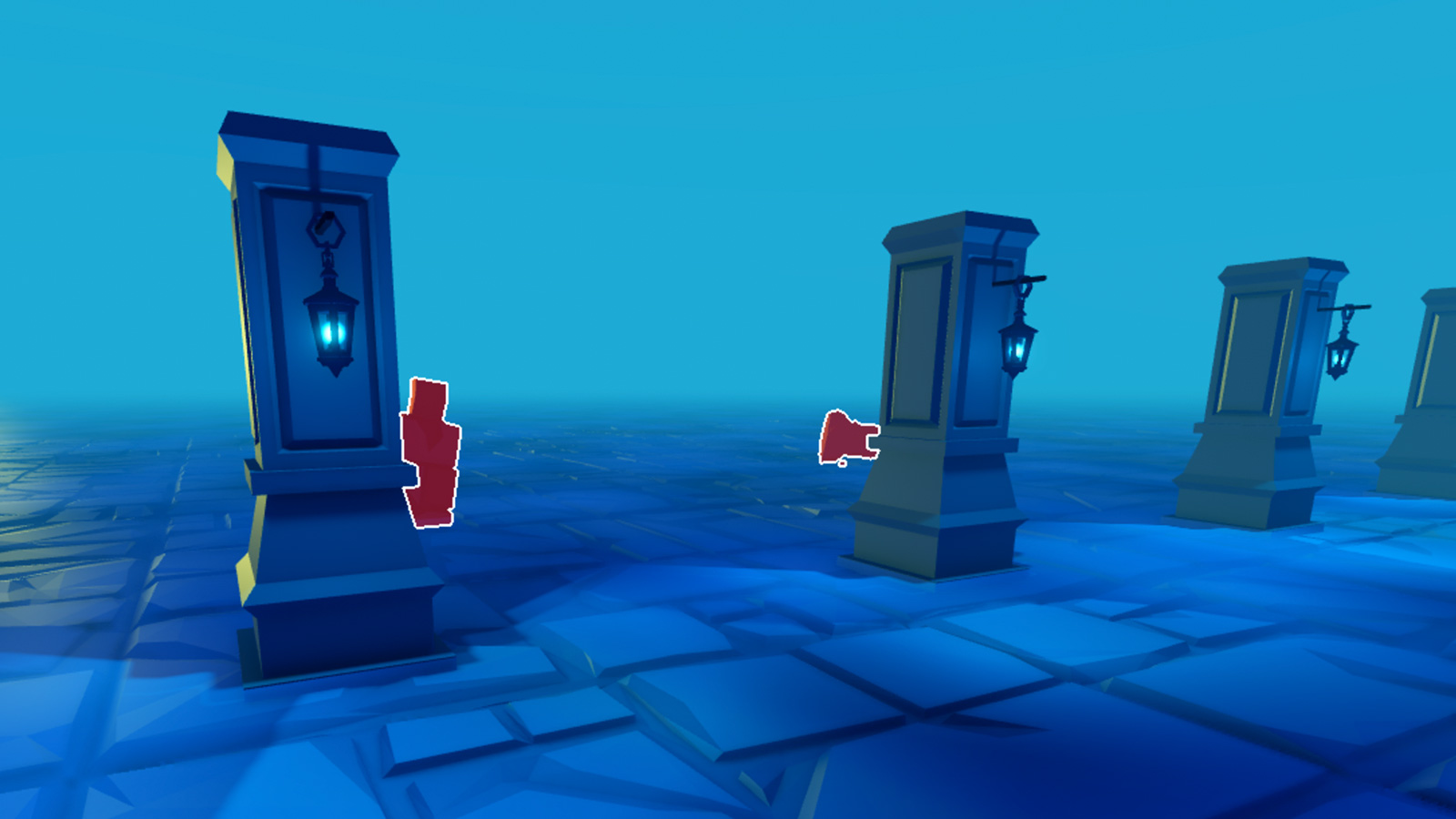
The Highlight instance is a visual effect which you can use to call attention to a specific object within an experience. Every highlight effect has a silhouette outline that surrounds the object and a solid overlay interior that displays over the object. You can customize both of these components independently to modify the highlight's visual appearance.

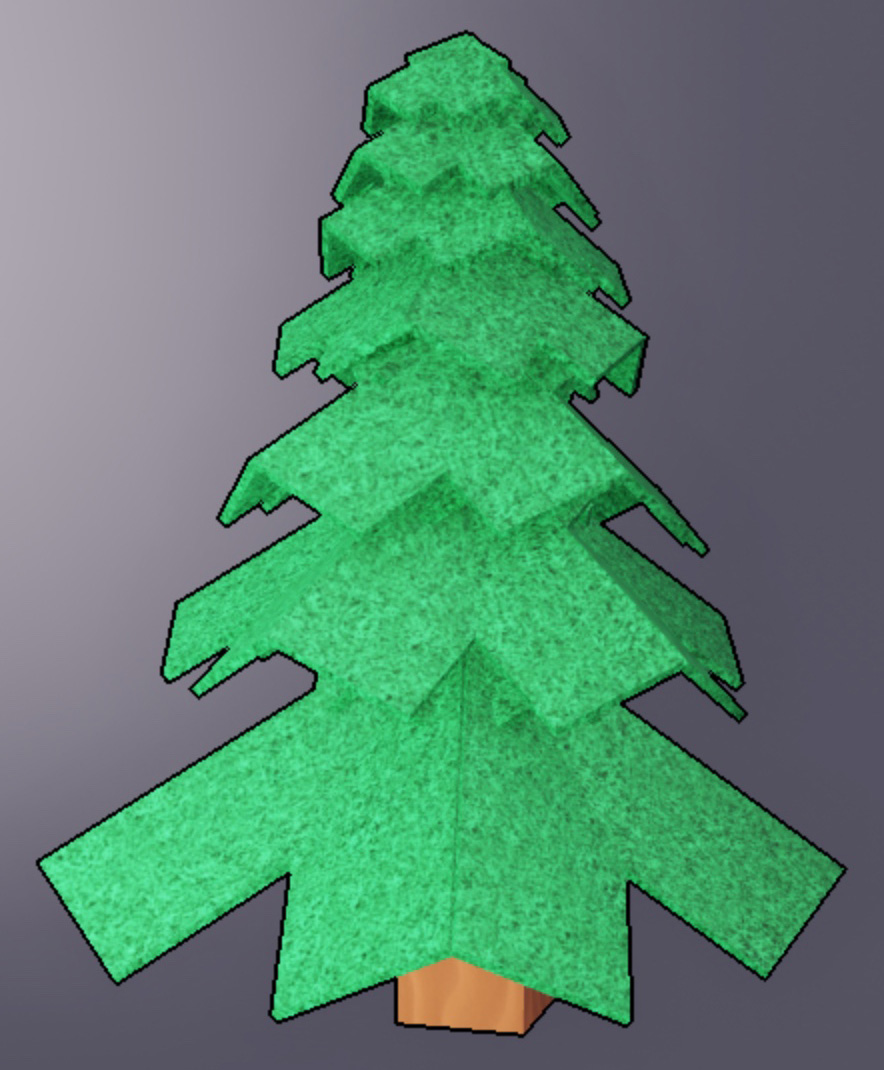
Base object
White outline, 50% red interior
Yellow outline, black interior

Useful applications of the highlight effect include:

Limitations#

As a performance limit, Studio only displays 255 simultaneous Highlight instances on the client at a time. If you exceed this limit, the additional instances are silently ignored. Note that while a Highlight with Enabled set to false doesn't display, it still takes one of the 255 available slots, so if you plan to permanently disable a Highlight instance, it's best to delete it rather than disable it.

Properties 7#

AdorneeInstanceThe Instance that the Highlight is applied to.ReadSafe
DepthModeHighlightDepthModeControls how the Highlight effect displays with respect to other objects in the world.ReadSafe
EnabledbooleanSets whether or not the highlight is enabled.ReadSafe
FillColorColor3Sets the Color3 value of the highlight's interior.ReadSafe
FillTransparencyfloatSets the transparency of the highlight's interior.ReadSafe
OutlineColorColor3Sets the Color3 value of the highlight's outline.ReadSafe
OutlineTransparencyfloatSets the transparency of the highlight's outline.ReadSafe

Adornee: Instance#

ReadSafe

The Instance for which to apply the Highlight, used to apply the effect to an Instance outside of a child/parent relationship.

DepthMode: HighlightDepthMode#

ReadSafe

Controls how the Highlight effect displays with respect to other objects in the world. You can set this property to one of the following options:

  • AlwaysOnTop — Allows the highlight to display regardless if there are objects between the camera and the highlighted object. This means the viewer is always able to see the highlight regardless of what is between the highlighted object and the camera.

  • Occluded — Hides the highlight if there are objects between the camera and the highlighted object. This means the viewer is only able to see the object if there are no obstructing objects between the highlighted object and the camera's view.

DepthMode = AlwaysOnTop
DepthMode = Occluded

Enabled: boolean#

ReadSafe

Sets whether or not the highlight is enabled. This does not impact performance, but disabled Highlight instances will still take one of the 255 available slots. If you plan to permanently disable a Highlight instance, it's best to delete it rather than disable it.

FillColor: Color3#

ReadSafe

Sets the Color3 value of the highlight's interior.

FillColor = [255, 100, 50]
FillColor = [0, 255, 125]
FillColor = [75, 150, 255]

FillTransparency: float#

ReadSafe

Sets the visibility of the highlight's interior to any value between the default value of 0 (opaque) and 1 (invisible). You can use this property to determine how much of the object's existing color you want viewers to see.

FillTransparency = 0
FillTransparency = 0.5
FillTransparency = 1

OutlineColor: Color3#

ReadSafe

Sets the Color3 value of the highlight's outline.

OutlineColor = [255, 100, 50]
OutlineColor = [0, 255, 125]
OutlineColor = [75, 150, 255]

OutlineTransparency: float#

ReadSafe

Sets the visibility of the highlight's outline to a value between 0 (opaque) and 1 (transparent).

OutlineTransparency = 0
OutlineTransparency = 1

Inherited members#

Inherited from Instance 58
Inherited from Object 6
Properties (2)

ClassName, className

Events (1)

Changed