Class
MeshPart
A form of BasePart that includes a physically simulated custom mesh.
MeshPart is a form of BasePart that includes a physically
simulated custom mesh. Unlike with other mesh classes, such as
SpecialMesh and BlockMesh, they are not parented to a
BasePart but rather behave as a BasePart in their own right.
The mesh and texture of a MeshPart are determined by the
MeshId and TextureID
properties. For more information, see Meshes.
Properties 9#
DoubleSidedboolean | Determines whether to render both faces of polygons in the mesh.ReadSafe |
HasJointOffsetboolean | Deprecated legacy flag associated with the part's
JointOffset.Write: NotAccessibleSecurityReadSafeDeprecatedHidden |
HasSkinnedMeshboolean | Indicates whether the mesh currently applied to the MeshPart
contains skinning (bone and joint) data.Write: NotAccessibleSecurityReadSafeHidden |
JointOffsetVector3 | Deprecated. An offset once used to position a skinned mesh's joints.Write: NotAccessibleSecurityReadSafeDeprecatedHidden |
MeshContentContent | The mesh that is displayed on the MeshPart. Supports
asset URIs and
EditableMesh objects.Write: NotAccessibleSecurityReadSafe |
MeshIdContentId | The asset URIs of the mesh
that is displayed on the MeshPart. Reads and writes to
MeshContent.Write: NotAccessibleSecurityReadSafe |
RenderFidelityRenderFidelity | The level of detail used to render the MeshPart.ReadSafeNotReplicated |
TextureContentContent | The texture applied to the MeshPart. Supports
asset URIs and
EditableImage objects.ReadSafe |
TextureIDContentId | The texture applied to the MeshPart. Reads and writes to
TextureContent.ReadSafe |
DoubleSided: boolean#
ReadSafe
This property determines whether to render both faces of polygons in the mesh. This is useful for meshes that are typically modeled as "cards" such as a leaf, hair, or cloth.
HasJointOffset: boolean#
HiddenDeprecatedWrite: NotAccessibleSecurityReadSafeDeprecated
Deprecated. This property is deprecated and should not be used in new work.
Deprecated legacy property associated with a MeshPart's internal
JointOffset. It is managed by the engine and
cannot be set by scripts. Do not use it in new work.
HasSkinnedMesh: boolean#
HiddenWrite: NotAccessibleSecurityReadSafe
Indicates whether the mesh currently applied to the MeshPart
contains skinning (bone and joint) data, such as a mesh authored with an
armature for skeletal deformation.
Defaults to false. The engine sets this automatically when a mesh is
loaded (true when the mesh data includes joints), so scripts cannot set
it.
JointOffset: Vector3#
HiddenDeprecatedWrite: NotAccessibleSecurityReadSafeDeprecated
Deprecated. This property is deprecated and should not be used in new work.
Deprecated. A Vector3 offset once used to position a skinned
mesh's joints. Defaults to 0, 0, 0 and is reset whenever a new mesh is
applied to the part. Cannot be set by scripts; do not use it in new work.
MeshContent: Content#
Write: NotAccessibleSecurityReadSafe
The mesh that is displayed on the MeshPart. Supports
asset URIs and
EditableMesh objects.
Note that this property cannot be changed directly by scripts, as the
collision geometry of the mesh cannot be recomputed in real time. See
AssetService:CreateMeshPartAsync() as a method to create a new
MeshPart from a given Content with a specified
CollisionFidelity.
MeshPart:ApplyMesh() can be used to overwrite the
MeshContent,
TextureContent, and collision geometry of
an existing MeshPart.
MeshId: ContentId#
Write: NotAccessibleSecurityReadSafe
The asset URIs of the mesh
that is displayed on the MeshPart. Reads and writes to
MeshContent.
Note that this property cannot be changed directly by scripts, as the
collision geometry of the mesh cannot be recomputed in real time. See
AssetService:CreateMeshPartAsync() as a method to create a new
MeshPart from a given Content with a specified
CollisionFidelity.
MeshPart:ApplyMesh() can be used to overwrite the
MeshContent,
TextureContent, and collision geometry of
an existing MeshPart.
RenderFidelity: RenderFidelity#
NotReplicatedReadSafe
This property determines the level of detail that the MeshPart
will be shown in. It can be set to the possible values of the
RenderFidelity enum.
The default value is Automatic, meaning
the mesh's detail is based on its distance from the camera as outlined in
the following table.
| Distance From Camera | Render Fidelity | Example |
|---|---|---|
| Less than 250 studs | Highest |  |
| 250-500 studs | Medium | 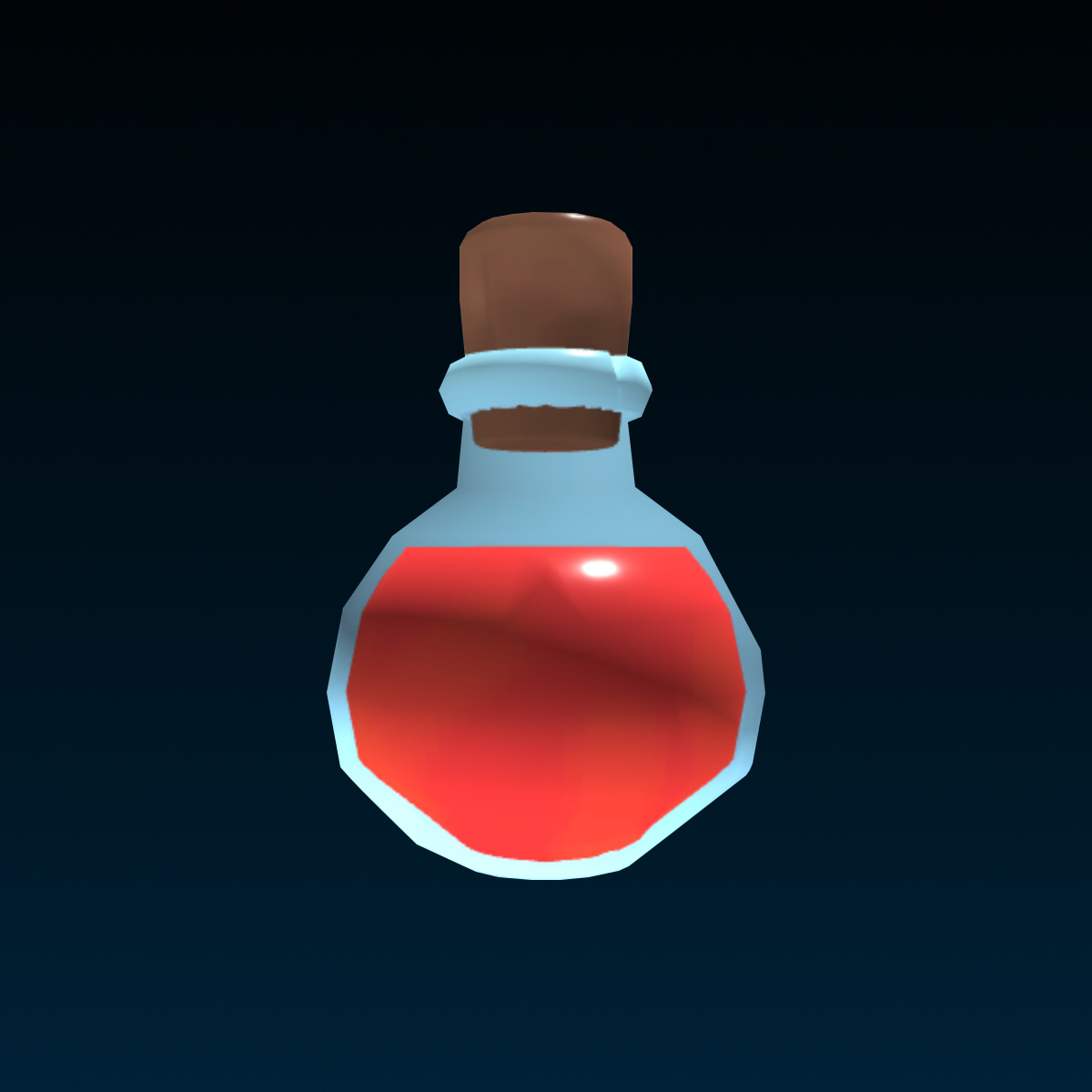 |
| 500 or more studs | Lowest | 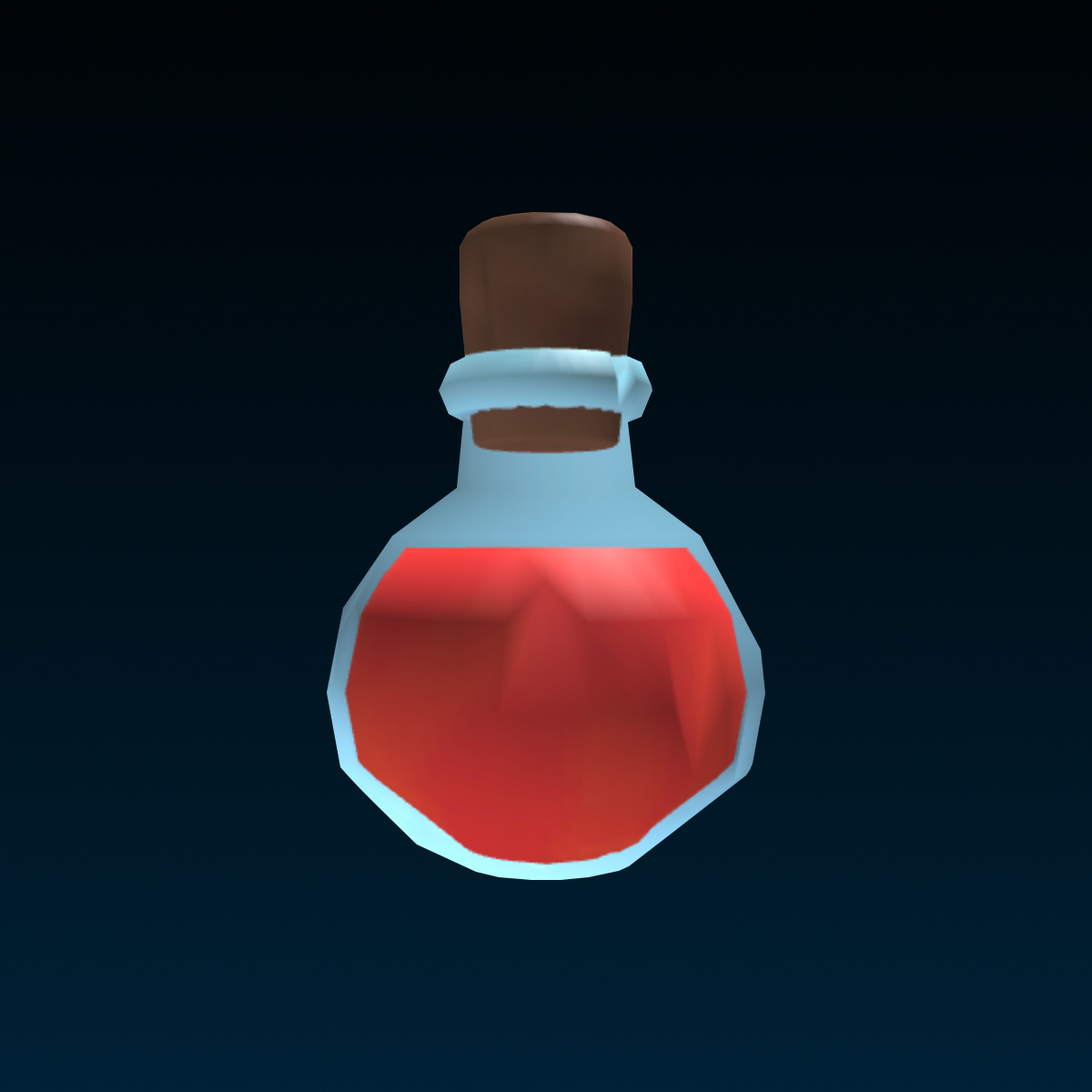 |
TextureContent: Content#
ReadSafe
The texture applied to the MeshPart. Supports
asset URIs and
EditableImage objects.
When this property is set to Content.none, no texture will be
applied to the mesh.
local Workspace = game:GetService("Workspace")

local meshPart = Workspace.MeshPart
meshPart.TextureContent = Content.none  -- No texture
Note that the MeshContent property cannot be
directly changed during runtime but the texture can.
Changing a Mesh Texture#
Using the TextureContent property, the
texture of a mesh can be changed without having to re-upload the mesh. To
do this, a new image can be uploaded to Roblox with the desired texture.
The original texture image file can be obtained by exporting the mesh
using the Export Selection option in Studio. The image file will be
saved alongside the exported .obj file.
The new texture can then be uploaded to Roblox as a decal and its
asset URI can be applied
to the mesh using the TextureContent or
TextureID property.
TextureContent can also be set to
reference an EditableImage that has not been published yet.
local AssetService = game:GetService("AssetService")
local Workspace = game:GetService("Workspace")

local meshPart = Workspace.MeshPart

local editableImage = AssetService:CreateEditableImageAsync(meshPart.TextureContent)
meshPart.TextureContent = Content.fromObject(editableImage)  -- Live updates
When TextureContent references an
EditableImage, the texture will live update with any edits to the
EditableImage object.
Making a Textured Mesh#
A mesh can only be textured if the mesh has been UV mapped, referring to the practice of projecting a texture map onto a mesh. This cannot be done using Roblox Studio and must be done using an external 3D modeling application such as Blender.
TextureID: ContentId#
ReadSafe
The texture applied to the MeshPart. Reads and writes to
TextureContent.
When this property is set to an empty string, no texture will be applied to the mesh.
local Workspace = game:GetService("Workspace")

local meshPart = Workspace.MeshPart
meshPart.TextureID = ""  -- No texture
Note that the MeshPart.MeshId property cannot be changed during
runtime but the texture can. See
TextureContent for details.
Methods 1#
| ApplyMesh | Overwrites the MeshContent,
TextureContent, and collision geometry
properties of this MeshPart from the given source meshPart. |
ApplyMesh(meshPart: Instance): ()#
Overwrites the MeshContent,
TextureContent, and collision geometry
properties of this MeshPart from the given source meshPart.
Most of these properties are read-only and cannot be changed during
runtime on their own directly. To keep
MeshContent and physics data in sync, they
must be updated together.
Copies the following properties:
MeshPart.MeshContent(implicitly updatesMeshId)MeshPart.TextureContent(implicitly updatesTextureID)MeshPart.RenderFidelityMeshPart.CollisionFidelity(with any internal collision geometry)MeshPart.FluidFidelity(with any internal aero geometry)MeshPart.MeshSize
| Name | Type | Default | Description |
|---|---|---|---|
meshPart | Instance | The source MeshPart whose
MeshContent,
TextureContent, and collision geometry
(along with RenderFidelity,
CollisionFidelity,
FluidFidelity, and
MeshSize) are copied onto this part. The
object must be a MeshPart, otherwise the call throws an error. |
Returns
()
Inherited members#
Inherited from TriangleMeshPart 4
Properties (4)
CollisionFidelity, CollisionPrecision, FluidFidelity, MeshSize
Inherited from BasePart 106
Properties (69)
Anchored, AssemblyAngularVelocity, AssemblyCenterOfMass, AssemblyLinearVelocity, AssemblyMass, AssemblyRootPart, AudioCanCollide, BackParamA, BackParamB, BackSurface, BackSurfaceInput, BottomParamA, BottomParamB, BottomSurface, BottomSurfaceInput, BrickColor, brickColor, CanCollide, CanQuery, CanTouch, CastShadow, CenterOfMass, CFrame, CollisionGroup, CollisionGroupId, Color, CurrentPhysicalProperties, CustomPhysicalProperties, Elasticity, EnableFluidForces, ExtentsCFrame, ExtentsSize, Friction, FrontParamA, FrontParamB, FrontSurface, FrontSurfaceInput, LeftParamA, LeftParamB, LeftSurface, LeftSurfaceInput, LocalTransparencyModifier, Locked, Mass, Massless, Material, MaterialVariant, Orientation, PivotOffset, Position, ReceiveAge, Reflectance, ResizeableFaces, ResizeIncrement, RightParamA, RightParamB, RightSurface, RightSurfaceInput, RootPriority, Rotation, RotVelocity, Size, SpecificGravity, TopParamA, TopParamB, TopSurface, TopSurfaceInput, Transparency, Velocity
Methods (32)
AngularAccelerationToTorque, ApplyAngularImpulse, ApplyImpulse, ApplyImpulseAtPosition, BindToCollisionSummaries, BreakJoints, breakJoints, CanCollideWith, CanSetNetworkOwnership, GetClosestPointOnSurface, GetConnectedParts, GetJoints, GetMass, getMass, GetNetworkOwner, GetNetworkOwnershipAuto, GetNoCollisionConstraints, GetRenderCFrame, GetRootPart, GetTouchingParts, GetVelocityAtPosition, IntersectAsync, IsGrounded, MakeJoints, makeJoints, Resize, resize, SetNetworkOwner, SetNetworkOwnershipAuto, SubtractAsync, TorqueToAngularAcceleration, UnionAsync
Events (5)
LocalSimulationTouched, OutfitChanged, StoppedTouching, Touched, TouchEnded
Inherited from Instance 58
Properties (10)
Archivable, archivable, Capabilities, IsInSandbox, Name, Parent, PredictionMode, RobloxLocked, Sandboxed, UniqueId
Methods (39)
AddTag, children, ClearAllChildren, Clone, clone, Destroy, destroy, FindFirstAncestor, FindFirstAncestorOfClass, FindFirstAncestorWhichIsA, FindFirstChild, findFirstChild, FindFirstChildOfClass, FindFirstChildWhichIsA, FindFirstDescendant, GetActor, GetAttribute, GetAttributeChangedSignal, GetAttributes, GetChildren, getChildren, GetDebugId, GetDescendants, GetFullName, GetStyled, GetStyledPropertyChangedSignal, GetTags, HasTag, IsAncestorOf, IsDescendantOf, isDescendantOf, IsPropertyModified, QueryDescendants, Remove, remove, RemoveTag, ResetPropertyToDefault, SetAttribute, WaitForChild