3D workspace
Describes the workspace container service, which holds all objects that exist in the 3D world.
Workspace is a container service that holds objects that you want the
Roblox Engine to render in the 3D world. You typically will add these objects to
the workspace:
BasePartobjects, which includes bothPartandMeshPartobjects.Attachmentobjects, which you can attach to special effect generators like aParticleEmitter, UI objects like aBillboardGui, physicalConstraints, and more.Modelobjects that organize geometric groupings.Scriptobjects that are parented by other objects in the workspace. Scripts aren't rendered but can affect another object's rendering.
Parts#
Part objects represent the primitive building blocks in Roblox. By default, all parts have their physics simulated and are rendered if they appear in the 3D workspace. Parts can take the shape of blocks, spheres, cylinders, wedges, or corner wedges. In addition, TrussPart acts as a truss beam that characters can climb like a ladder.
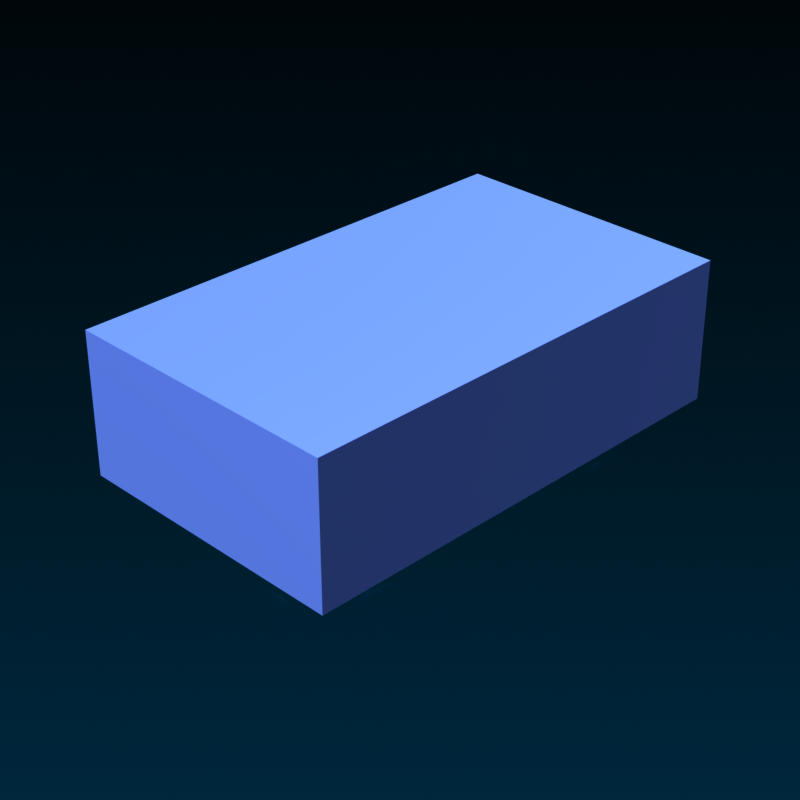

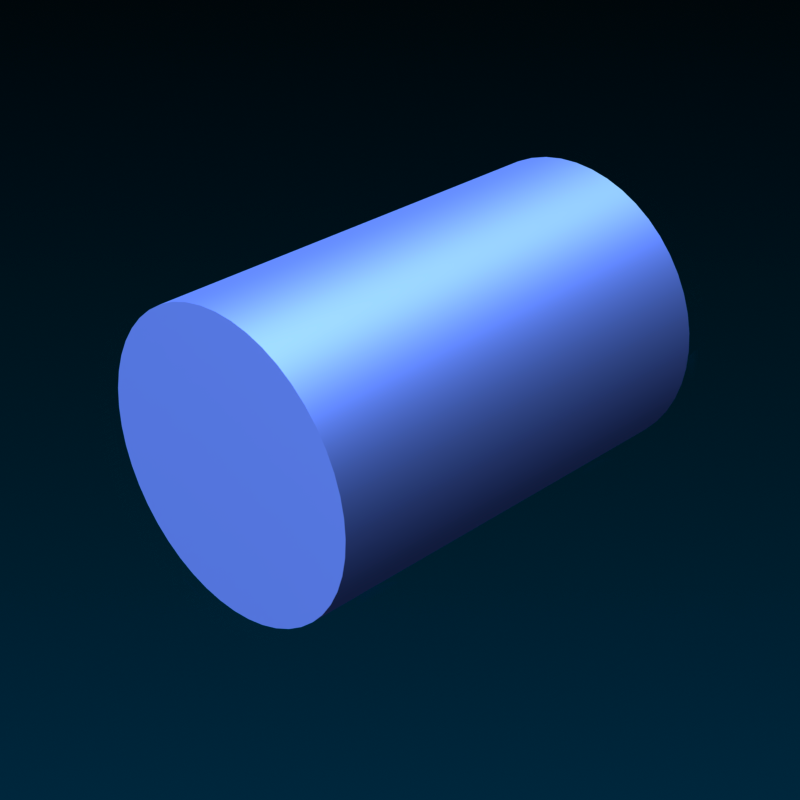
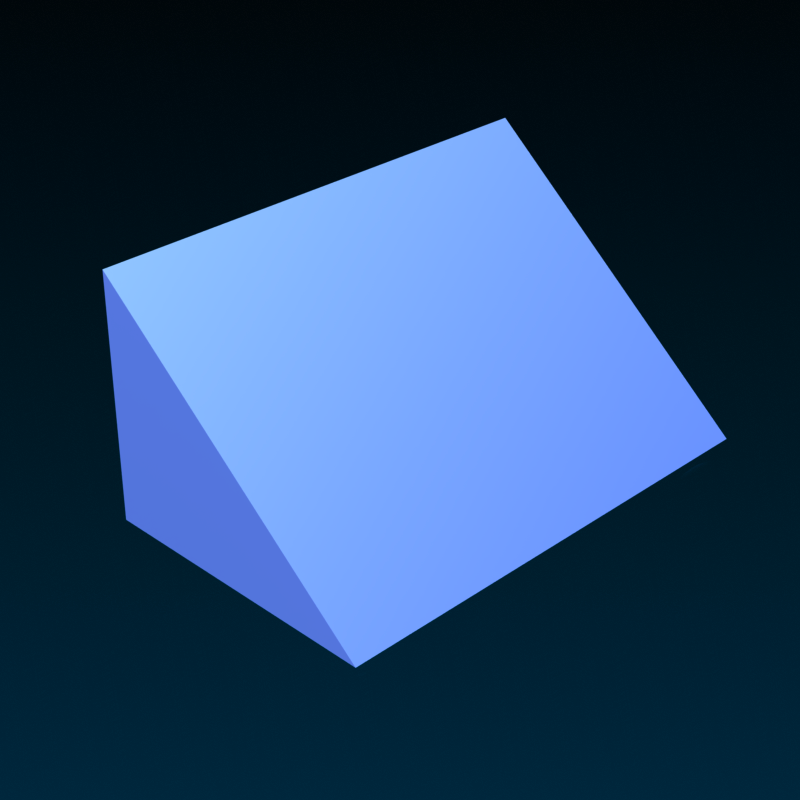

You can also apply solid modeling operations to parts, such as union or negate, to combine them into something more complex like bowls or hollow pipes.
Meshes#
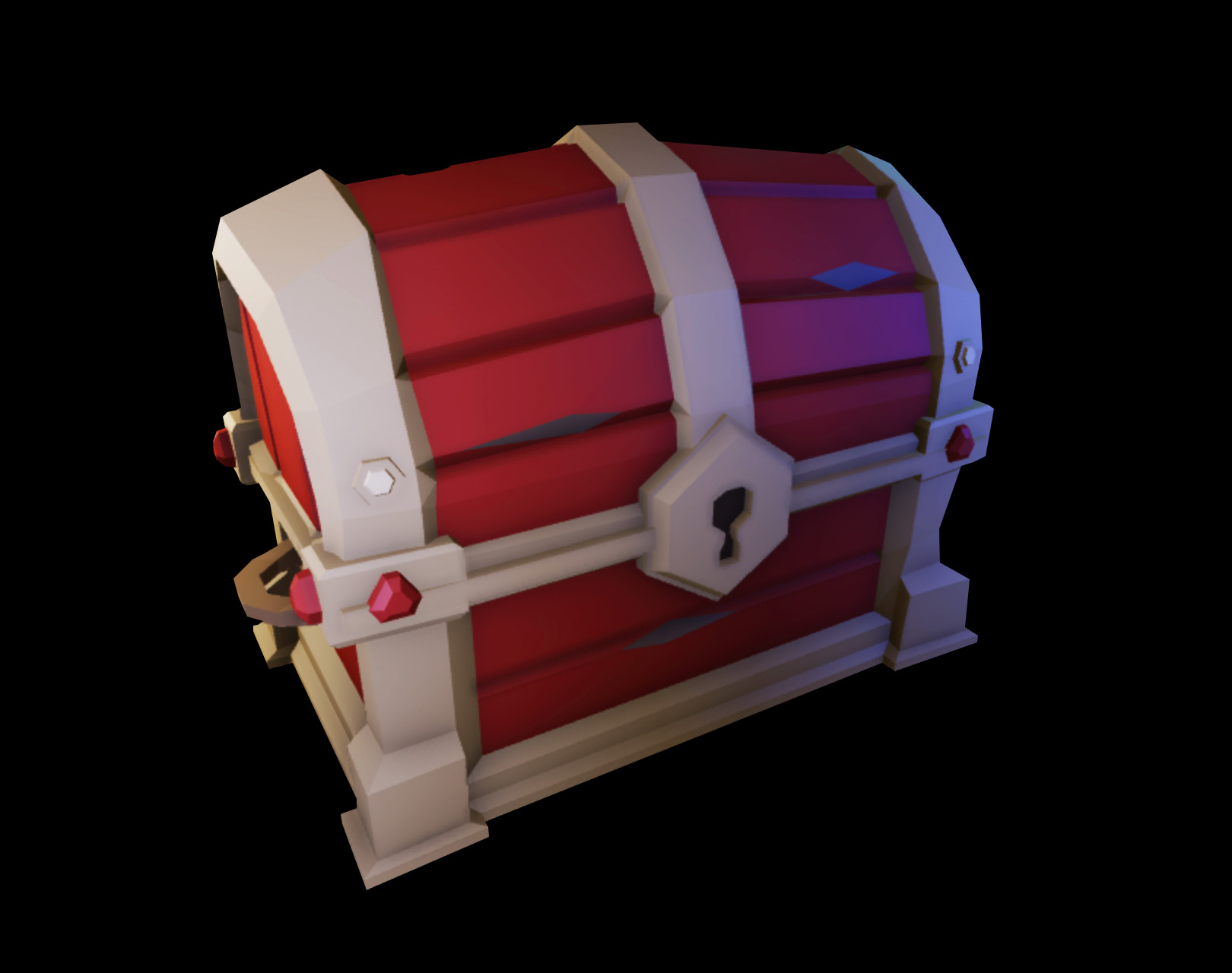
A MeshPart is an object that represents a mesh (a collection of
vertices, edges, and faces that make up a 3D object). You typically create
meshes using third-party software such as Blender or Maya,
then import them as a MeshPart using Studio.
Meshes can include far more detail than any solid modeling you can do in Studio. They can also have internal rigs and textures, allowing you to create lifelike objects that you can pose and animate.

Terrain#
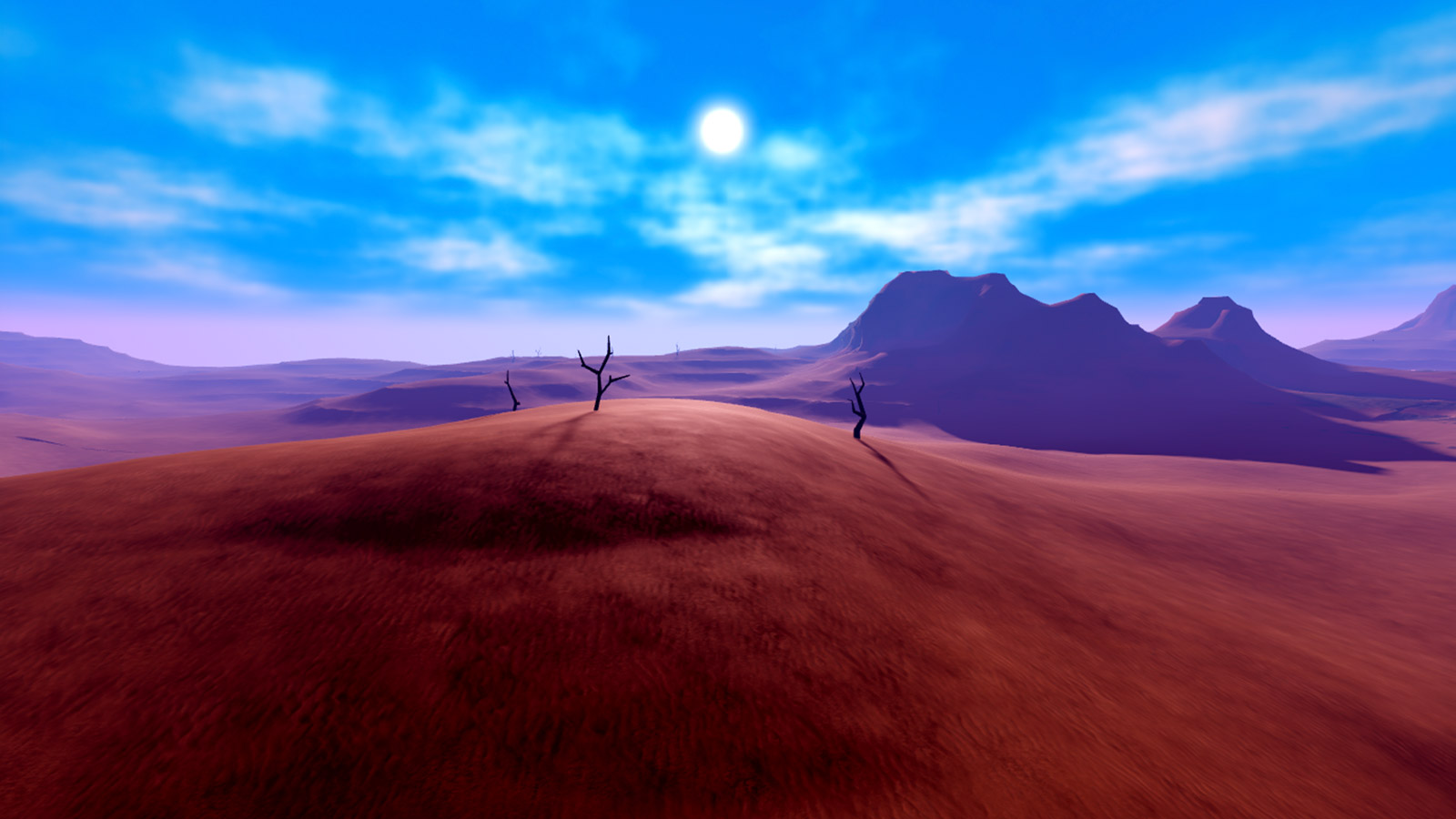
The Terrain object allows you to generate and sculpt detailed and realistic terrain environments, such as mountains, bodies of water, grass-covered hills, or a flat desert. Using the Terrain Editor, you can easily generate and alter large regions of terrain.
Models#
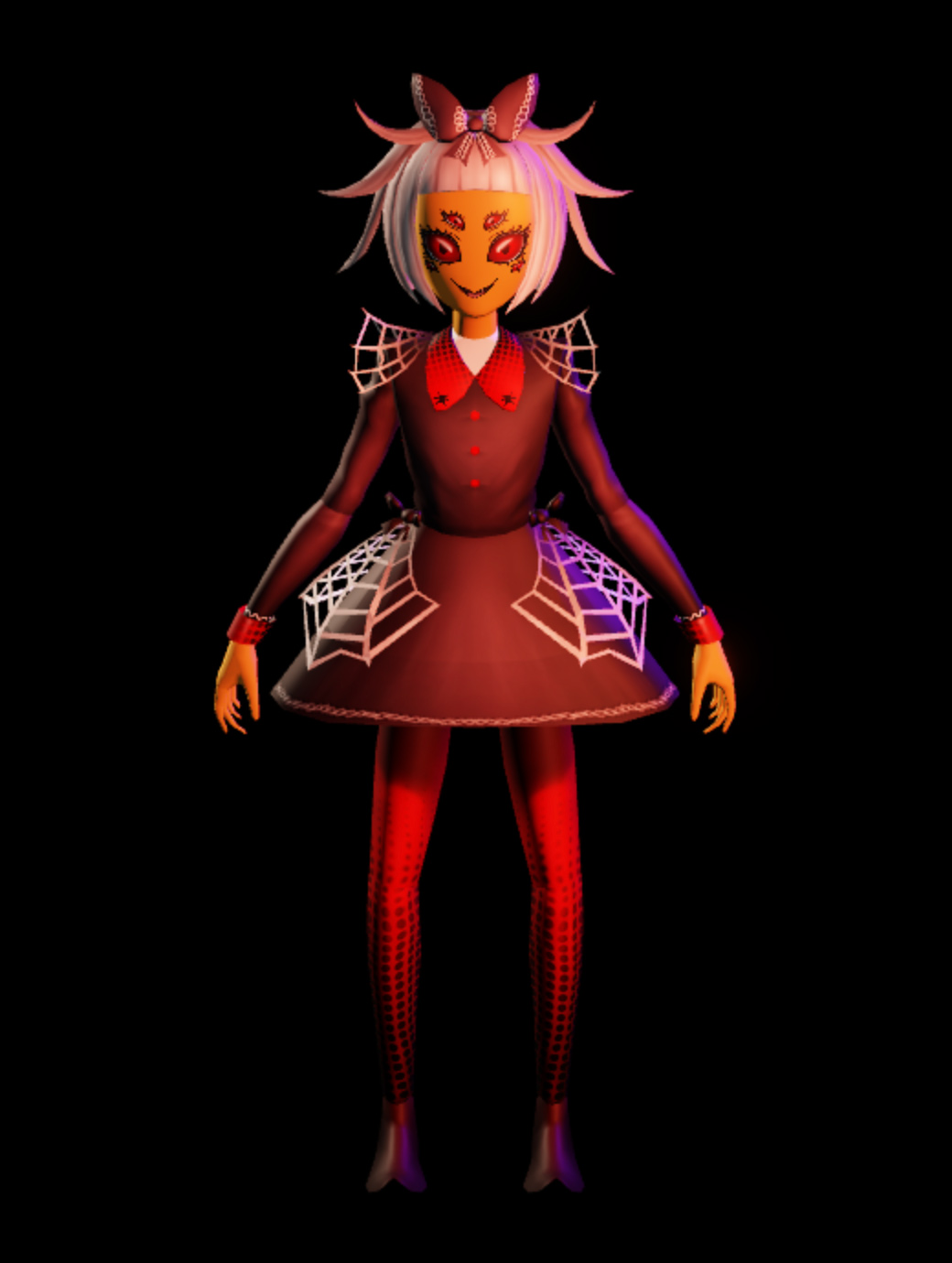
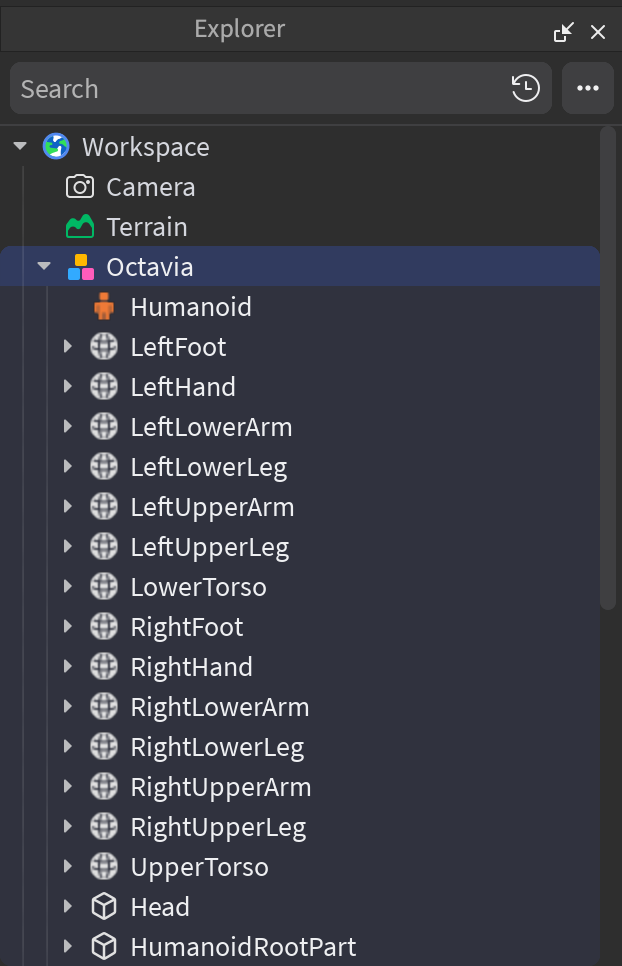
A Model is a container object for geometric groupings, such as
BasePart, Motor6D objects, and other models. Models can be simple
groupings or you can set a primary part within the model, so that it functions as
an assembly, which the physics engine treats as a single rigid body. Models can
also contain scripts that act on the individual objects of the model.
Workspace access in scripts#
Within a script, you can access a place's Workspace in three different ways, all of which are valid.
game:GetService("Workspace")workspacegame.Workspace
From there, you can carry out a large set of use cases to script logic for your games and create dynamic worlds and interactions. For example:
- Obtain a reference to any object in the workspace to change its properties during runtime.
- Obtain a reference to a user's
Cameraobject to manipulate their view of the workspace. - Listen for events on objects in the workspace to carry out logic at specific times, such as when a user's playable character touches an object.